

This page was translated from Dutch with AI.
All your instruction files count
If you work with a coding agent for a while, you will come across them sooner or later. An AGENTS.md or CLAUDE.md in your home folder. Another one in your project folder. And maybe another one in a subfolder below that. You might recognise this. Then the question arises that I also got in a vibe coding training: which file actually counts?
The answer is actually simpler than you might hope. They both count. And that is good news, as long as you know how to organise them. Because your agent does not do what you might expect. It does not choose the most important file and ignore the rest.
Copy the prompt at the bottom of this article. With that, you let your agent map out which instructions in your folder all count.
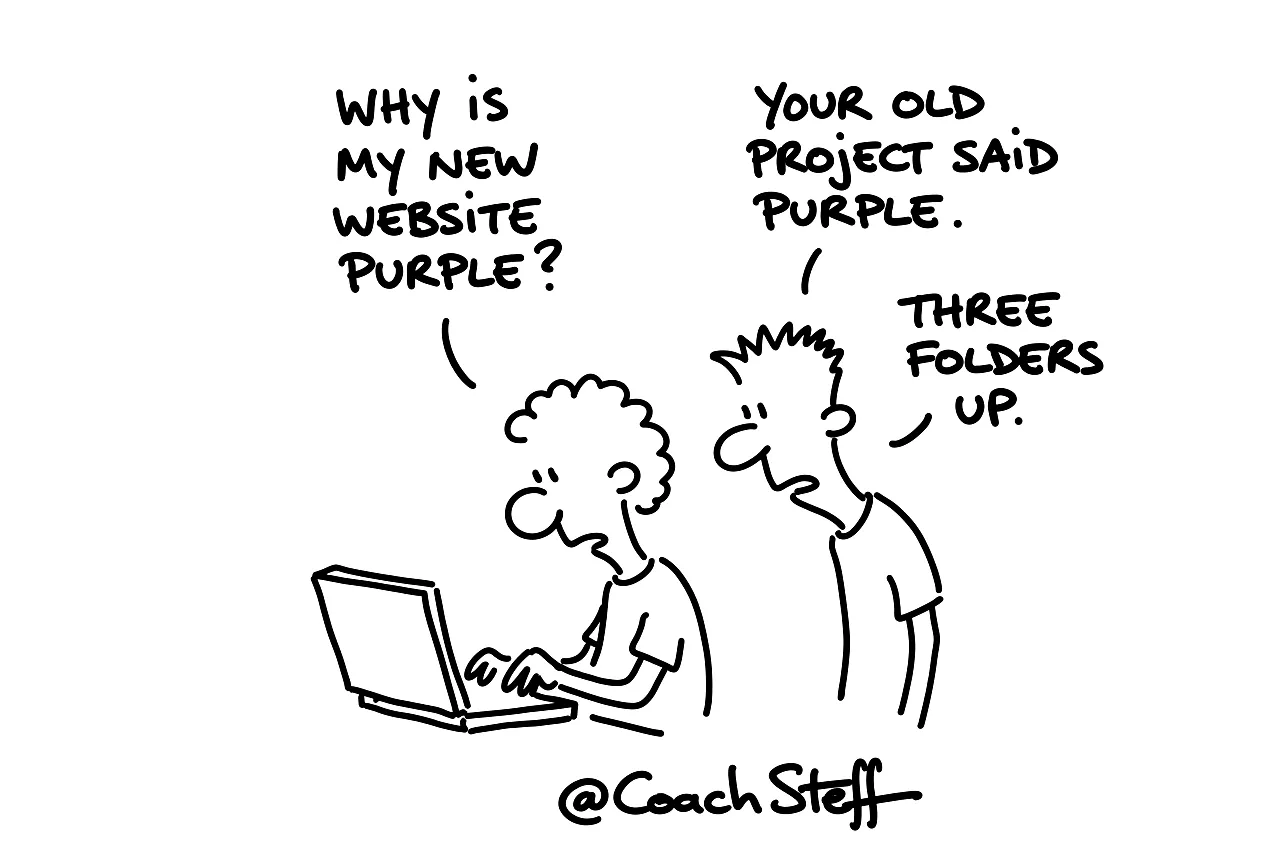
What your agent does with all those files
Your agent first looks at which folder you are working in. Then it reads the instructions that are on that path, from your home folder to your project. All those files become context. No single file disables the others. Some tools let the closest file weigh a bit more. But it all remains text in the same context window. And it tries to make something sensible out of it together.
That works fine as long as the files complement each other. Things go wrong when they contradict each other. Suppose you have a folder in your workspace with your brand style, your colours, your logo and your templates. And in one project you deliberately use different colours. If that is not explicitly stated anywhere, your agent has to guess. And an agent that guesses, sometimes guesses wrong.
Frequently asked questions
Keep reading for free
Register free with your e-mail address and read on. Your account opens the free articles in the learning space; the rest is for subscribers, from Learn Plus up.
Check your inbox
0 likesNo comments yetRead the comments
Comments
Members comment here and read each other's comments. Register for free or sign in to join the conversation.
Register for free or sign inNo comments yet. What do you take away?