

This page was translated from Dutch with AI.
If your agent is stuck in a loop, send in a second one
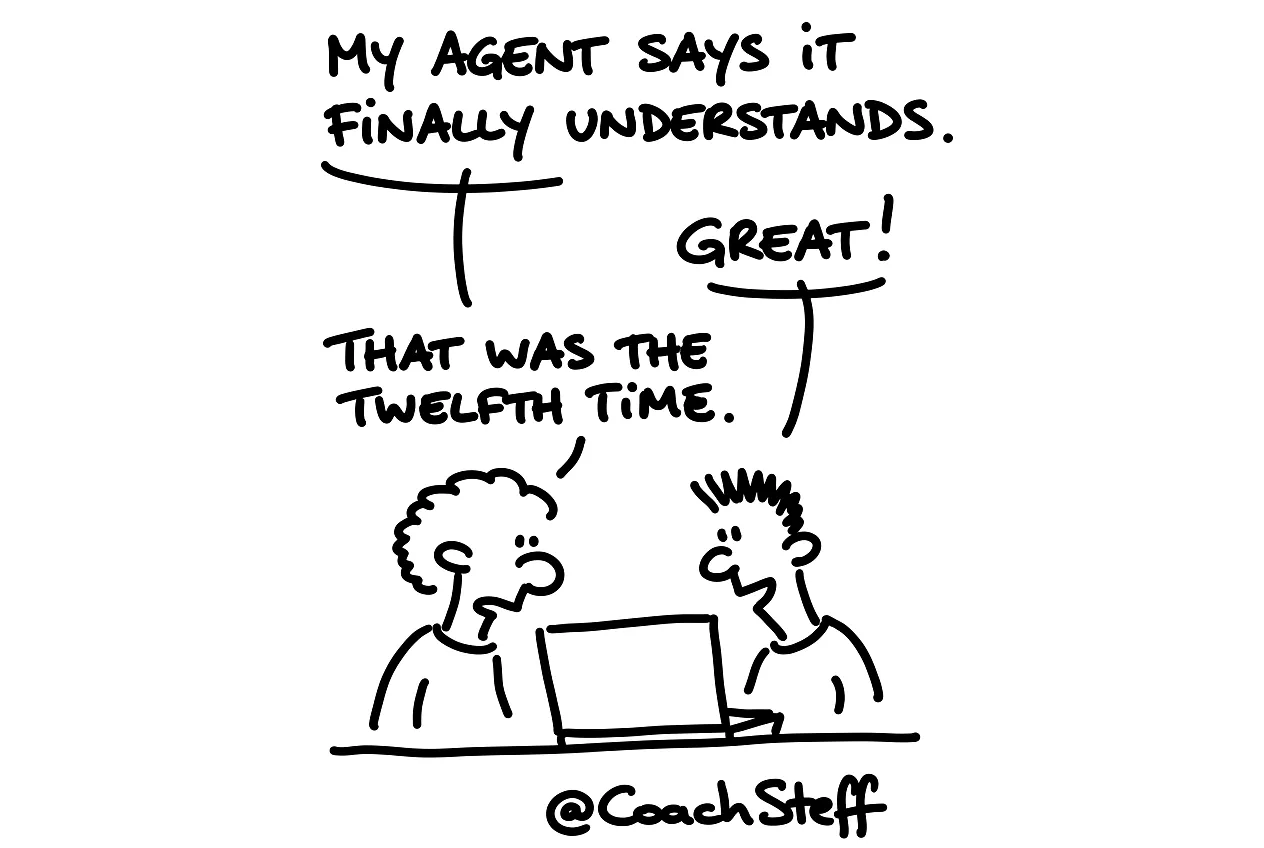
Your agent has been working on one little problem for twenty minutes. It tries something, it does not work. It says it understands now and tries something else. It fails again. And then it starts over with the first solution. You sit there watching it and you actually already know it is not going to work. Yet with every attempt you hope a little bit that it will work this time.
In the training on building with AI, I called that a dead loop. With the new models, I have encountered it much less since the summer. But it still happens, for example when an agent has to test something in a browser and gets stuck somewhere. It then tries to fix it internally, and that just does not work.
At the bottom of this article you will find the prompt I use then. Feel free to copy it.
Why the agent cannot get out of it itself
An agent stuck in a loop looks at its problem from within its own conversation. And that conversation is meanwhile full of failed attempts, error messages and half solutions. The longer it takes, the more of that rubbish it drags along. You can ask it to think for a moment, but it thinks with the same context that brought it into the loop. It is a bit like asking someone who is lost to find the way on their own, wrong map.
Open a new session and point to the old one
What I do then is open a new session. In Claude Code and in Craft Agents you can copy the ID or the path of a session. I give that to the agent in the new session. And I say: something is going wrong in that session, we are in a loop there. Have a look at what is happening and make sure we get out of it.
Frequently asked questions
Keep reading for free
Register free with your e-mail address and read on. Your account opens the free articles in the learning space; the rest is for subscribers, from Learn Plus up.