
This page was translated from Dutch with AI.
No connector for your tool? Let your AI build one
In every workshop there comes a moment when I open the list of connectors. Those are the connections between your AI and your other tools: your mailbox, your calendar, your design programme, your CRM. You see the group change immediately. Someone scrolls along, sees dozens of logos and wants to click them all. Because imagine you might need something one day.
Do not do that. Every connector that is turned on tells your AI in every conversation what it can do. That takes up space in its working memory, even if you are not using that tool today. So only turn on what you actually use. If you only need a design tool occasionally, you turn it on when the time comes and turn it off again afterwards. It will not run away.
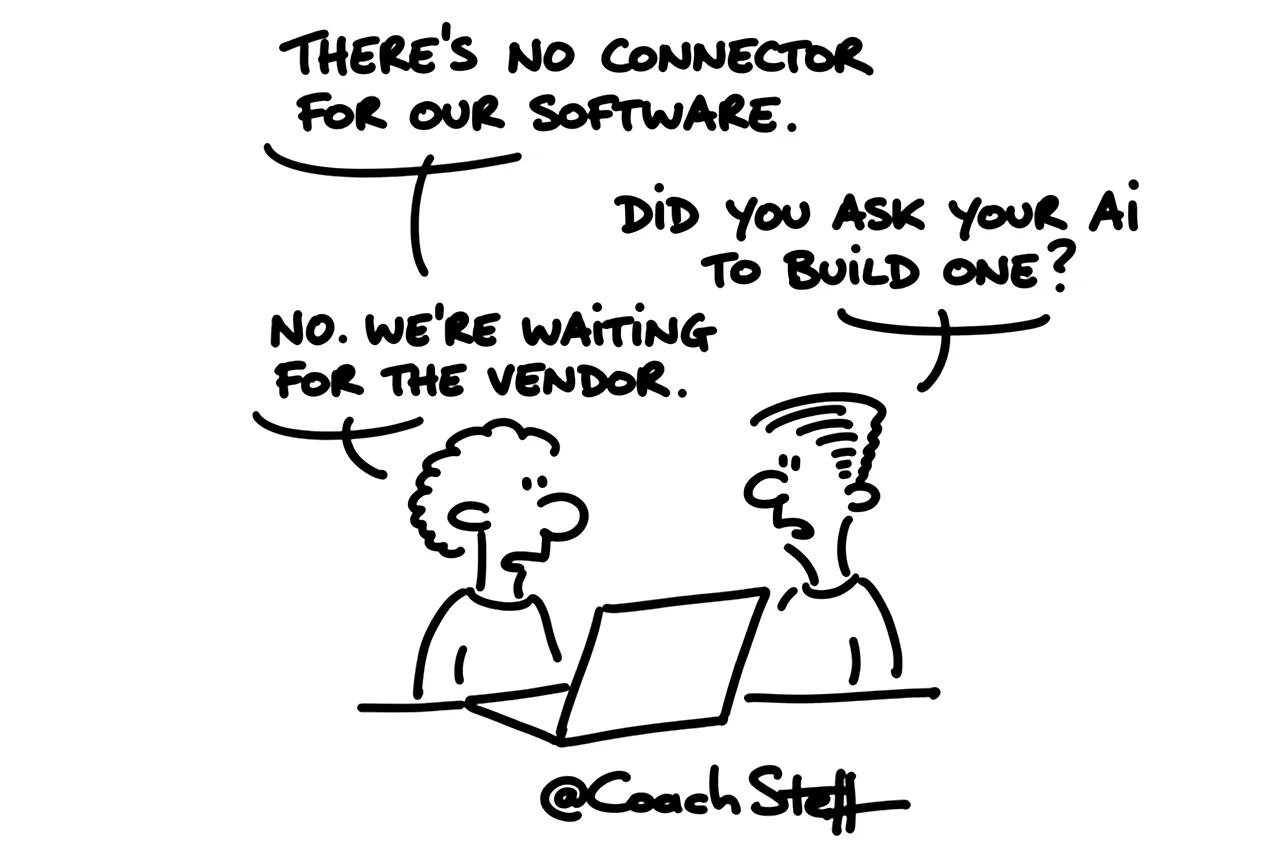
When your tool is not listed
Then usually comes the next question. My accounting software is not in the list. A lot of European software that is popular here is not in it, because the list is made by an American company. Does that mean my AI cannot talk to it?
No. As long as that software has an API, a door through which other programmes can enter, your AI can get through. And that door does not have to be built by the software supplier. Your AI can build it itself.
That is how I did it at home with my own accounting. I said: connect to the API of my accounting software, figure it out. My AI read the documentation, built a connector and then asked me where the key was to get in. I did not know where to look for it. It did, and it explained to me step by step where I had to click. Today it books my invoices.
Keep reading for free
Register with your e-mail address to read the whole article. It is free, and it opens every article and programme in the learning space.