

This page was translated from Dutch with AI.
The CRAFTER SuperPrompt Framework, step by step
You type a short question into your AI and get something back that looks neat. Only it is not what you meant. So you try again, and again, until you refine the result yourself. You probably recognise this. The CRAFTER framework is a fixed way to brief your AI, and it ensures this happens less often.
With a loose prompt you sometimes just get lucky. With CRAFTER you actually get the same quality every time. You turn a vague prompt into a clear task, and you can repeat it.
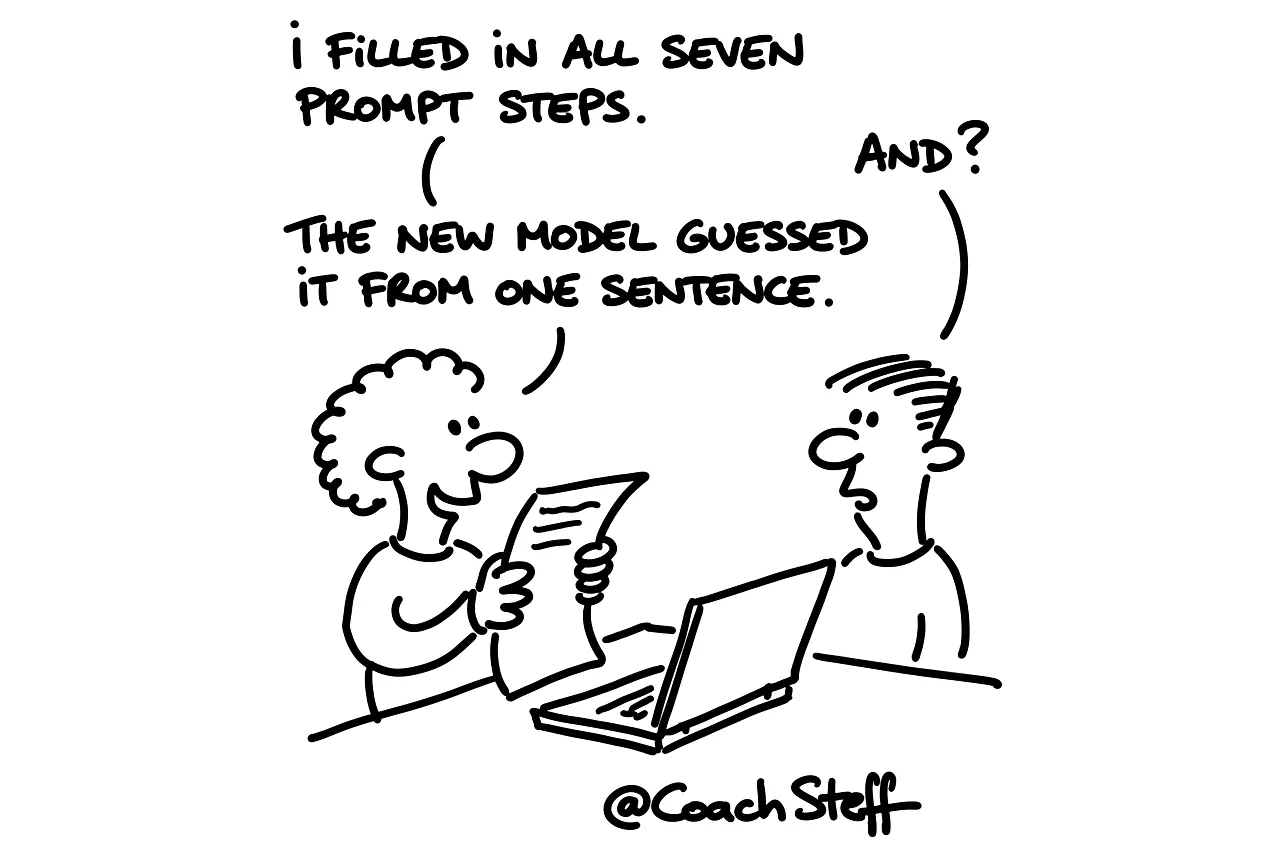
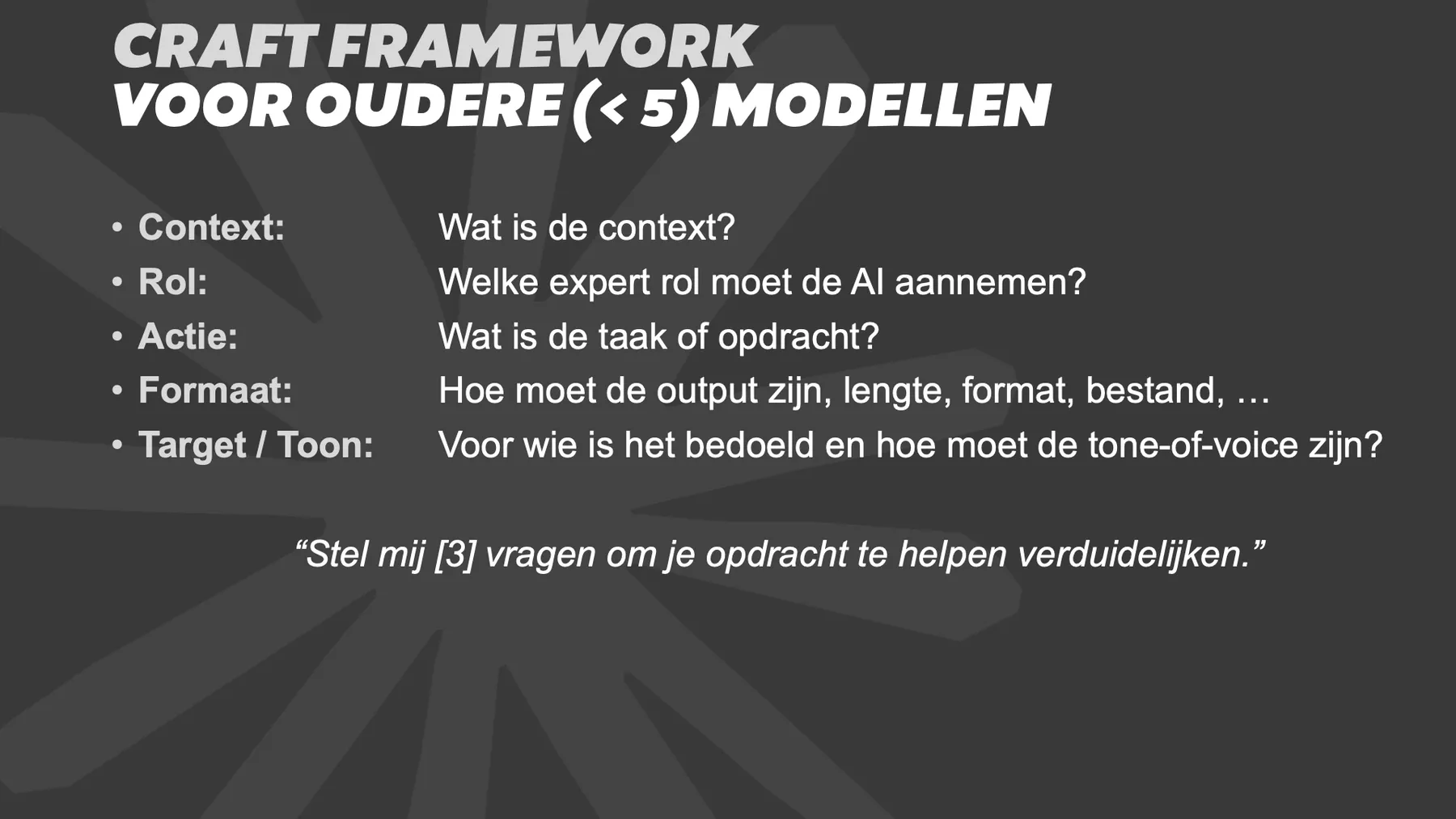
A side note beforehand: CRAFTER is a valid framework for older and simpler AI models. For ChatGPT 5.x and Claude 5.x it no longer applies. That is why you will also find a prompt for the more recent models at the bottom.
Copy the prompt at the bottom of this article, then you let your AI ask questions first before it starts your task.
Why a fixed structure?
Anyone who really gets a lot out of AI, in my opinion, works with a system. The number of tools matters much less. CRAFTER is such a system for one prompt: seven questions you answer before you press enter. They stand for Context, Role, Action, Format, Target audience, Examples and Refining.
An AI rarely asks back what you mean. It is an intern who carries out every task with equal confidence, even if it does not understand half of it. So you give it those answers in advance.
Frequently asked questions
Keep reading for free
Register free with your e-mail address and read on. Your account opens the free articles in the learning space; the rest is for subscribers, from Learn Plus up.
Check your inbox
0 likesNo comments yetRead the comments
Comments
Members comment here and read each other's comments. Register for free or sign in to join the conversation.
Register for free or sign inNo comments yet. What do you take away?