

This page was translated from Dutch with AI.
Your app works on your laptop, what next?
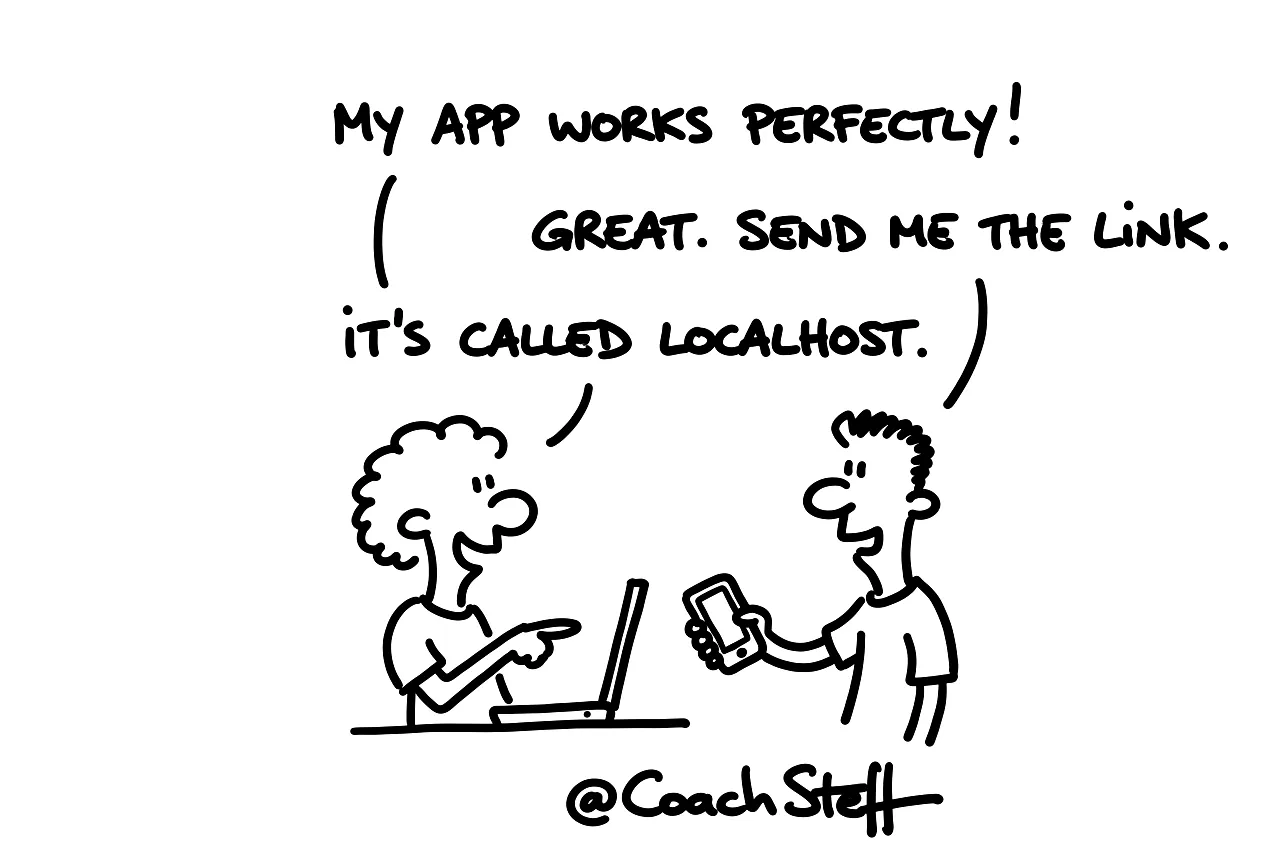
You have built something with your agent and it works. On your own laptop, in your browser, on localhost. And then comes the question that almost everyone in a vibe coding training asks sooner or later: how do I get this to other people? On their laptop, or preferably just on their smartphone.
The first reflex is often the app store. Because an app belongs in a store, you might think. I would take a step back first. There are actually two routes, and they have different names because they really are different. Deploying is putting your app on a server, so people can access it via the web. Publishing is putting your app in a store, like the Apple App Store or Google Play. The sooner you know which route your app needs, the less you have to rebuild afterwards.
Copy the prompt at the bottom of this article. You can use it to let your agent choose which route suits your app.
Deploying: your app on a server
You typically deploy in an organisation. A tool for your team, for one department, or a website for everyone. You put it on a server somewhere on the internet, and people get access, sometimes via a login.
I have a few small web apps on my own server. One is for the attendance lists after a training course. In the past, those were papers I took home with me. And once I am home, I do not think about them anymore. So now I take a picture at the end of the day. The app reads the list, converts it into a small Excel table and sends it to the people who need it. A small problem, a small app, and I never forget it again.
A web app is basically a website. The difference is in the design: it is built to work well on a smartphone or a tablet too.
A web app that looks like an app
In the workshop, a participant asked if a web app is not simply the better choice. Fewer rules, no updates via a store, more freedom. For many apps that is true, I think.
For my own website, I put in the brief that it must be readable on any screen. And I added that it should be a PWA, a progressive web app. The agent then takes that into account when building. If I make my window smaller, everything shifts. And a small bar with buttons appears at the bottom. Then it actually looks like an app. You can check this yourself in your browser: in the responsive design mode you choose an iPad or an iPhone, and you immediately see how it looks there.
So the app that looks most like an app is often just a website. And for a lot of ideas, that is more than enough.
Frequently asked questions
Keep reading for free
Register free with your e-mail address and read on. Your account opens the free articles in the learning space; the rest is for subscribers, from Learn Plus up.
Check your inbox
0 likesNo comments yetRead the comments
Comments
Members comment here and read each other's comments. Register for free or sign in to join the conversation.
Register for free or sign inNo comments yet. What do you take away?