

This page was translated from Dutch with AI.
Learn to see through AI, not memorise the buttons
Perhaps you recognise this: you have just got a workflow running, and a few weeks later it works differently. I sometimes start a workshop with the sentence: 'Everything I told you before the summer is a thing of the past.' I say that half jokingly, half seriously. The AI world has completely changed again in a few months. And fortunately the principles remain the same, so you can build on that.
Copy the prompt at the bottom of this article. With it, you test whether you understand what an AI function actually does.
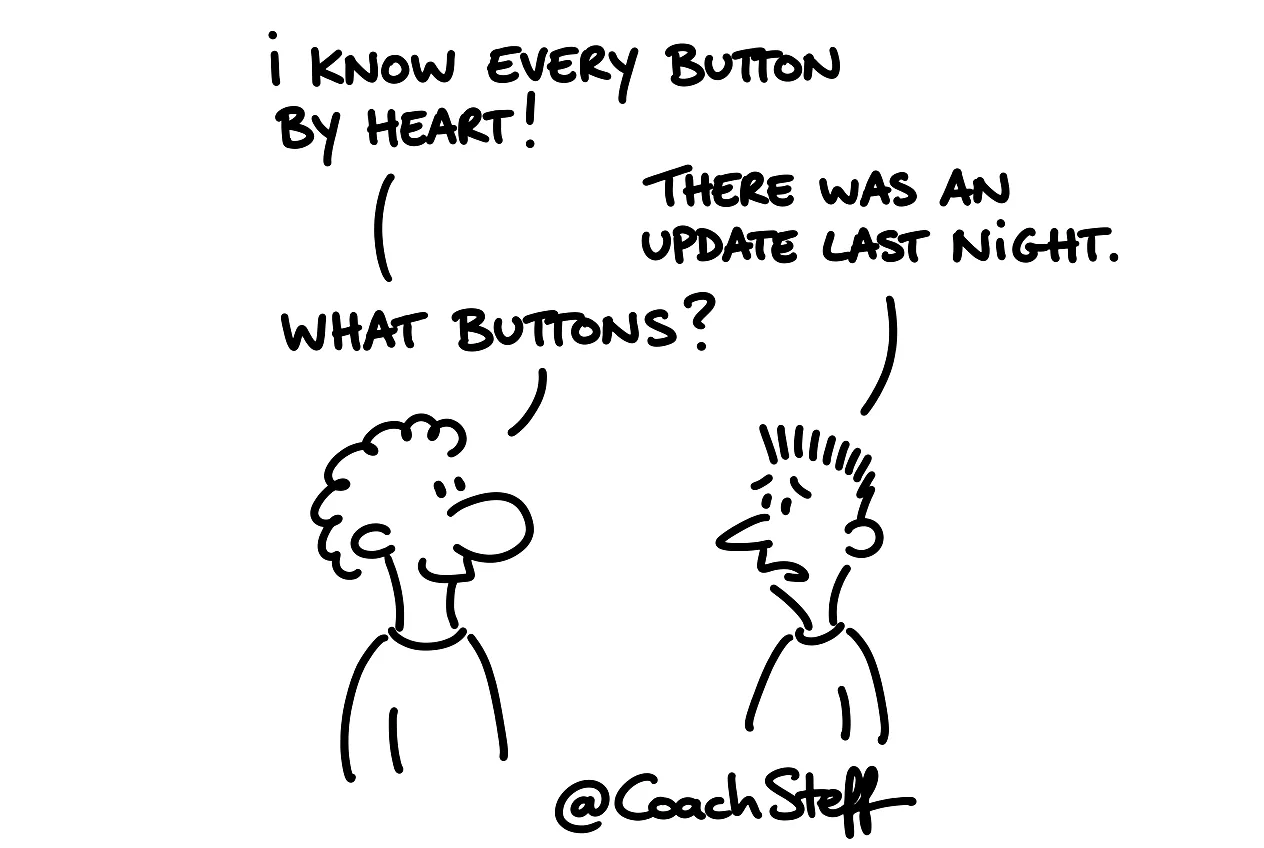
What happens after an update
I saw it recently with someone who had built a beautiful content workflow. An assistant wrote texts in a recognisable custom style. It was carefully set up with examples and instructions. It worked for months, until the underlying model received an update. The next morning everything sounded different. The custom style was gone, and nobody knew exactly why.
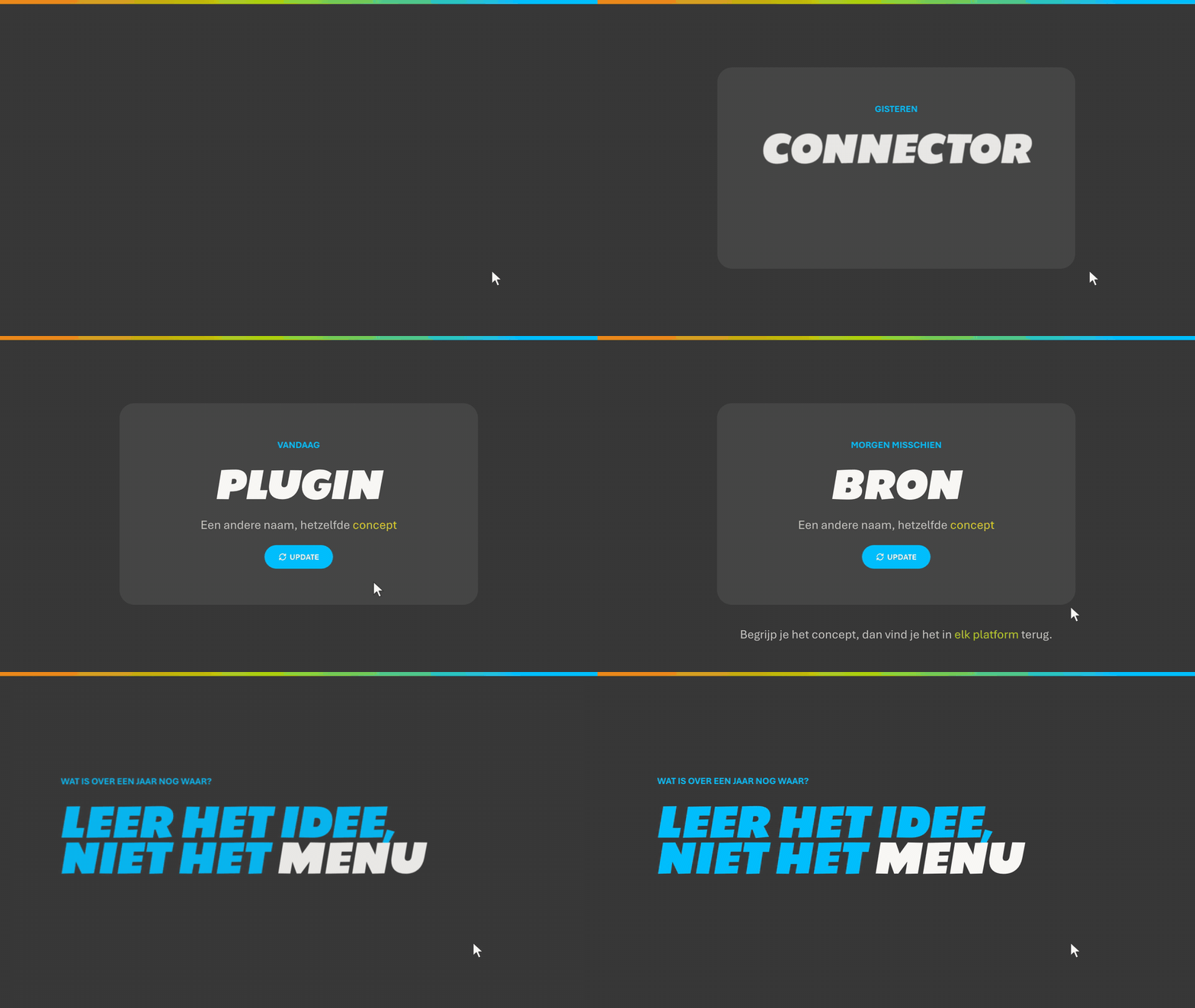
That happens more often than you think. Every agent or workflow you build today can work differently within a few weeks. Or it stops working altogether. What was called a connector yesterday, is called a plugin today. And tomorrow it might be called a source.
Frequently asked questions
Keep reading for free
Register free with your e-mail address and read on. Your account opens the free articles in the learning space; the rest is for subscribers, from Learn Plus up.
Check your inbox
0 likesNo comments yetRead the comments
Comments
Members comment here and read each other's comments. Register for free or sign in to join the conversation.
Register for free or sign inNo comments yet. What do you take away?