

This page was translated from Dutch with AI.
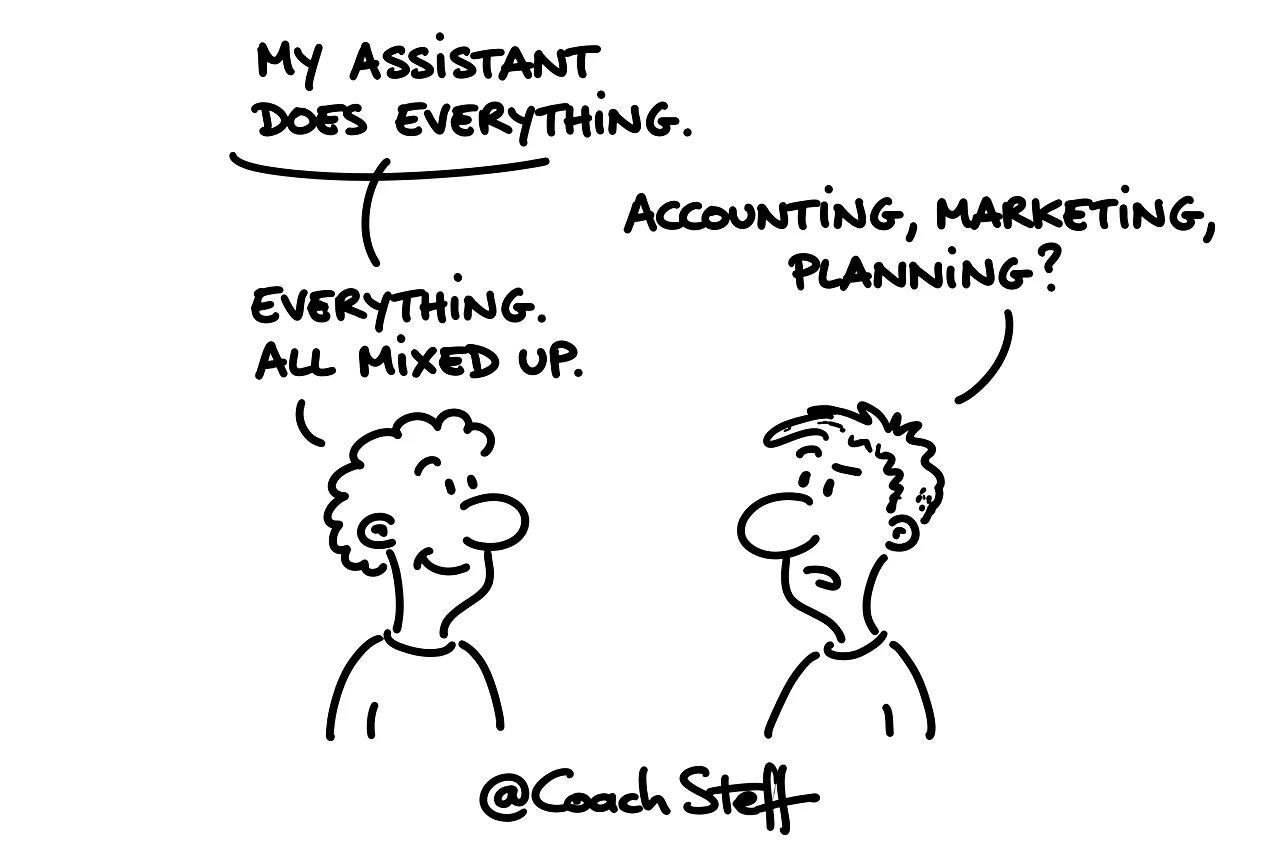
One agent for everything is like one employee for everything
Think of a small business with one employee who does everything. The accounting, the marketing, the customer service, the planning and the product development. That might work for a while. And then it goes wrong anyway. Everything gets mixed up, nothing is quite right, and that head overflows.
I see many people setting up their AI exactly like this. They have one assistant and one conversation. And they throw all the knowledge and all the tasks into one pile there.
If you want to divide your own questions into domains, you can copy the prompt at the bottom of this article right away.
My own setup

I work with multiple agents alongside each other myself. One is basically my administrative employee: it checks my emails and does my planning and my invoices. Another does my marketing and content. And I have another one that helps me to build apps and tools. Each has its own instructions, its own sources and its own tasks.
I do that because the output stays so sharp. The administration agent does not need to know anything about my book projects. And the content agent does not need to look into my accounting. Each simply sees what it needs.
Frequently asked questions
Keep reading for free
Register free with your e-mail address and read on. Your account opens the free articles in the learning space; the rest is for subscribers, from Learn Plus up.
Check your inbox
0 likesNo comments yetRead the comments
Comments
Members comment here and read each other's comments. Register for free or sign in to join the conversation.
Register for free or sign inNo comments yet. What do you take away?