

This page was translated from Dutch with AI.
Why your workflow needs its own API key
You are building your first workflow in n8n. Everything goes smoothly, until you add an AI step. Then the programme asks for a credential, and you might think: I already pay for Claude or ChatGPT, right? That question also came up in my last training on n8n. And it makes perfect sense, because no one has ever explained to you that those are two different things.
I showed it step by step there. So if you are also stuck with a key you do not understand, you have come to the right place.
Copy the prompt at the bottom of this article. With that, you let your own AI guide you through your first API key.
Your subscription belongs to the app
Your subscription to Claude or ChatGPT is actually a subscription to their app. That is where you chat, where your projects and your history are. A tool like n8n does not use that app. It talks directly to the language model, via an API. And for that you need an API key, a key you create yourself.
I say in the training: with that key you actually give your brain to your tools. From that moment on, your workflow can read and answer texts. Only you pay for that separately from your subscription, per use. Sometimes you also need a paid account before you can make such a key.
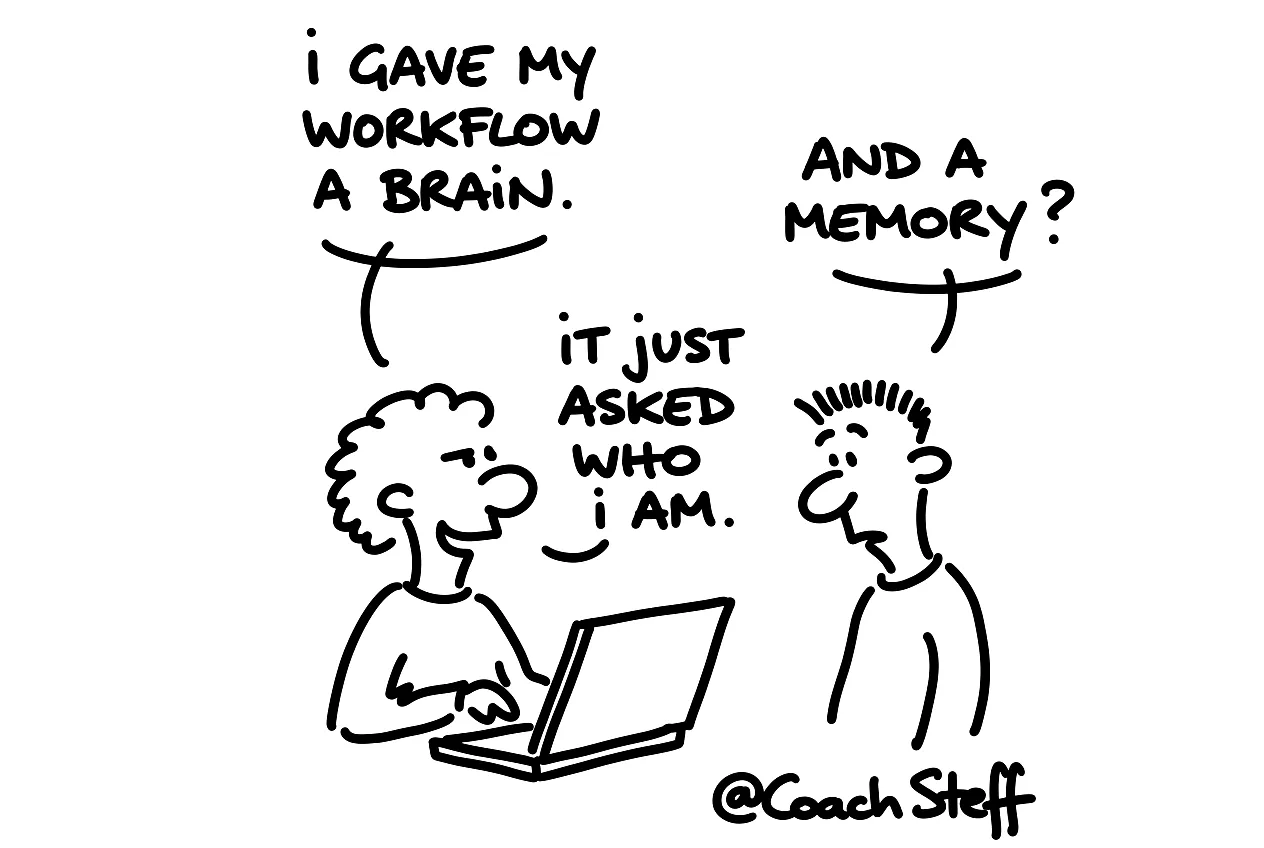
In the demo you immediately saw what that means. I linked Gemini to a small chatbot and typed 'I am Steff'. It said a friendly hello. Then I asked what my name was, and it did not remember. So you give your workflow a brain, but no memory. You add that memory in n8n yourself, with a separate step. In the chat app, the app simply arranges that for you, without you seeing it.
This is how you make your first key
With Google it goes like this. You surf to aistudio.google.com and scroll down, to the little key. There you click on 'Get API key' and make a new key. I would always give it a name that says what it is for. That way you will know later which key is in which workflow.
With a regular Gmail account you get a free key. It does run out quickly. In n8n you also see free credits, and those are there to play with. If you really want to get to work, you will end up with a paid account.
Then choose a model that fits your task. For a simple chatbot I take a lighter model, because a Pro model is simply not needed there. And if you do not know which model fits, you ask the AI itself. It usually knows what to say.
Frequently asked questions
Keep reading for free
Register free with your e-mail address and read on. Your account opens the free articles in the learning space; the rest is for subscribers, from Learn Plus up.
Check your inbox
0 likesNo comments yetRead the comments
Comments
Members comment here and read each other's comments. Register for free or sign in to join the conversation.
Register for free or sign inNo comments yet. What do you take away?