

This page was translated from Dutch with AI.
Give your AI one file with your brand style
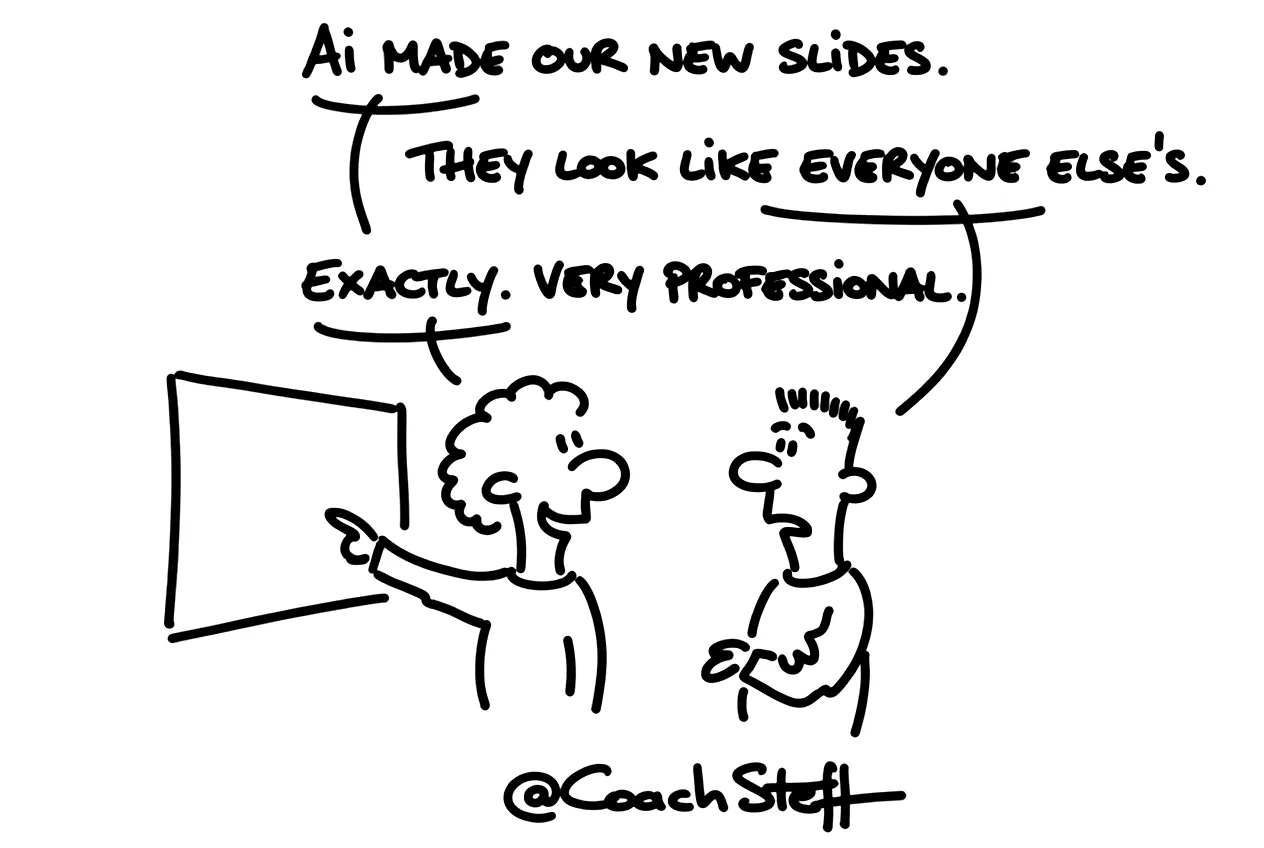
Perhaps you recognise this. You ask your AI for a few slides for a presentation, and the result looks quite neat. Only you have actually seen those slides before. From a colleague, in a webinar, in just about every video about AI. And the website you built with AI looks very much like the neighbours' one.
There is a simple explanation for that. An AI that knows nothing about your style just chooses the lowest common denominator of all the slides and websites it ever saw. So you get the typical AI look, and that applies to slides just as much as to websites. It is actually a bit ironic that the very tool that was supposed to help you stand out makes you invisible among the rest.
At the bottom of this article you will find a prompt that lets your AI pour your brand style into one file. Feel free to copy it.
What is in such a brand style file
What I show in my training sessions is a plain text file in Markdown. It is usually called design.md, a format that Google invented. It contains your brand style in a way that an AI can read it. Which colours you use, with their colour codes. Which fonts you choose for titles and for plain text. What a button looks like, with rounded corners or without, and how much space there is between two buttons. That actually goes quite far.
A participant asked if that is a stylesheet, like with websites. That is not quite it. It is structured information in plain language. And an agent uses it just as well for a slide as for a web page or a dashboard. In professional jargon, such a thing is called a design system, but you do not need to remember that word.
One file, the same style everywhere
In the past, you built a separate agent for each type of work. One for your slides, one for your website, one for your reports. And each agent got its own explanation about your colours. After a few months, that explanation no longer matched the others.
Today you just provide the same file everywhere. In one session you say 'build me a website and use my brand style'. In another you ask for a dashboard, and that can look nice too, preferably in your colours. The file is the same every time. And if you ever adjust your brand style, you do it in one place.
Where you put it does not really matter. I usually put it in a docs folder in the project. And in the agent's instruction there is one sentence: read design.md in the docs folder for the brand style. There are few rules for that, as long as you tell your agent. And the more often you use that file, the less you hear yourself repeating which blue it was supposed to be.
Frequently asked questions
Keep reading for free
Register free with your e-mail address and read on. Your account opens the free articles in the learning space; the rest is for subscribers, from Learn Plus up.