

This page was translated from Dutch with AI.
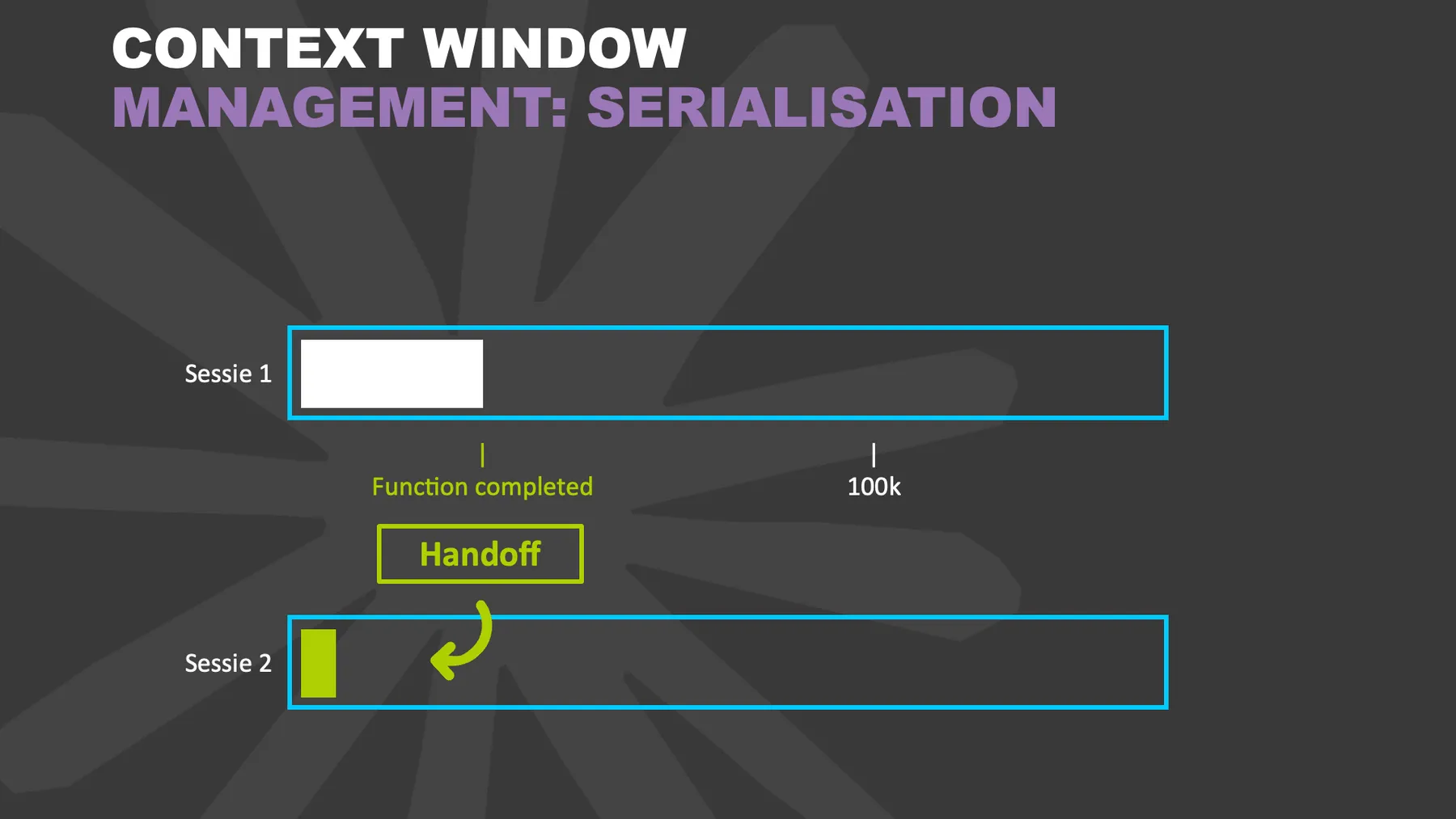
Write a handover instead of compressing
Your conversation with your AI gets longer and longer, and at a certain point a button appears that shortens it. You click it, the chat is summarised and you can continue. It actually feels very efficient. In my workshops I still advise against it for anything that matters. There is a better way, and it only costs you one extra step.
Copy the prompt at the bottom of this article to have your first handover written. You will find the swipe file with sentences for a good handover further down, free if you have an account.
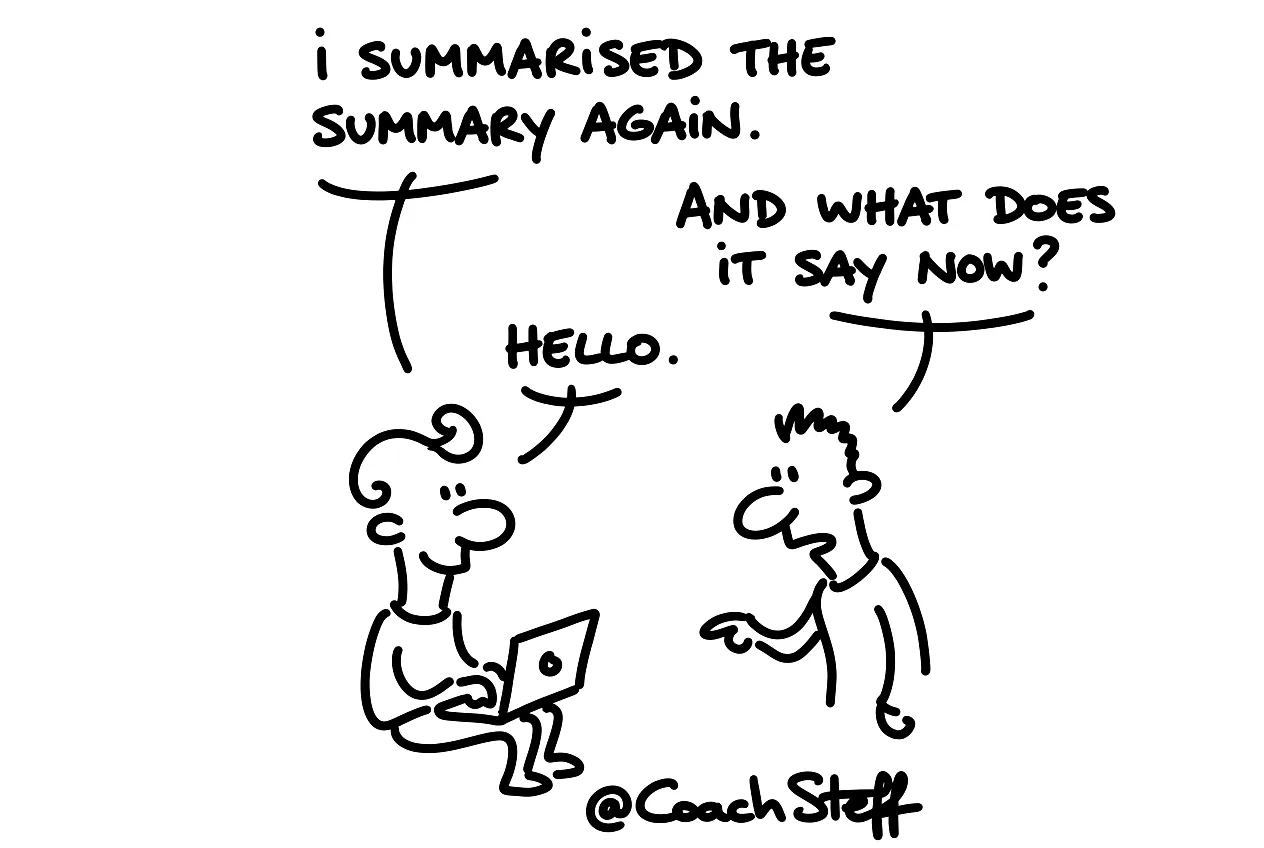
What compressing does to your conversation
Compressing, or compacting as some tools call it, summarises your conversation and throws the rest away. The first time you usually notice little difference. But with a long task it happens again, and again. After a few rounds your AI is working with a summary of a summary of a summary.
The more often it happens, the more detail disappears. Perhaps that is an agreement about the tone, or an exception you once explained. A decision also disappears, and especially the reason why you made it. Eventually your AI works with a version of your work that is so thin you can barely recognise your project in it. You only notice it when the result deviates.
Frequently asked questions
Keep reading for free
Register free with your e-mail address and read on. Your account opens the free articles in the learning space; the rest is for subscribers, from Learn Plus up.
Check your inbox
0 likesNo comments yetRead the comments
Comments
Members comment here and read each other's comments. Register for free or sign in to join the conversation.
Register for free or sign inNo comments yet. What do you take away?