

This page was translated from Dutch with AI.
Your AI system does not have to look like someone else's
You have probably seen them. Videos on YouTube of people showing their AI system. A second brain with dozens of folders, a series of skills, a workflow that seems to do everything by itself. And then you look at your own chats and you might think you are far behind. That question also came up in a workshop about Claude. How do you build such a system, and does it have to look like that?
I watch those videos myself too. To be honest, I have seen hundreds of them about how to build a second brain. And they all basically boil down to the same thing. In the workshop I said that many people who show that on YouTube are not in a company. They are often individuals who have optimised something for their own work. They have put a lot of time into it and learned a lot from it. And they want to share that, which I think is great. But that does not mean it will work for you.
Copy the prompt at the bottom of this article, and you can start with your own version today.
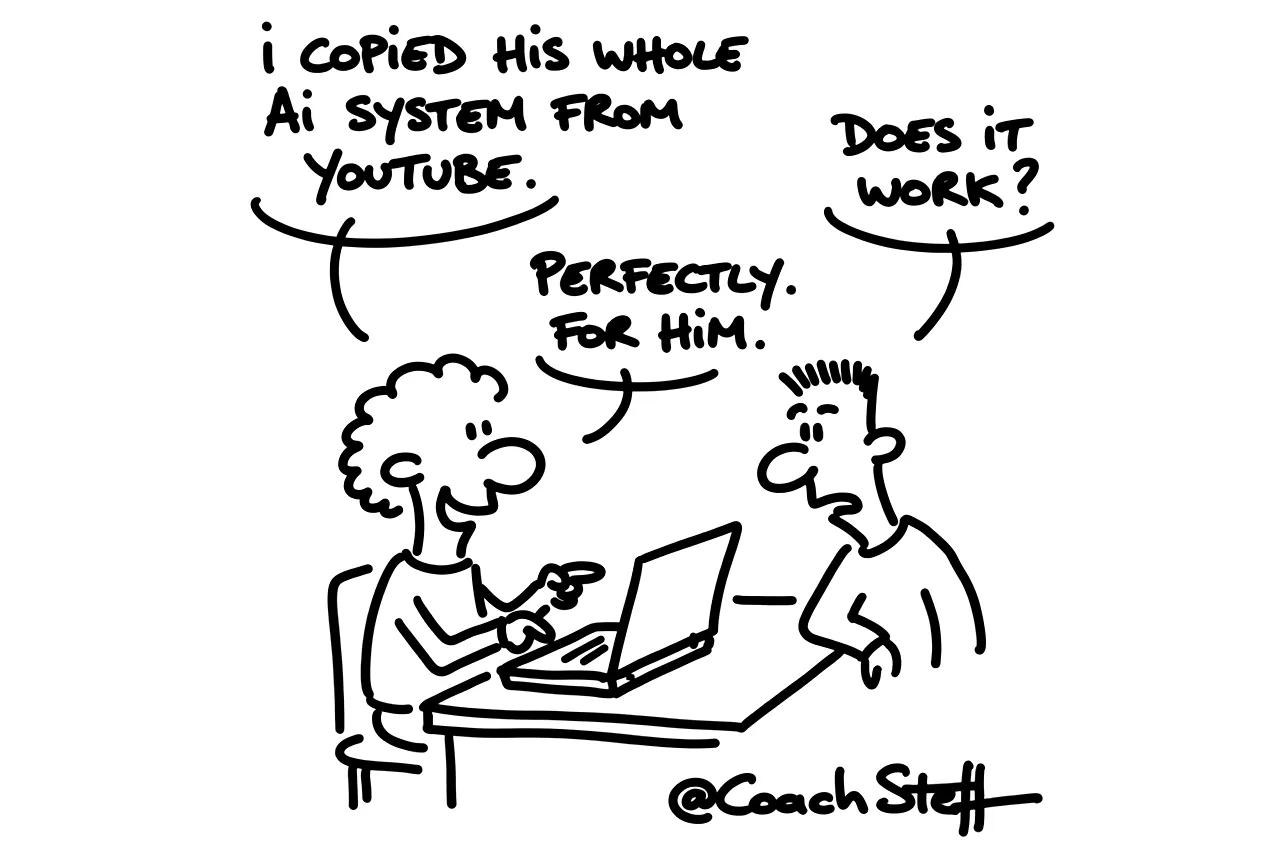
What you actually adopt when you copy
A system that works has grown from a hundred small decisions. Which folder to create. Which rule you add, because your AI kept forgetting something. Which skill you write after the third time you had to explain the same thing. You see the folders in the video. You do not see those decisions, and they are exactly what makes it work.
So if you adopt a system, you get the shape of someone else's choices. Your own choices are not in it yet. And then it feels a bit like someone else's coat. It almost fits, and that almost keeps pinching. Many people then decide that they are doing it wrong. While they have actually just skipped the step that matters: going through that learning cycle yourself, on your own work.
The more you build that system together with your AI, the better it fits your week. You start with what you already do today. Where do you lose time? What do you have to explain over and over again? That is where your first folder or your first skill comes from.
Frequently asked questions
Keep reading for free
Register free with your e-mail address and read on. Your account opens the free articles in the learning space; the rest is for subscribers, from Learn Plus up.
Check your inbox
0 likesNo comments yetRead the comments
Comments
Members comment here and read each other's comments. Register for free or sign in to join the conversation.
Register for free or sign inNo comments yet. What do you take away?