

This page was translated from Dutch with AI.
Build your own newsletter that is ready every morning
You want to keep up in your field. So you are subscribed to a whole series of newsletters. And every morning they sit there, among your other emails, and you actually do not read most of them. You might recognise this: you do not want to miss anything, and precisely because of that you miss all sorts of things.
In a workshop on automation with n8n, a participant asked if you could approach that differently. He wanted an overview every Monday morning of what was new in his domain over the past week, including the sources. That is possible, and it is one of the most beautiful first workflows I know. You are essentially building your own newsletter, about exactly your topic, and you are the only subscriber.
At the bottom of this article you will find the prompt you can use to have the n8n assistant build this workflow. Feel free to copy it.
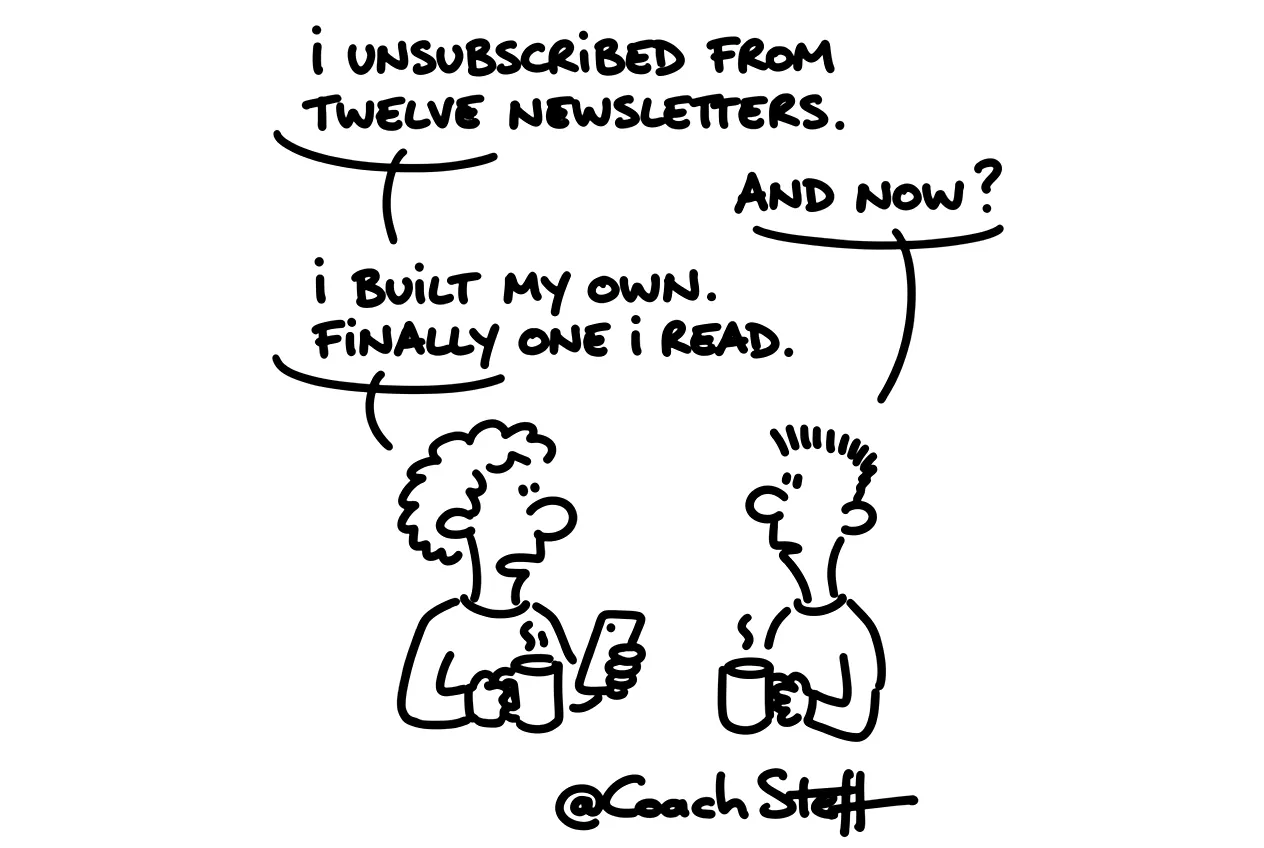
A timer instead of a subscription
In the workshop I showed my own version. It starts with a timer. In n8n that is called a schedule trigger. You choose how often it runs, for example every day at six in the morning. So before you are awake, it is already at work.
Then comes a step with a few fixed details, the variables. For me, those are my email address and the topic it needs to search for, news about AI. The workflow passes those details on to the next steps. If you want a different topic later, you only adjust that one line.
Frequently asked questions
Keep reading for free
Register free with your e-mail address and read on. Your account opens the free articles in the learning space; the rest is for subscribers, from Learn Plus up.