

This page was translated from Dutch with AI.
Let your AI discover how you write
In this week's Copilot workshop, I showed the settings for emails in Outlook. There you can give Copilot fixed instructions for every email it drafts for you. As a joke, I had put in that it must open every email with 'Your Highness'. And the day before, I had noticed that it actually does that.
People laughed. But then came the real question. What do you actually put in there? Most people want their emails to sound like themselves. Except they do not really know how they sound when they write. And that is difficult, because you see your own style the least.
At the bottom of this article, you will find the prompt with which your AI extracts your writing style from your own emails.
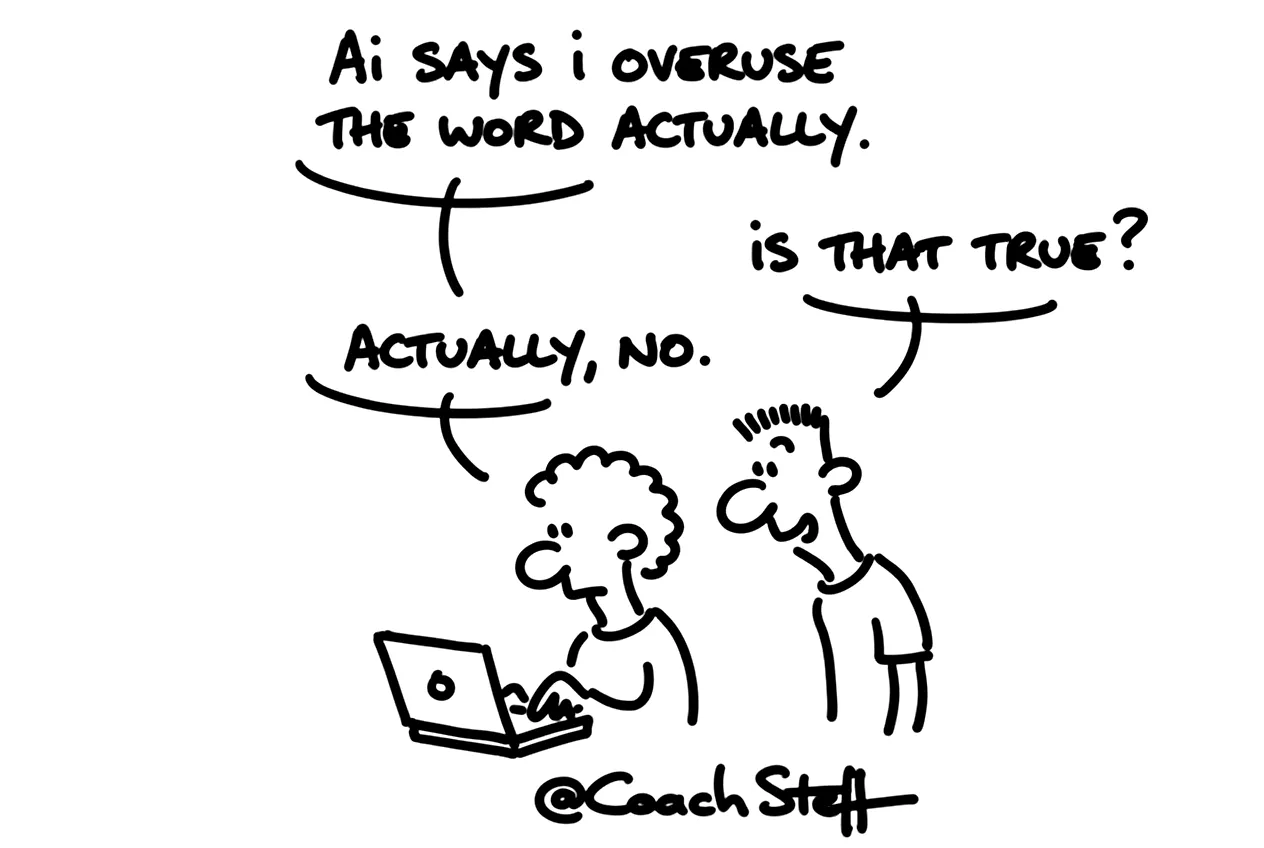
Let it extract it from your own emails
I have a simple solution for that. You ask your AI, based on what you have written yourself. In the workshop, I did it live. I asked Copilot to read the emails I drafted myself in Outlook, about twenty is enough. And I asked it to extract my typical language patterns from them.
One thing is important: take emails you really wrote yourself, without Copilot of course. Otherwise it learns your style from its own text, and then you go round in circles.
What you get back is a description of how you write. How you start and finish, how long your sentences are, which words come back often, how direct you are. You read through that description and adjust where it is wrong. Then you put it in the instructions for your emails. From then on, Copilot starts from your way of writing for every new email.
Keep reading for free
Register free with your e-mail address and read on. Your account opens the free articles in the learning space; the rest is for subscribers, from Learn Plus up.