

This page was translated from Dutch with AI.
Your coding agent works in a folder, and you get to watch
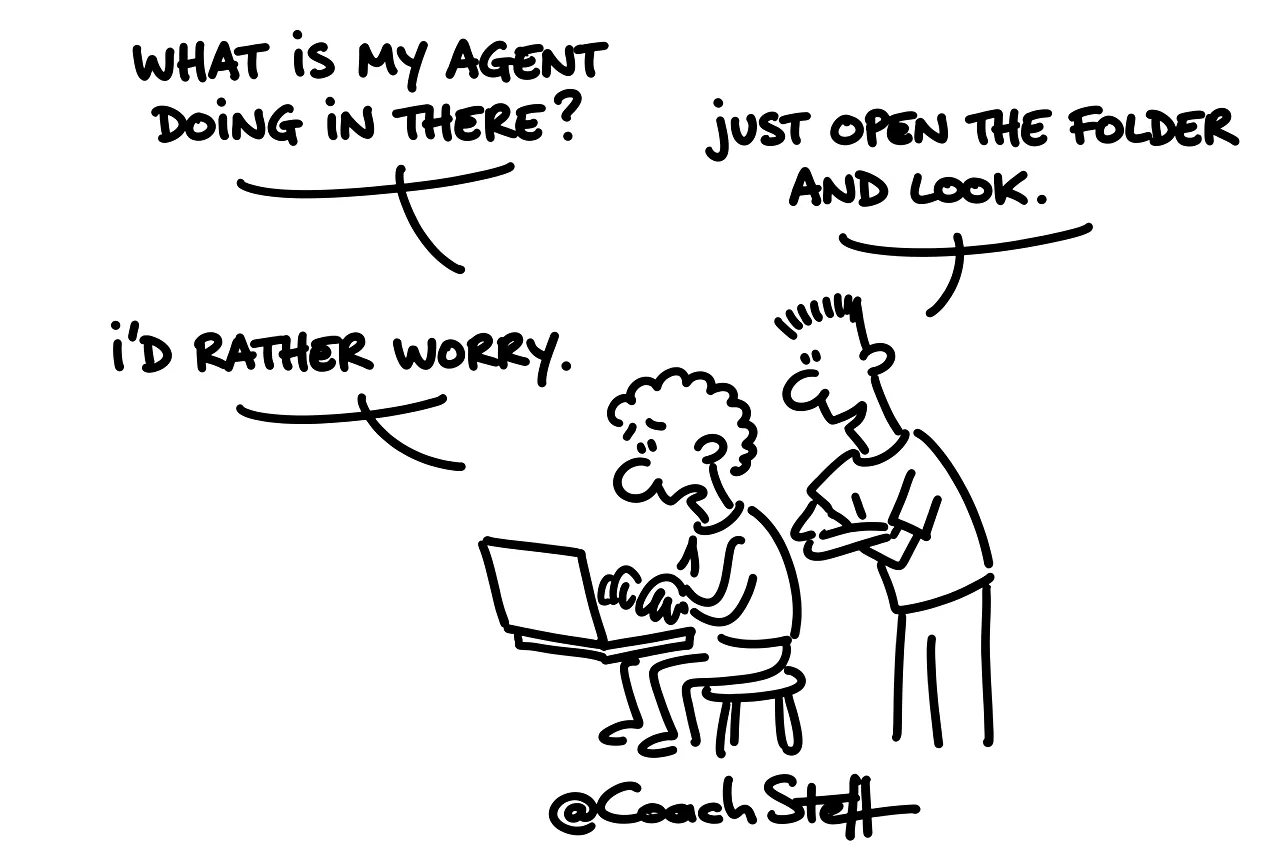
Anyone working with a coding agent for the first time mostly sees a chat that keeps scrolling. Lines pass by about files, commands and notifications in red. And somewhere something is happening on your computer. What exactly, you do not really know. That feels a bit like someone cooking in your kitchen, while you have to wait in the hallway.
On the first day of a vibe coding training I asked the participants to install two tools. Craft Agents, to work with. And VS Code, to look into the code. That second one seemed a strange choice to some. They came exactly to avoid having to program.
At the bottom of this article you will find a first task to practice safely. Feel free to copy it.
A project is just a folder
Everything your agent does ends up in a folder on your computer. I say that a few times in every training, because it sounds too simple to be true. A project is a folder. It is nothing more than that. That is where your briefing, your design, and later also the code your agent writes are located.
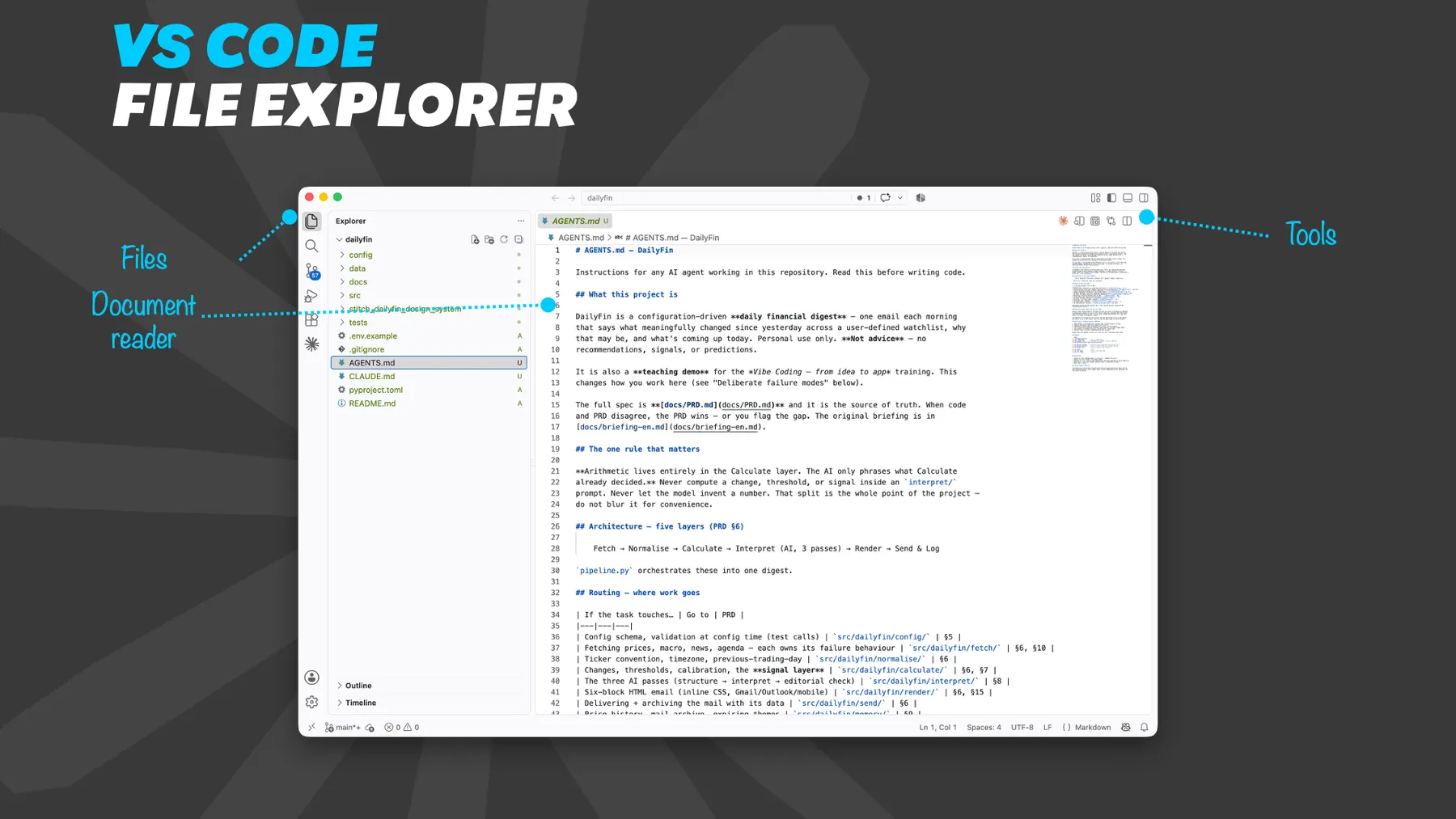
And you can open a folder. In VS Code you click on open folder and you choose your project folder. On the left you then see all the files. If you click on a file, you can read it. Those are scripts, but also regular text documents. The chat is next to it, on the side. You can connect it to Claude or to ChatGPT.
In the training I asked Claude to make a readme a bit more extensive, so we could put it on GitHub later. That is a simple task, so I did that with Sonnet. And while we were looking at it, the document got longer. So you literally see what your agent is doing.
Frequently asked questions
Keep reading for free
Register free with your e-mail address and read on. Your account opens the free articles in the learning space; the rest is for subscribers, from Learn Plus up.
Check your inbox
0 likesNo comments yetRead the comments
Comments
Members comment here and read each other's comments. Register for free or sign in to join the conversation.
Register for free or sign inNo comments yet. What do you take away?