

This page was translated from Dutch with AI.
Have a second AI look critically at your design
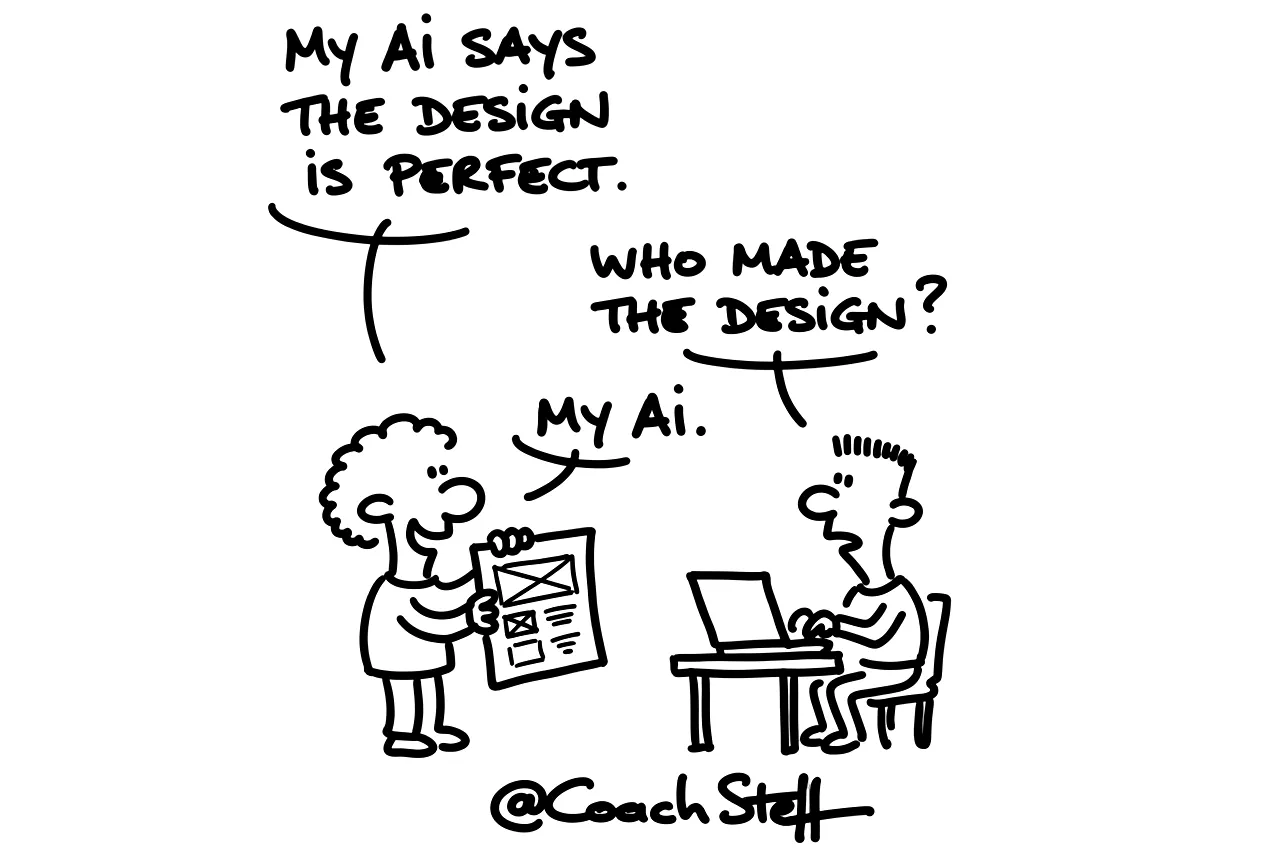
A design you have made together with your AI usually looks neat straight away. Colours, buttons, a nice dashboard. And you actually want to start building as quickly as possible. Only, at that point, you have not yet heard from anyone who has looked at it critically. And your AI made it itself, so it is not exactly the harshest critic. You are too close to it yourself as well.
During the first day of a vibe coding training course, I therefore gave the group a tip I give everyone. Take the images of your design and present them to another model. Ask for an honest opinion. And see what you do with that, before a single line of code is written.
At the bottom of this article, you will find a prompt to have your design checked. Feel free to copy it.
Why now, and not later
In the design phase, you can still change everything. A screen that is too busy, a button that is in the wrong place, a feature you do not need after all. You adjust that here with a few sentences. Once the app is built, it is still possible, but it is often more difficult.
Someone in the group asked if that does not go a bit against the philosophy of vibe coding. You see what comes out, and then you adjust. There is something to be said for that. But if you skip this step, you will sometimes have to adjust a great deal. So I would say: think before you start.
A tool like Google Stitch or Claude Design also gives you your design as an image. Those are ordinary PNG files. And you can throw those into any other AI.
Frequently asked questions
Keep reading for free
Register free with your e-mail address and read on. Your account opens the free articles in the learning space; the rest is for subscribers, from Learn Plus up.
Check your inbox
0 likesNo comments yetRead the comments
Comments
Members comment here and read each other's comments. Register for free or sign in to join the conversation.
Register for free or sign inNo comments yet. What do you take away?