

This page was translated from Dutch with AI.
Let your agent tell you what he sees first
Last weekend I rebuilt my website, with AI. I absolutely did not want it to look like all those typical AI websites. So I went through all the steps that I also show in my training courses. First brainstorming, then designing, and only then building.
Along the way I got a new idea. People also needed to be able to register on my website, for example to make an appointment. And then I started thinking further about what else they could do there, once they are registered anyway. That is how a complete learning space was added. And for that I first took a step back, to the design.
First the design, in a separate tool
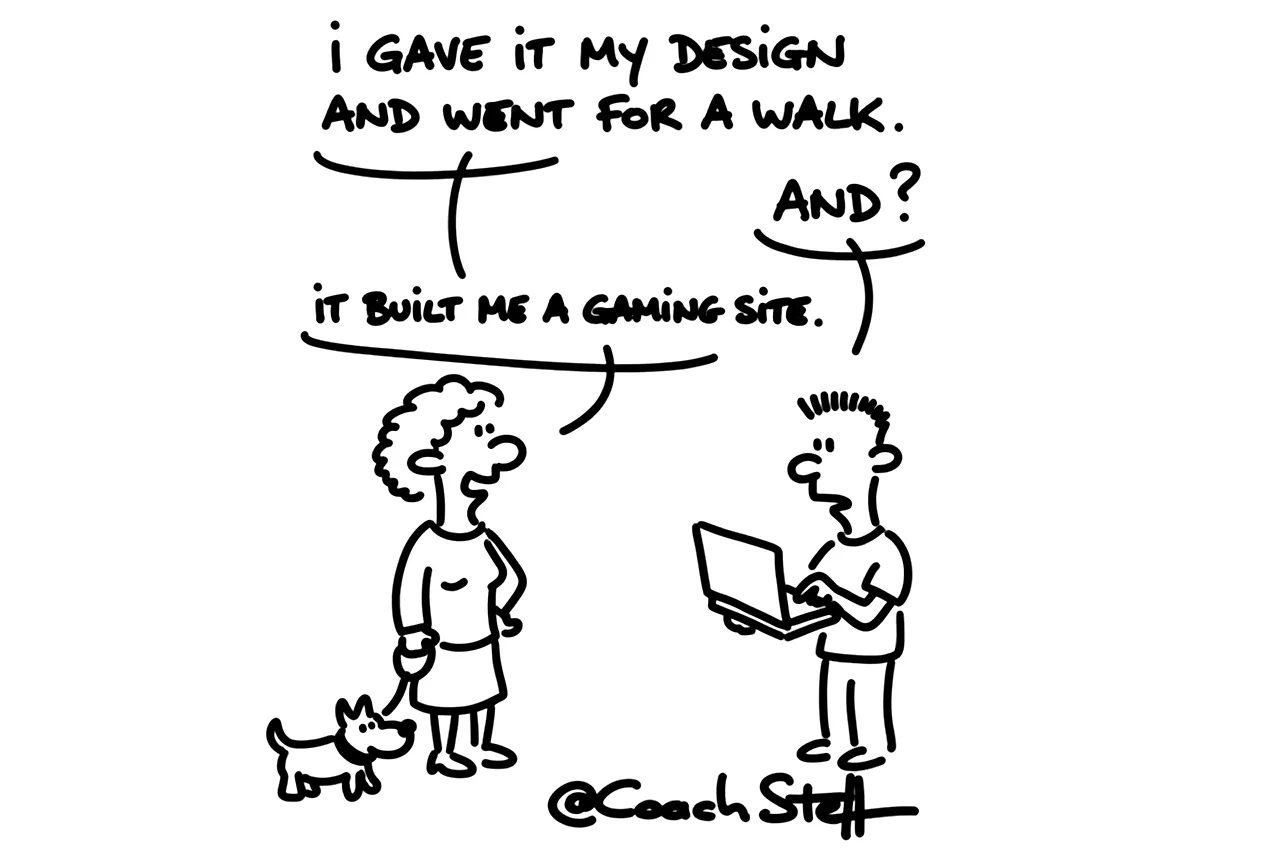
I made the design of that learning space in Google Stitch. That is a tool in which you have screens designed in plain language. You can select a whole design there, or even just one button. And then you just say what needs to change. My first version actually looked like a gaming site, and that really did not look okay. So I said that it had to be much calmer and more accessible. After a few rounds I had a very calm and clean design.
What I also like to do is let Stitch read the briefing. And then I ask to explore three clearly different directions. That creates a bit more work. But you see much faster which direction appeals to you.
Keep reading for free
Register free with your e-mail address and read on. Your account opens the free articles in the learning space; the rest is for subscribers, from Learn Plus up.