

This page was translated from Dutch with AI.
Let your AI read your old website before you build a new one
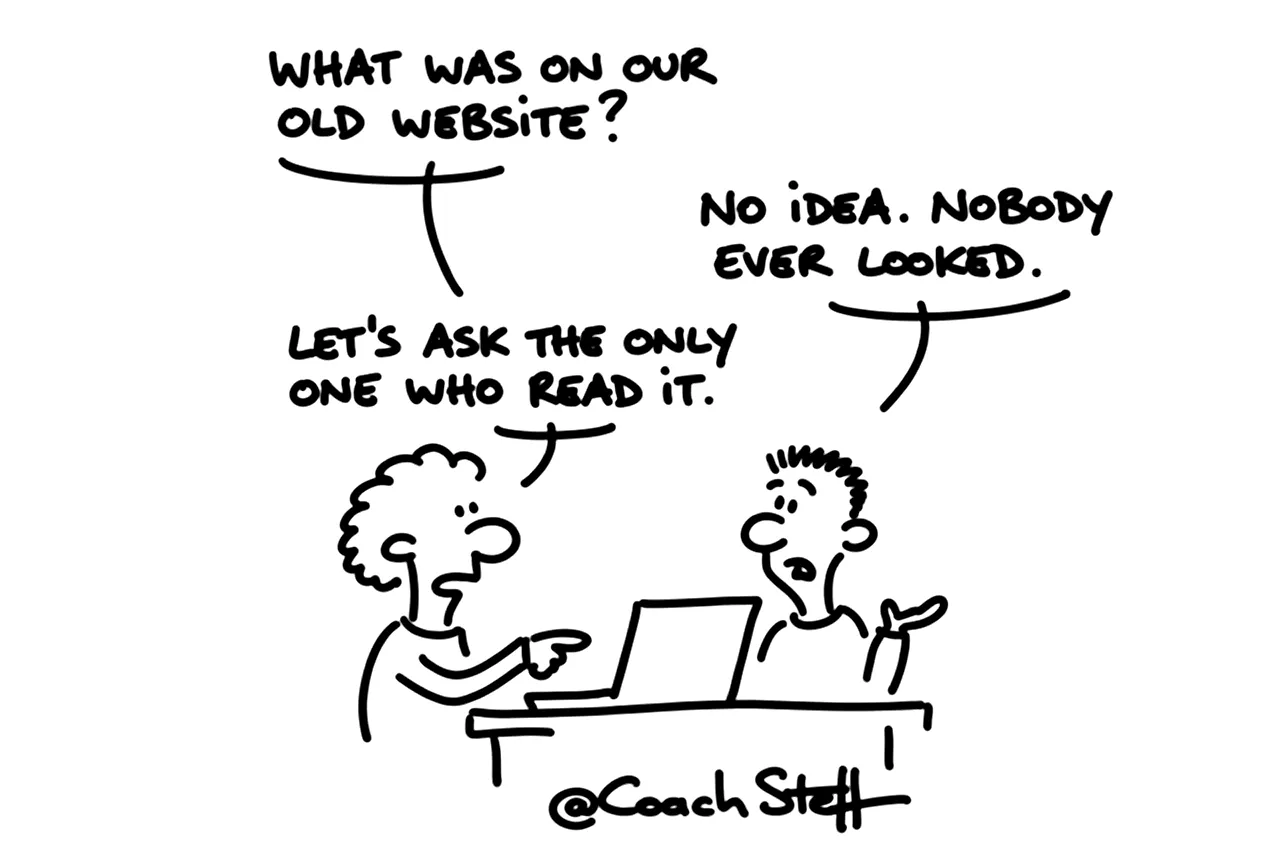
Many people have a website running somewhere that nobody has looked at for years. It works, so you leave it be. Until one day something changes in the underlying technology, and you have to act. And then you are faced with a blank page. What was actually on that site? Which pages were important, and which ones should you have thrown away a long time ago?
In a vibe coding training I shared how that went for me. I still had a website on Drupal 9, about four years old. To be honest, I had never looked at it again. The thing was running, and that was enough for me. When a problem popped up with PHP, the language it ran on, I had to get started on it anyway.
At the bottom of this article you will find the prompt that lets your AI read your old site and turn it into a brief. Feel free to copy it.
Start with what is already there
I did not come up with that new website at my desk. I was in the car after a workshop, and I turned on ChatGPT in voice mode. And I basically just said what I wanted. Look at the current website and analyse everything that is in it. Based on that, create a new brief for the new website that we are going to vibe code later. And there can be no more PHP in it, everything must be based on new technology.
I think that is the step most people skip. Your old site is a collection of choices you once made. Which pages, which texts, which structure. Your AI can read those much faster than you can remember them. And then you get a brief that starts from what you already have, instead of what you happen to still remember.
You might recognise this with other things too. An old Excel file that should have become a small tool, or a form that has been half working for years. I think the same principle applies there too. Let your AI look at what is there first, before you say what it should become.
Frequently asked questions
Keep reading for free
Register free with your e-mail address and read on. Your account opens the free articles in the learning space; the rest is for subscribers, from Learn Plus up.
Check your inbox
0 likesNo comments yetRead the comments
Comments
Members comment here and read each other's comments. Register for free or sign in to join the conversation.
Register for free or sign inNo comments yet. What do you take away?