

This page was translated from Dutch with AI.
Markdown is the native language of AI
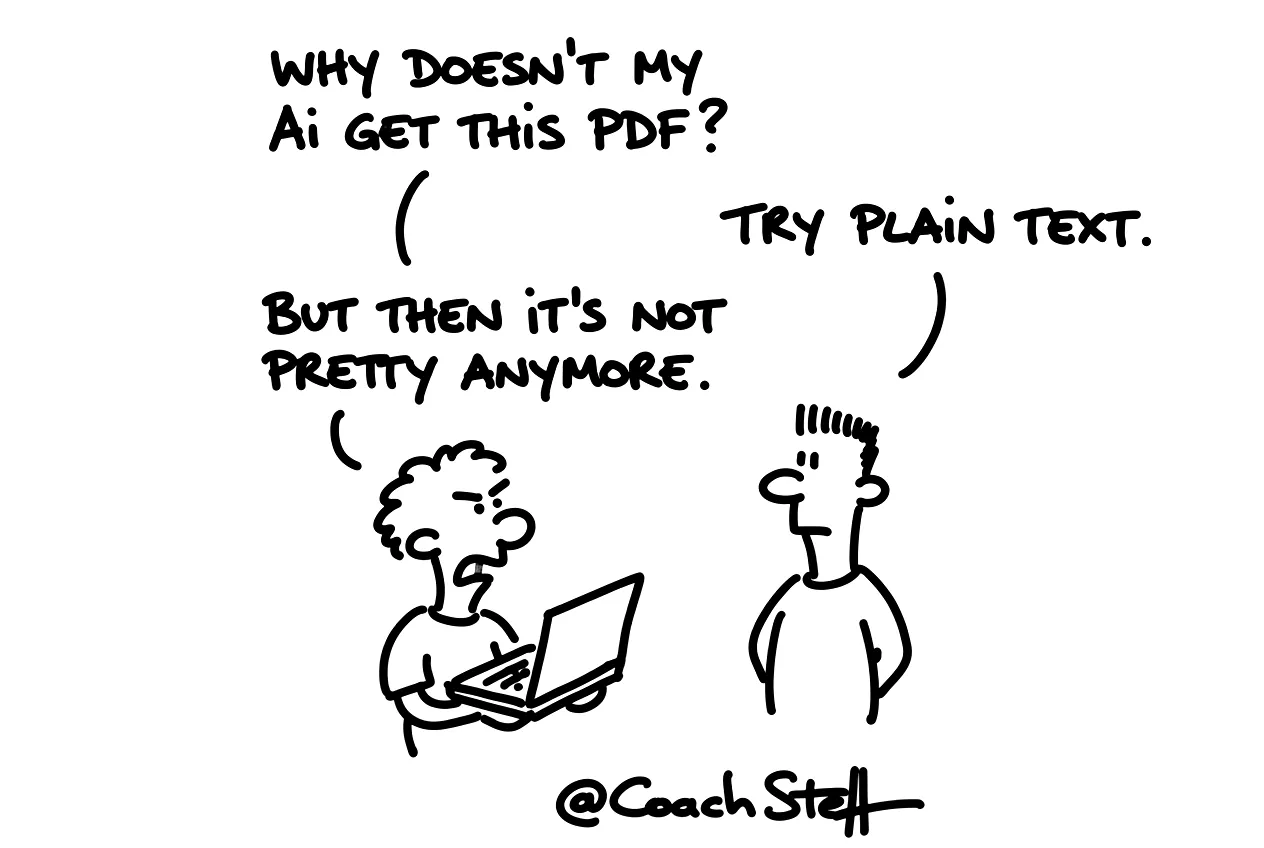
When I ask in a workshop who has ever dragged a PDF into an AI chat, almost all hands go up. When I ask who knows what Markdown is, only a few remain. Yet that second one is probably the most underestimated piece of knowledge in working with AI. Perhaps you belong to the first group. Then you are giving your AI more ballast than you think.
Copy the prompt at the bottom of this article to convert a document to Markdown yourself.
What Markdown is
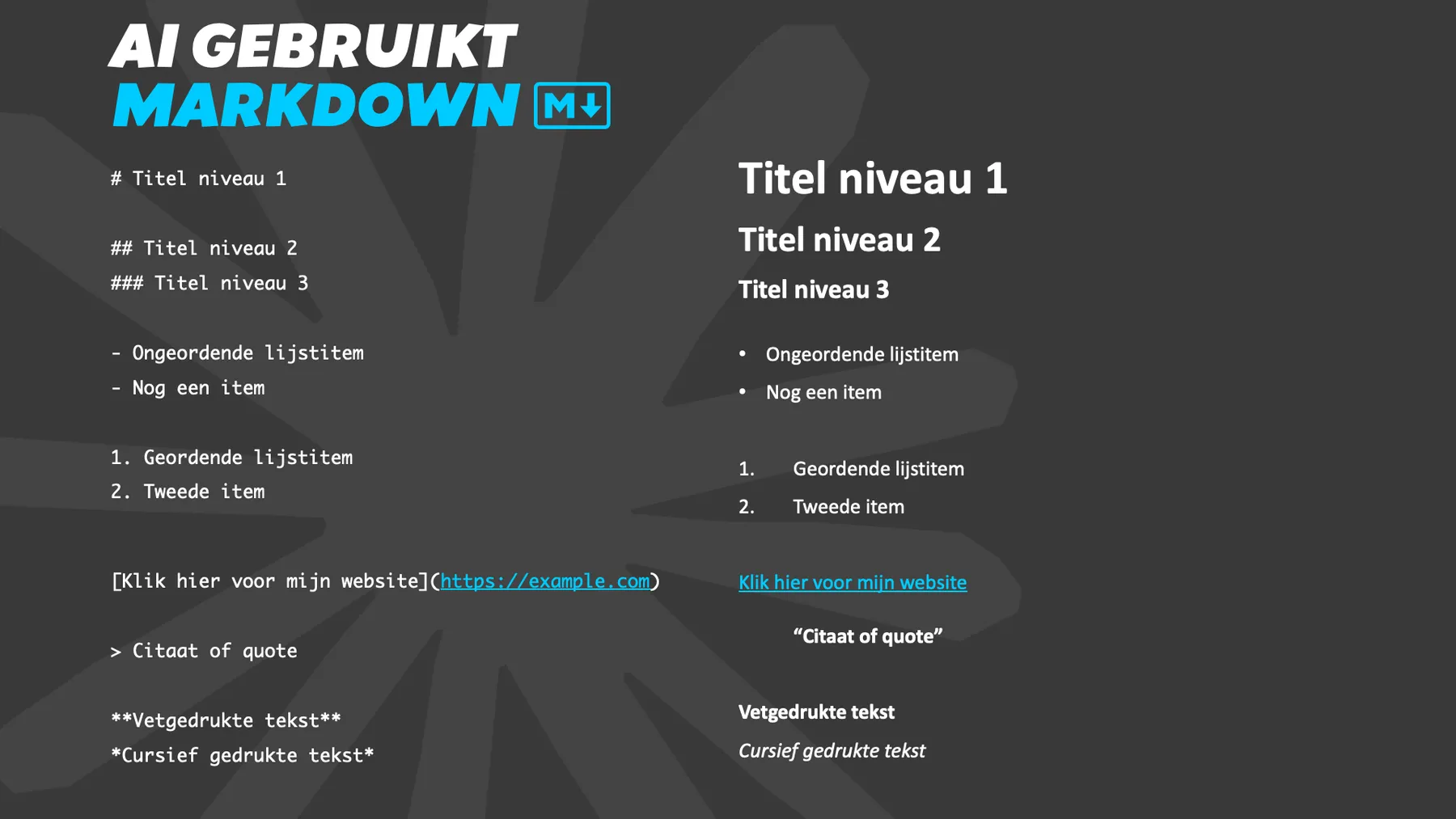
Markdown is plain text with a few simple characters for structure. A hash for a title. Two asterisks around a word for bold. A hyphen for a list. That is really all it is. You can read it in any text editor, and it still looks logical even without formatting.
Language models are trained on enormous amounts of text from the internet, and a large part of that is written in Markdown. I think that is why it is the format in which they recognise structure best. A title is a title, a list is a list. Nothing needs to be deciphered.
Frequently asked questions
Keep reading for free
Register free with your e-mail address and read on. Your account opens the free articles in the learning space; the rest is for subscribers, from Learn Plus up.
Check your inbox
0 likesNo comments yetRead the comments
Comments
Members comment here and read each other's comments. Register for free or sign in to join the conversation.
Register for free or sign inNo comments yet. What do you take away?