

This page was translated from Dutch with AI.
Let your heavy model plan and your workhorse execute
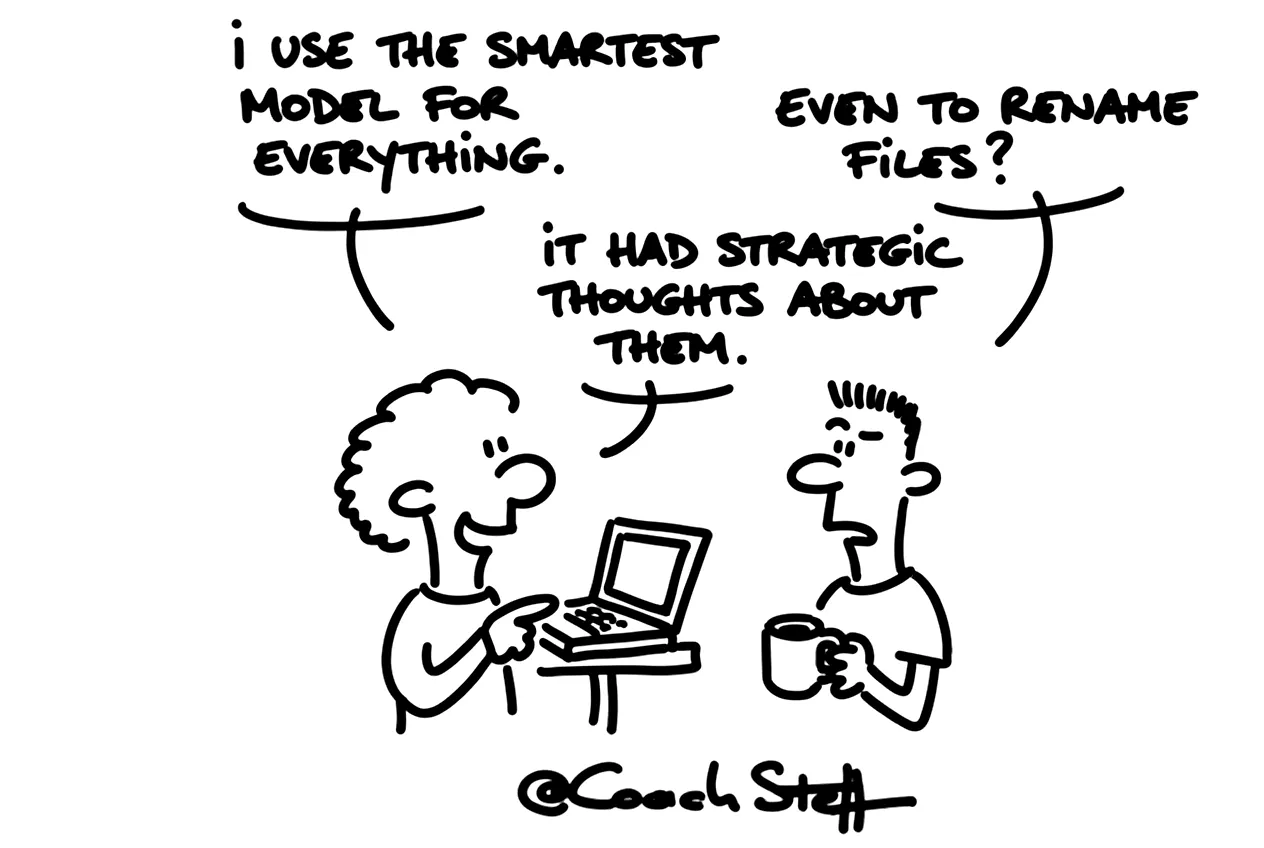
In a training session about Claude I got a question I love to hear. I had just had a plan made and then I set the model one level lower. 'Why are you putting that on Sonnet now? Because you used Opus before that?' That was indeed the intention. And I notice that many people skip that step. They choose one model and let it do the entire task, from the first idea to the final file.
Perhaps you recognise that. You turn on the heaviest model, because you want things to go well. And then you also let it do the boring execution. That works, only you pay the full price for every step. Your limit is therefore used up faster than you would like.
Copy the prompt at the bottom of this article. With it you let a heavy model write a plan that your workhorse can execute afterwards.
Two phases in one task
Almost every larger task actually has two parts. First there has to be some thinking about what exactly you want, what can go wrong and in what order you do it. After that it just has to happen. Moving files, writing texts, building a structure.
For that first part a heavy model is appropriate. In Claude that is Opus, the model for strategic thinking and planning. In Copilot you get close with the Think deeper mode. For the second part you do not need that. Sonnet is actually your workhorse. If you already have a briefing and a plan, Sonnet executes that perfectly. In the training session I put it like this: plan in Opus, execute in Sonnet.
A heavy model is by the way at its best when it is not allowed to do anything yet. I literally add: 'Do not do anything yet, but formulate a plan.' That way it gets the space to think, without rushing headlong into the work.
Frequently asked questions
Keep reading for free
Register free with your e-mail address and read on. Your account opens the free articles in the learning space; the rest is for subscribers, from Learn Plus up.
Check your inbox
0 likesNo comments yetRead the comments
Comments
Members comment here and read each other's comments. Register for free or sign in to join the conversation.
Register for free or sign inNo comments yet. What do you take away?