

This page was translated from Dutch with AI.
You already have a click model, you do not need a builder site for that
If you want to build an app with AI for the first time, you soon end up at websites that promise everything at once. You type what you want. And a few minutes later there is something that looks neat and that you can put online immediately. That is tempting, especially when you just have a design and really want to see if it works. You might wonder why you would still bother to set everything up on your own computer.
In my vibe coding training courses I show a workflow with a few phases: brainstorming, designing, prototyping, having a PRD written and then building. On the first day of the last course I immediately added something. I usually skip the prototype step myself these days. And I will explain why here.
At the bottom of this article you will find the prompt that takes you straight from your design to the PRD. Feel free to copy it.
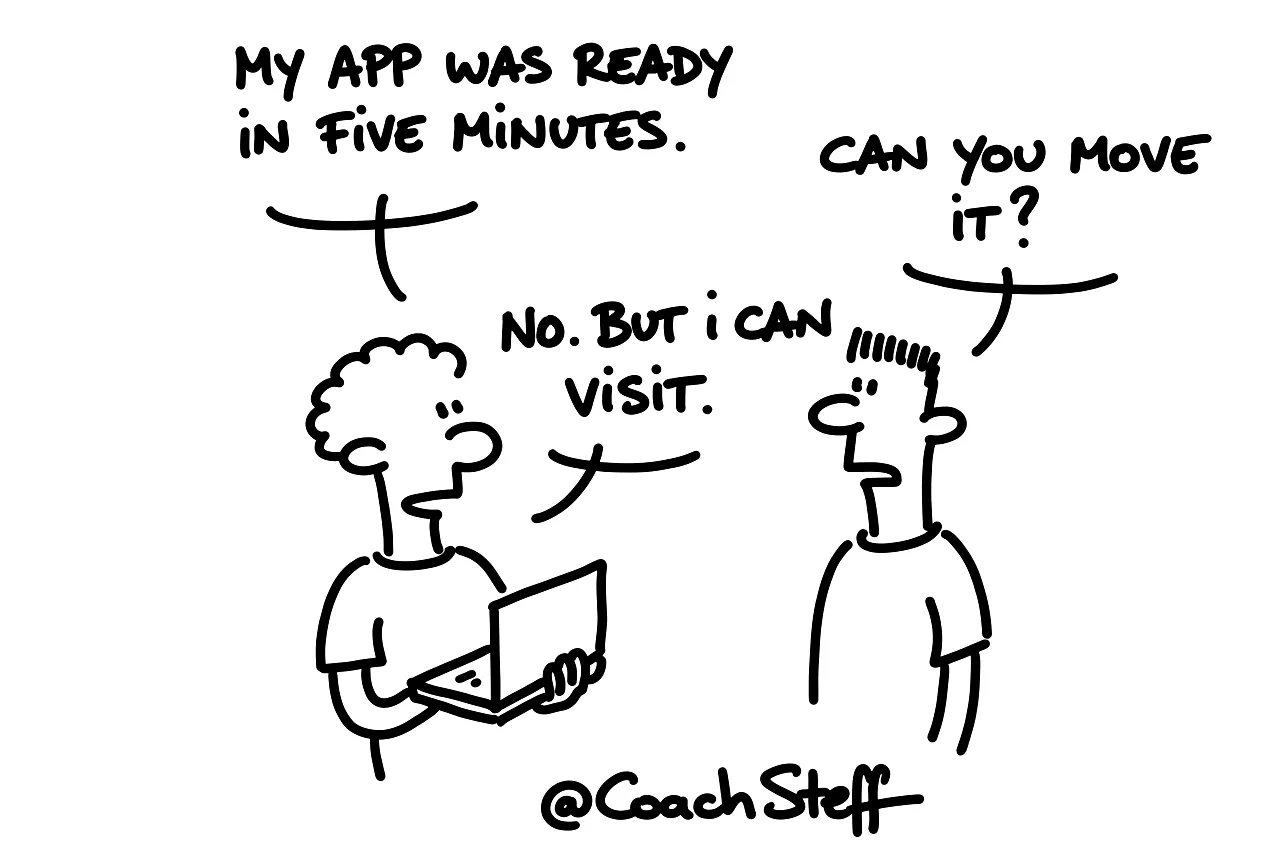
Your design tool already makes a click model
A prototype is actually a click model of your app. You can navigate through it and push buttons, but there is no real functionality behind it yet. That used to be a separate step. I made my design and then I went to a builder site like Lovable or Replit, to see what it did.
Today that is in the design tools themselves. In Claude Design and in Google Stitch there is simply a play button. If you click on that, you get your click model. You can walk through it for a moment and see if the screens follow each other logically. So that separate step has actually become less necessary, because you already have the result in your hands while you design.
Frequently asked questions
Keep reading for free
Register free with your e-mail address and read on. Your account opens the free articles in the learning space; the rest is for subscribers, from Learn Plus up.
Check your inbox
0 likesNo comments yetRead the comments
Comments
Members comment here and read each other's comments. Register for free or sign in to join the conversation.
Register for free or sign inNo comments yet. What do you take away?