

This page was translated from Dutch with AI.
Give your AI a few custom shortcuts
In a workshop this week I showed my custom instructions on the screen. It says that I do not want to see any emojis. And not too many bullet points, and normal capital letters. And below that is a list of lines that start with two colons. Those are the rules I use most often, and they are barely a word long.
Feel free to copy the prompt at the bottom of this article, and you can write your first shortcut together with your AI.
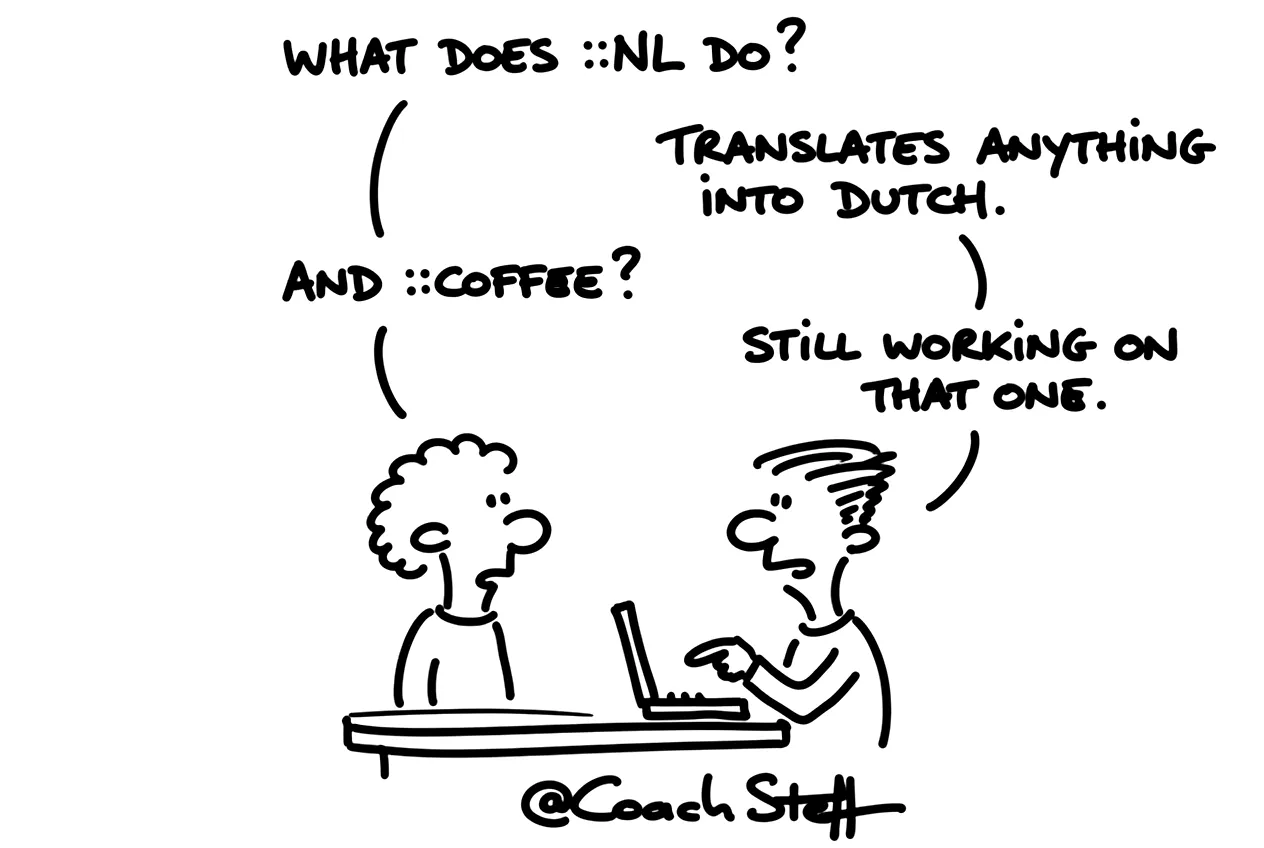
What you type again every week
Take a look at your own chat history. Chances are you formulate the same questions over and over again. Translate this to Dutch. Write a short bio about me. Make this text a bit looser. Every time you type a sentence, sometimes two. And every time it is slightly different, so the result is too.
That is not a disaster, of course. You just lose time with it that you do not need to lose. And afterwards you have to correct all those small differences yourself.
Frequently asked questions
Keep reading for free
Register free with your e-mail address and read on. Your account opens the free articles in the learning space; the rest is for subscribers, from Learn Plus up.
Check your inbox
0 likesNo comments yetRead the comments
Comments
Members comment here and read each other's comments. Register for free or sign in to join the conversation.
Register for free or sign inNo comments yet. What do you take away?