

This page was translated from Dutch with AI.
Your AI work is a list of tasks, not a list of chats
After a few weeks of working with Claude or ChatGPT on your computer, your sidebar usually looks the same. A long list of recent chats, with titles your AI came up with itself. Somewhere in between is that analysis from last Tuesday. And also that text that still needed proofreading. Only you do not quite remember which chat it was.
In a training course about agents on your own computer, this came up very clearly. The participants had tried out the desktop apps and they saw how capable they are. Yet I find that it does not quite work intuitively. As you go further, you notice that the only way to manage your tasks is the chat history. And that is actually not ideal.
Copy the prompt at the bottom of this article. With it, you and your AI come up with the statuses for your own AI work.
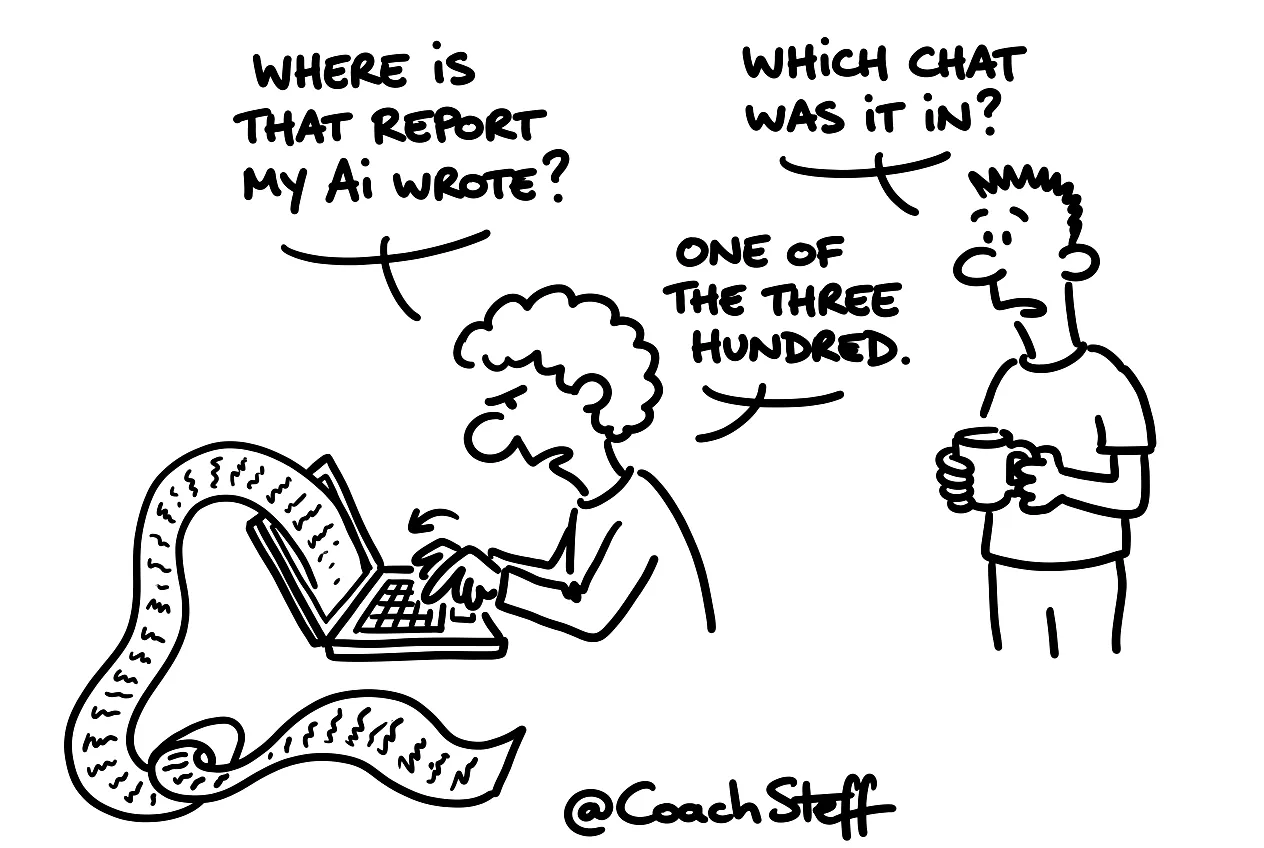
Why a chat list eats up your overview
As long as you ask a question now and then, a list of chats is fine. But your AI is doing more and more real work for you. It writes a first draft, it figures something out, it prepares a report. Then you actually want to know what it is doing. What is still in progress, what do you still need to proofread, what is finished? A chat history only tells you when you asked something.
You can collect chats in projects, and that helps a bit. Yet it remains a list of conversations. A conversation has no status, so you have to open it yourself every time to see where it stands.
Frequently asked questions
Keep reading for free
Register free with your e-mail address and read on. Your account opens the free articles in the learning space; the rest is for subscribers, from Learn Plus up.
Check your inbox
0 likesNo comments yetRead the comments
Comments
Members comment here and read each other's comments. Register for free or sign in to join the conversation.
Register for free or sign inNo comments yet. What do you take away?