

This page was translated from Dutch with AI.
Prompt pack, planning with your heavy model and executing with your workhorse
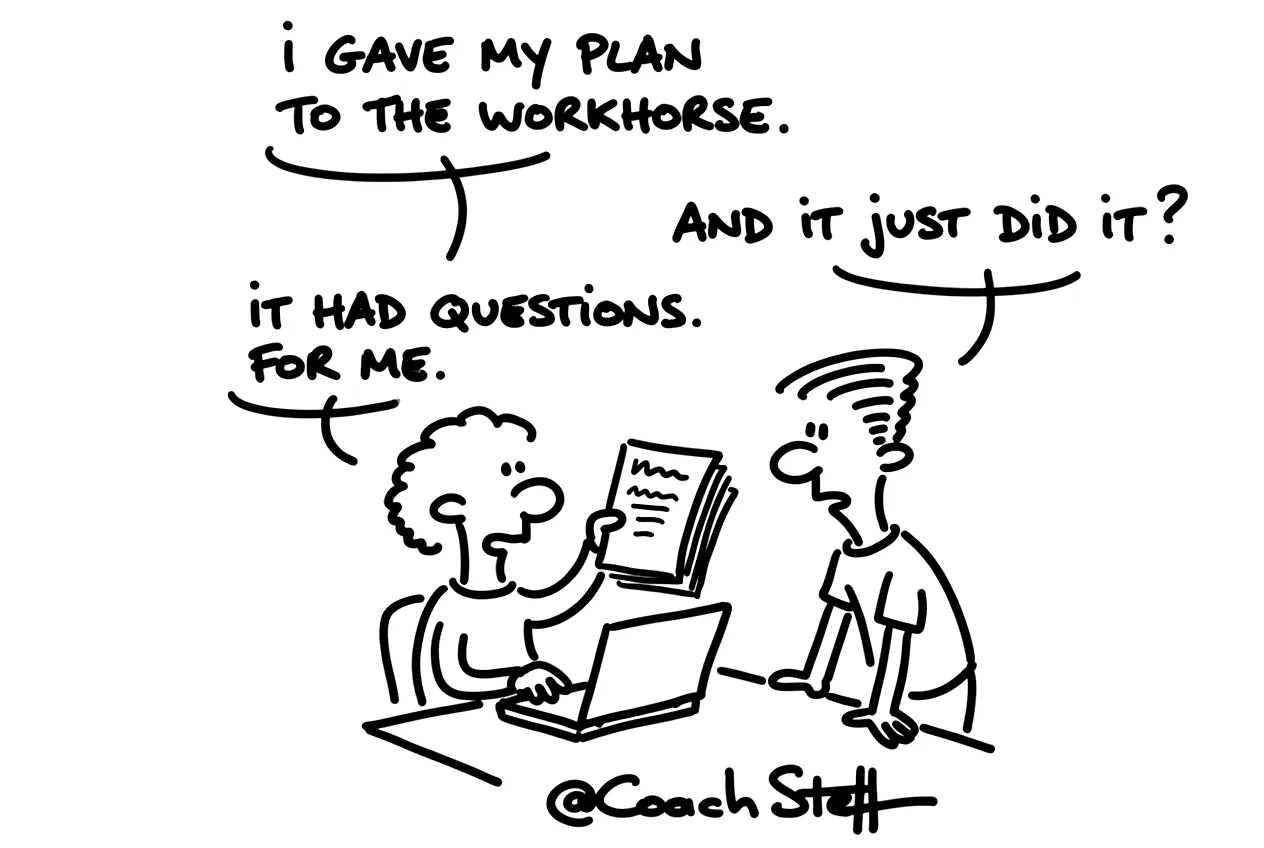
You have a task that has been on your list for a while. It consists of multiple steps, and you do not really know where to start yet. So you turn on the heaviest model and let it do everything. That works, only your limit runs out faster than you would like. With these four prompts you split such a task in two. The heavy model thinks and plans. And your workhorse executes the plan afterwards, in a new chat. Count on fifteen minutes for the first two prompts, and after that the execution largely runs by itself.

This video is for members.
Log in to watchWhat you get
I would not have a plan written straight away. First you want to know which part of your task is really thinking work. That part is often smaller than you think. With the first prompt you let your AI sort your task, and you can already use it now, in Claude, Copilot or ChatGPT.
Prompt 1, thinking work or doing work
I have a task that consists of multiple steps: [describe your task in a few sentences].
Do not do anything to the task itself yet.
First ask me three questions about what the result should be and what must not go wrong.
Then divide the task into steps. Say for each step whether it is thinking work (making choices, weighing up, planning) or doing work (executing what has already been decided).
Recommend a type of model per step: a heavy model for thinking work, a workhorse for normal work, a small model for short routines.
Say at the end which part I am best to do first in the heavy model.
When you see that division for the first time, you will probably notice something funny. The thinking work is usually one or two steps. The rest is just doing, and you do not need the heaviest model for that.
Below you will find the three other prompts as a Member: having the plan checked, handing it over to your workhorse, and reporting back if it gets stuck anywhere.
Keep reading for free
Register free with your e-mail address and read on. Your account opens the free articles in the learning space; the rest is for subscribers, from Learn Plus up.
Check your inbox
0 likesNo comments yetRead the comments
Comments
Members comment here and read each other's comments. Register for free or sign in to join the conversation.
Register for free or sign inNo comments yet. What do you take away?