

This page was translated from Dutch with AI.
Step-by-step plan, your emergency plan for when you hit your limit
You are busy building, and suddenly your AI stops answering. You have hit your limit. And there you sit, with a half-finished app and an evening you had planned differently. With this step-by-step plan you ensure that another model can continue working immediately, and that you neatly return afterwards. You prepare it once in fifteen minutes, and the switch itself takes a few minutes after that.

This video is for members.
Log in to watchWhat you get
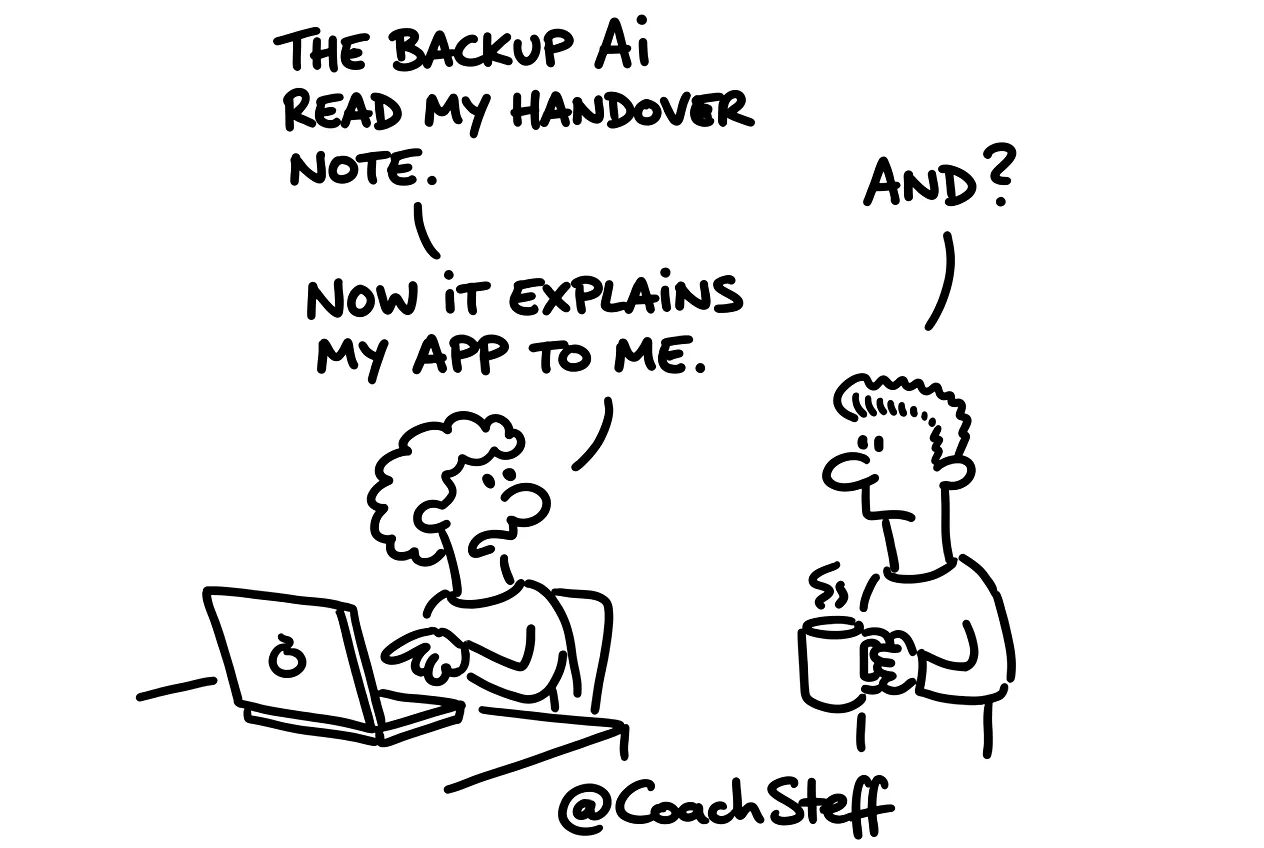
It is best to write an emergency plan on a day when there is no emergency. That is of course also the day when no one feels like doing it. So I start with the step that yields the most. You let your AI write a handover in your project folder at a quiet moment. When you hit your limit, everything the next model needs to know is already prepared.
Step 1, let it write a handover in your project folder
Write a handover for this project in a file HANDOVER.md in the project folder.
Include: the goal of the project, what has already been built and works, what we have decided and why, what we are working on now and what the next step is.
Refer to the documents in the folder, such as the briefing, the design and the PRD, instead of copying them.
Write it in such a way that another model can continue immediately without this conversation.
From now on, update this file yourself after every finished step.
That last sentence actually does most of the work. Your AI then keeps the handover up to date itself, while you just continue building.
Below you will find the other five steps as a Member. You get your second model ready and you keep an eye on your usage. After that follow the switch and a test step. And at the end you neatly return to your first model.
Keep reading for free
Register free with your e-mail address and read on. Your account opens the free articles in the learning space; the rest is for subscribers, from Learn Plus up.
Check your inbox
0 likesNo comments yetRead the comments
Comments
Members comment here and read each other's comments. Register for free or sign in to join the conversation.
Register for free or sign inNo comments yet. What do you take away?