

This page was translated from Dutch with AI.
Step-by-step plan, make a skill from the internet your own
You can find skills online for just about anything: slides, videos, websites, emails in a better tone. You download one, and it works immediately. Only the result then looks suspiciously like what everyone else makes. This step-by-step plan helps you to first have such a skill reviewed, and then rebuild it into a version that is yours. Count on fifteen minutes per skill.

This video is for members.
Log in to watchStart by reading, before you install anything
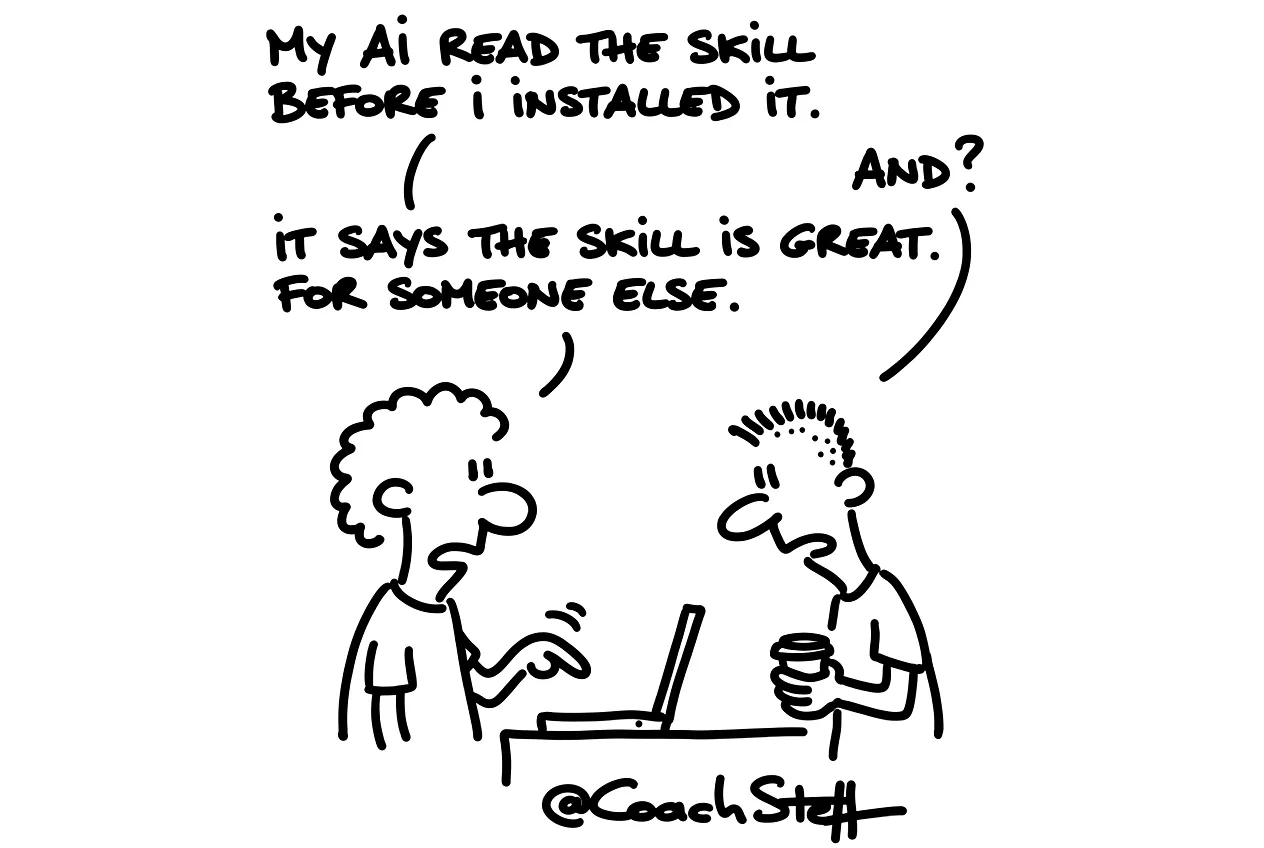
I never just download a skill myself. What I do instead is give my AI the link where that skill is located. And then I first ask what is in it. A skill is usually just text, so reading it goes quickly. Sometimes there is also a small script included, and that actually executes something on your computer. That is why this step-by-step plan starts with reading, and only much later with installing.
Step 1, let the skill explain what it does
Here is a skill I found online: [paste the link or the content of the files].
Do not install or execute anything yet. Read everything and explain to me in plain language:
1. Which task this skill belongs to and what exactly it delivers.
2. Which steps it follows.
3. Whether there are scripts or other files included, and what they do on my computer or with my data.
4. What you see as a risk, such as access to files, internet or passwords.
Finally, say in one sentence whether you would dare to use it, and why.
Below you will find the other four steps as a Member. You have the skill assessed, you let yourself be interviewed about your own work, and then you build your own version together that you test twice.
Keep reading for free
Register free with your e-mail address and read on. Your account opens the free articles in the learning space; the rest is for subscribers, from Learn Plus up.
Check your inbox
0 likesNo comments yetRead the comments
Comments
Members comment here and read each other's comments. Register for free or sign in to join the conversation.
Register for free or sign inNo comments yet. What do you take away?