

This page was translated from Dutch with AI.
Checklist, building safely with AI before your app goes online
Building an app with AI goes so fast today that security easily becomes an afterthought. And later almost never comes. This checklist fits on one screen and walks with you through three moments: when you write your brief, while you build, and right before you go online. You do not need to be a developer to use it. You just have to ask the right things, and the more often you do that, the more natural it becomes.

This video is for members.
Log in to watchThe three questions that catch the most
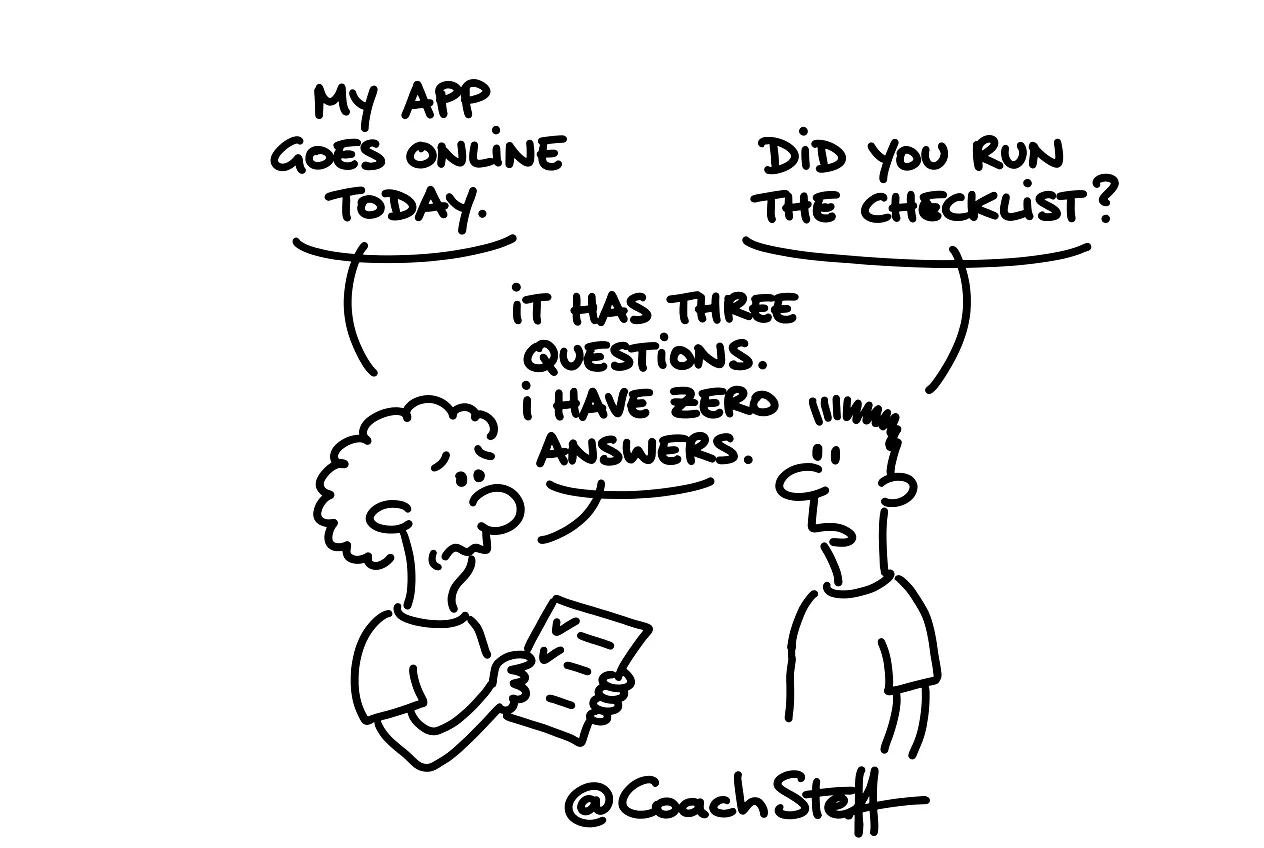
If you only have five minutes, I would start here. Where are my passwords and keys stored, and are they going online? What happens if someone pastes malicious text into my input fields? And where is my users' data stored, in Europe or outside of it? Ask your agent those three questions and feel free to read the answer twice.
Frequently asked questions
Keep reading for free
Register free with your e-mail address and read on. Your account opens the free articles in the learning space; the rest is for subscribers, from Learn Plus up.
Check your inbox
0 likesNo comments yetRead the comments
Comments
Members comment here and read each other's comments. Register for free or sign in to join the conversation.
Register for free or sign inNo comments yet. What do you take away?