

This page was translated from Dutch with AI.
Brief your AI with TOUCH instead of a superprompt
In a workshop last week I built an onboarding assistant for an HR department live. I did not write a half-page prompt for that. There was no role in it and no list of tone instructions either. It was five short steps. And I did not upload a single document for it.
Copy the prompt at the bottom of this article, then you have those five steps ready for your own assignment right away.
Why the superprompt has done its job
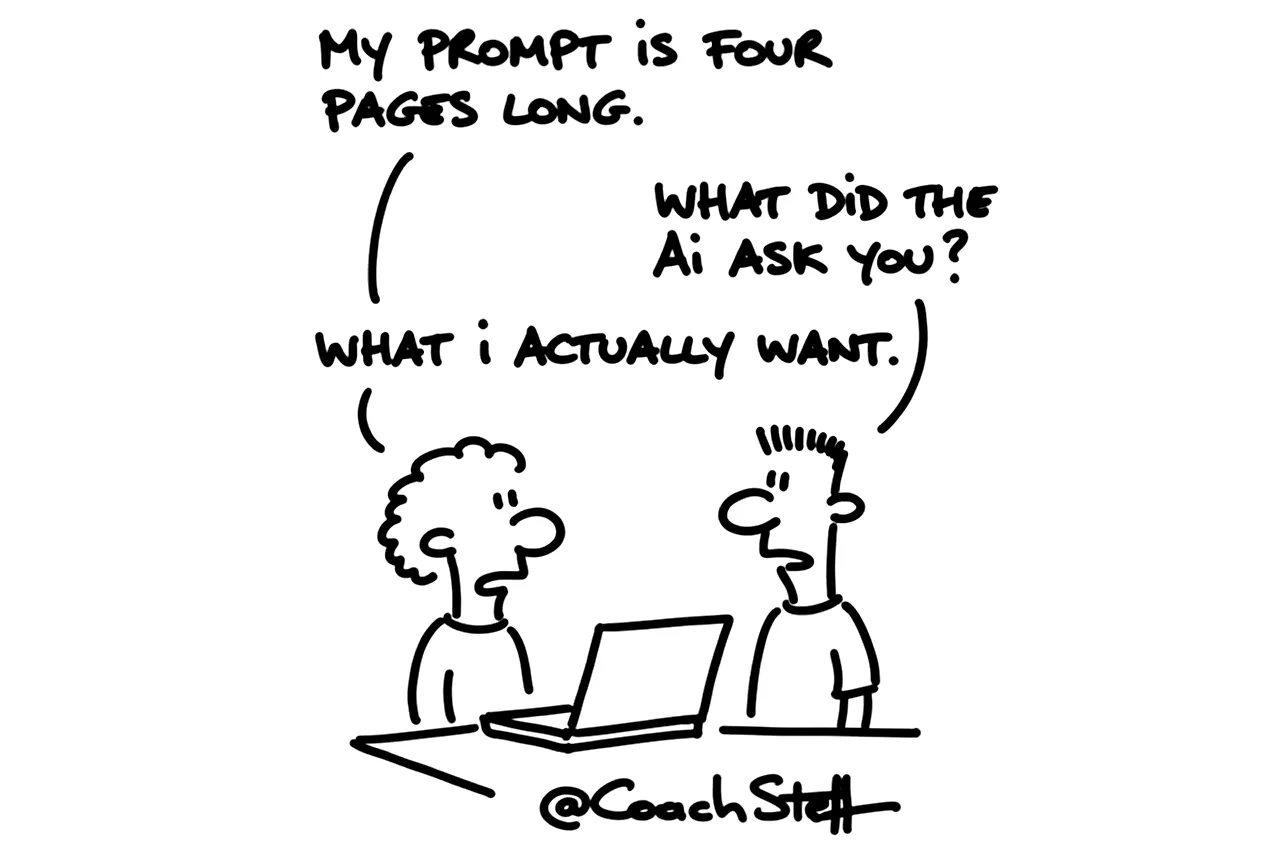
I have worked long and often with an extensive prompt framework myself, CRAFTER. With the older models you had to write everything out. They did exactly what it said. And they filled in the rest themselves, often incorrectly.
Today's models are reasoning models. They first try to figure out what you actually mean. So they do that bit of prompt engineering themselves, in the background. A long list of roles and tone instructions adds little then. What they still need, they can never guess themselves: what you want, why you want it and where the information is.
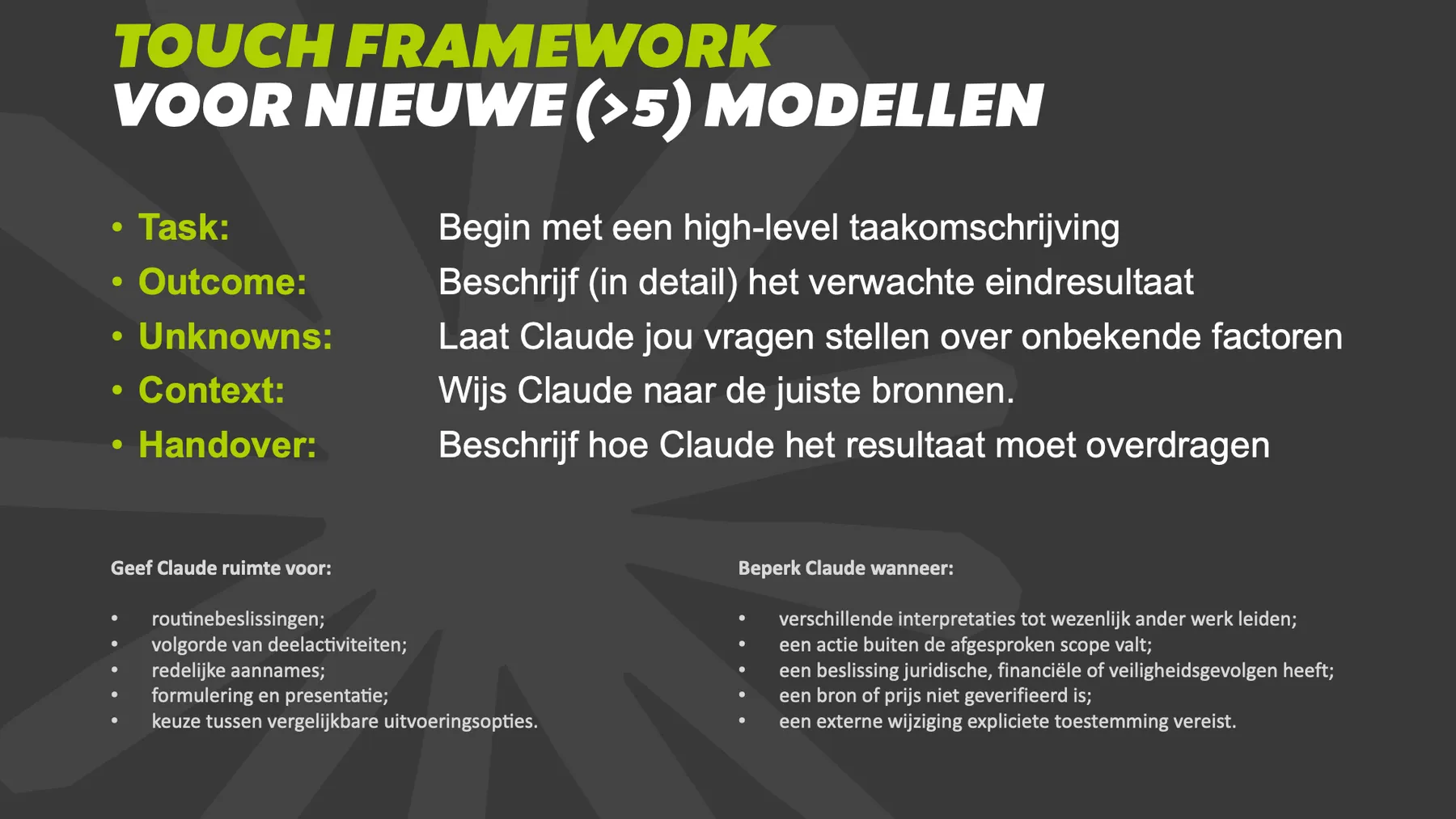
That is why I now work with TOUCH. Those are five letters, and each letter answers a question that only you can answer.
Frequently asked questions
Keep reading for free
Register free with your e-mail address and read on. Your account opens the free articles in the learning space; the rest is for subscribers, from Learn Plus up.
Check your inbox
0 likesNo comments yetRead the comments
Comments
Members comment here and read each other's comments. Register for free or sign in to join the conversation.
Register for free or sign inNo comments yet. What do you take away?