

This page was translated from Dutch with AI.
Take a photo of your scribbles and let your AI type them out
Many people think best with a pen in their hand. You are in a brainstorm and you fill five pages with arrows, boxes and words in the margins. That feels good, because your thoughts can go in all directions. Only, all of that still has to go into a document afterwards. And typing it out is exactly the part you do not feel like doing, which means those pages sometimes stay in a folder for weeks.
At the end of a workshop on Copilot, I shared a tip that actually relates to this. You can just take a photo of those pages and ask your AI to type them out.
Copy the prompt at the bottom of this article. With it, you let your AI type out and organise your handwritten notes.
Your AI reads better than you think
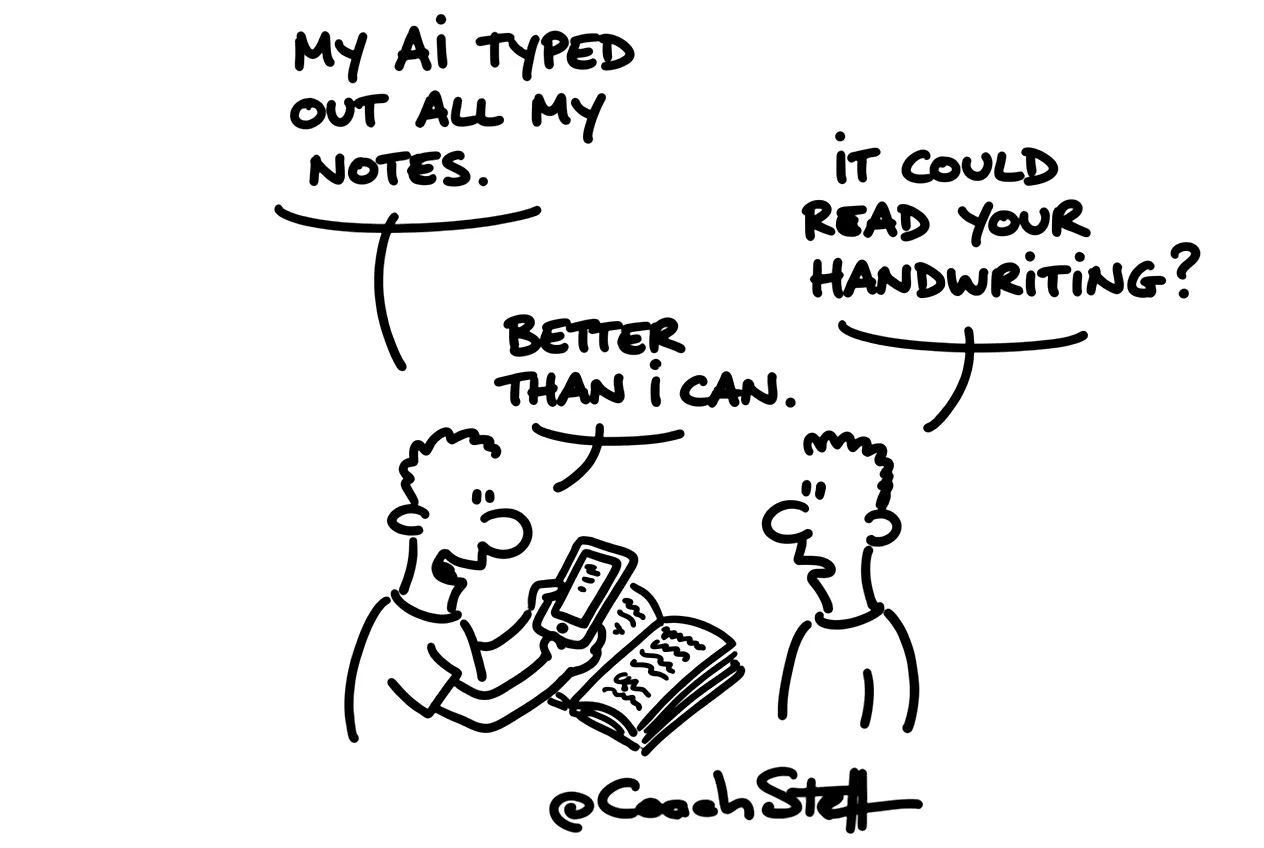
Copilot, ChatGPT and Claude can read handwriting very well these days. You take a photo of your page with your phone, you put it in a chat and you ask it to make a summary. Then it types everything out and puts it in a logical order. It can even read my handwriting, and that is saying something.
What I find so handy about that is that it tells you where it is in doubt. If it cannot read a word properly, it will say 'I am in doubt about this', for example. Then you just look at your page and fill it in. That way you also know which parts you need to check again, and which ones you can safely leave as they are.
The more you do this, the more you will notice that paper just remains what it always was. You brainstorm the way you like to do it. And the boring part afterwards goes to your AI.
Frequently asked questions
Keep reading for free
Register free with your e-mail address and read on. Your account opens the free articles in the learning space; the rest is for subscribers, from Learn Plus up.
Check your inbox
0 likesNo comments yetRead the comments
Comments
Members comment here and read each other's comments. Register for free or sign in to join the conversation.
Register for free or sign inNo comments yet. What do you take away?