

This page was translated from Dutch with AI.
Two settings that save your tokens when you build
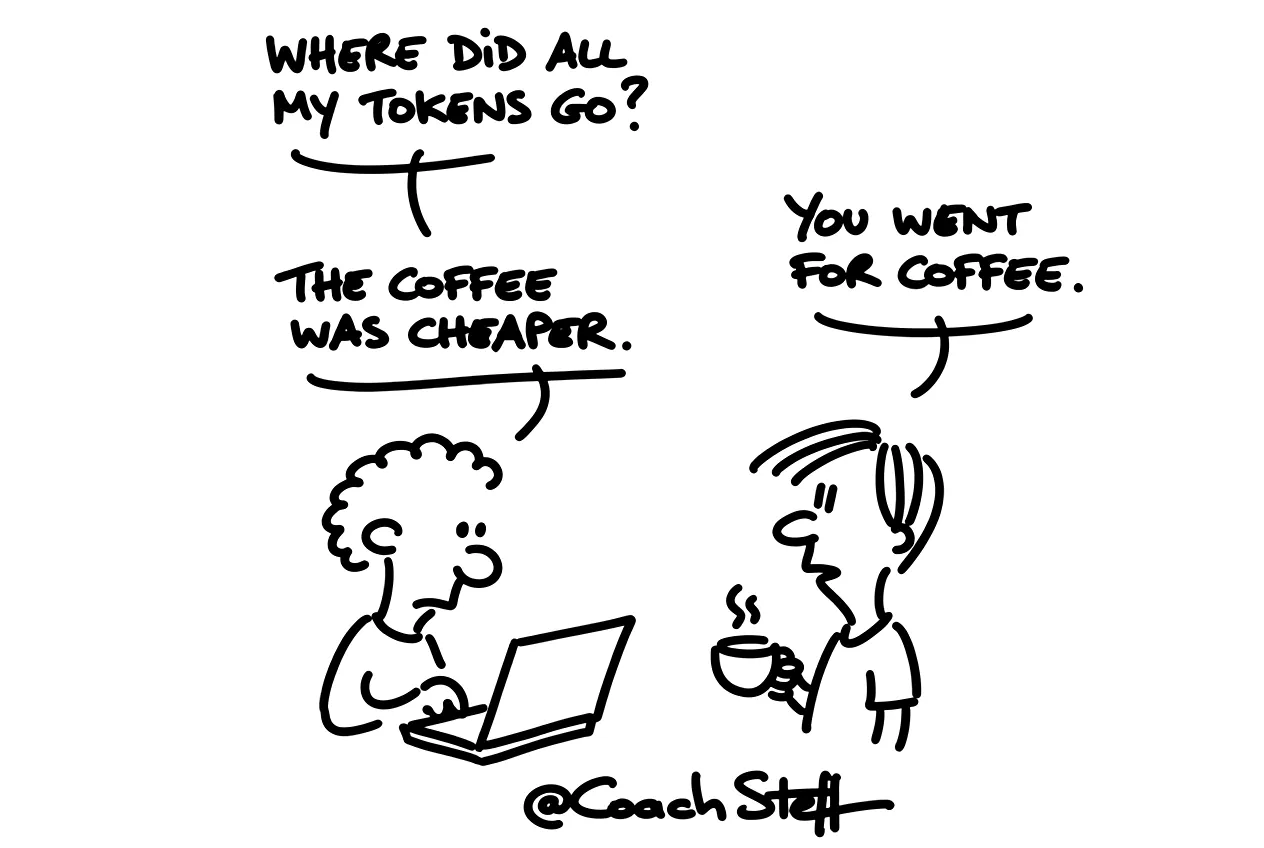
You have been building with your agent for an hour. You brainstormed a bit, made a design, asked a few questions. Nothing spectacular, you think. And then you click on the counter of your session and see that an impressive amount of tokens has already gone through. For some chatting, really.
I saw that happen to myself in a vibe coding training, live on the big screen. I had barely built anything yet. And still the counter was already high, while I had been telling people all morning that you have to be economical with tokens.
You can do a lot about that yourself with good habits. But there are also two settings that you turn on once and that just do their job afterwards. At the bottom of this article you will find the prompt to install the second one.
Why it goes so fast
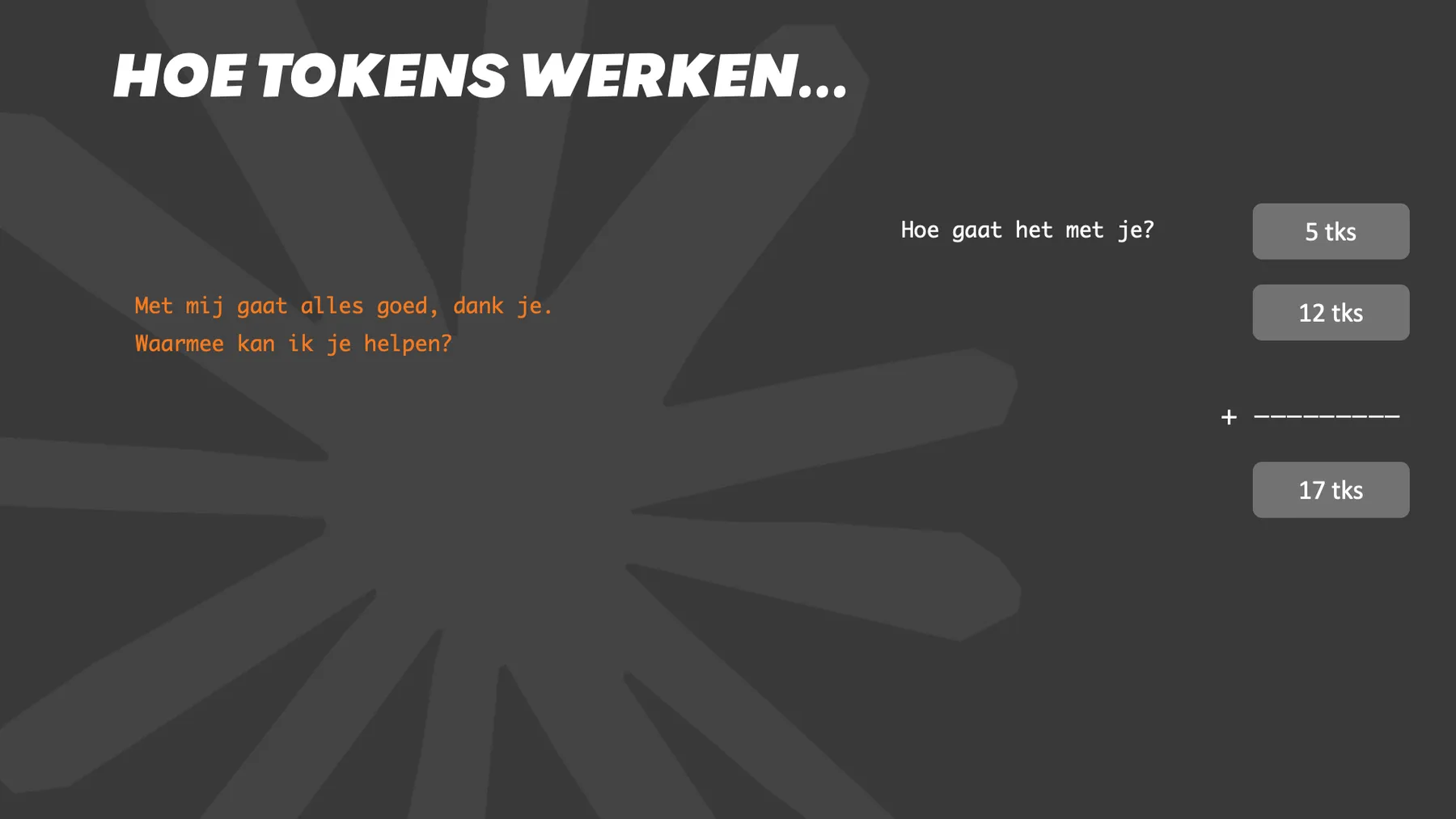
An AI works within a session with a context window. Every time you ask something, it does not just take your new question. It takes the whole session: everything you said, everything it answered, and also its own reasoning. So the further you are in your session, the faster the tokens run out.
To keep that affordable, the providers store that part of the session in a cache. You do not have to do anything for that yourself. Only that cache is cleared after a few minutes. If you are interrupted by a colleague for a moment and you continue afterwards, your agent reads the whole session again. With its own thoughts included.
Keeping the cache for an hour
If you work with Claude, you can keep that cache longer, an hour instead of a few minutes. In Craft Agents that is in the settings under AI, at performance. In other tools you look for something like extended prompt cache.
That actually sounds a bit contradictory. The explanation with the setting even says that the cache itself becomes more expensive then. But read on: for long sessions the cost drops. And vibe coding consists almost entirely of long sessions. So for those who build with Claude, I would just turn that setting on. A setting that costs more to pay less, that is quite typical for the world of tokens.
If you have a short question, an email that needs to be rewritten, it makes little difference. You only notice the difference when your agent works in the same project for a whole afternoon and you go get coffee in between.
Frequently asked questions
Keep reading for free
Register free with your e-mail address and read on. Your account opens the free articles in the learning space; the rest is for subscribers, from Learn Plus up.
Check your inbox
0 likesNo comments yetRead the comments
Comments
Members comment here and read each other's comments. Register for free or sign in to join the conversation.
Register for free or sign inNo comments yet. What do you take away?