

This page was translated from Dutch with AI.
Your app does not start? Ask your agent
Your agent has built a first version of your app. It proudly reports that it is ready and gives you a link. You click on it and you get an error page. And then the search begins. What is localhost? Do I have to install something? Where is that server anyway? Perhaps you recognise that feeling, that you are suddenly in a world where you do not speak the language.
On the first day of a vibe coding training, that happened to several participants. One person had followed everything neatly and now saw a red message about a port. Another could not get a simulator to work. And everyone looked at me, as if I had the solution in my pocket.
I did have it too, only it was a sentence and not a technical intervention. At the bottom of this article you will find that sentence as a prompt. Feel free to copy it.
This is how you get rid of that error page
What actually happens with that error page is quite banal. An app you build runs on your own computer on a small web server. That is called localhost. If that server has not started, you get an error page. So your app is not broken. Nothing is turned on yet.
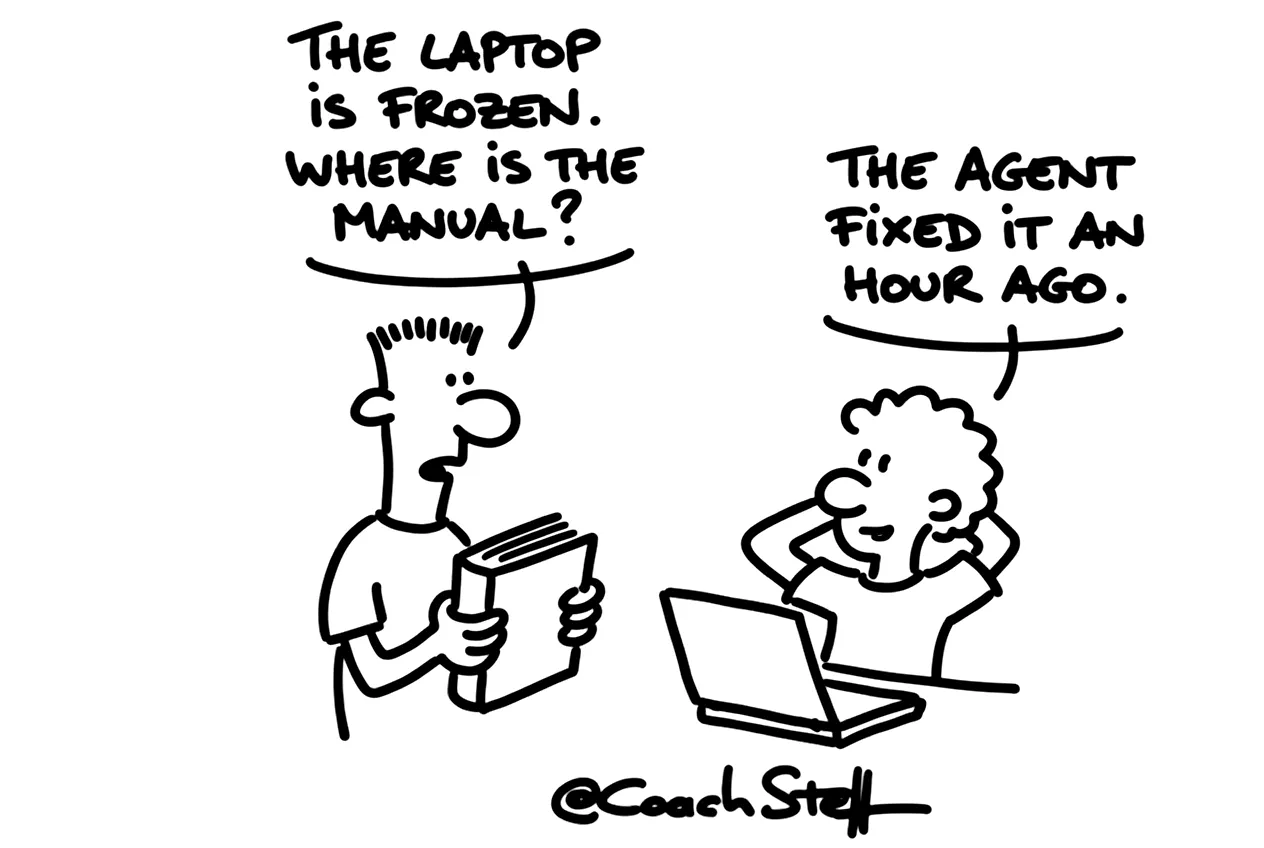
You do not have to learn to start that yourself. I told that participant: just tell your agent to start the app. And for the simulator: ask it to install everything needed to simulate the app. It will then figure out what is missing, install it and test it.
That is actually a different mindset. You are used to solving a problem yourself, or calling someone from IT. Here you give the problem back to whoever does the work. And the more often you do that, the more natural it will feel.
Frequently asked questions
Keep reading for free
Register free with your e-mail address and read on. Your account opens the free articles in the learning space; the rest is for subscribers, from Learn Plus up.
Check your inbox
0 likesNo comments yetRead the comments
Comments
Members comment here and read each other's comments. Register for free or sign in to join the conversation.
Register for free or sign inNo comments yet. What do you take away?