

This page was translated from Dutch with AI.
Three sources I always connect before I start vibe coding
You have an idea, you have already brainstormed about it and really you only want one thing: to start building. I understand that very well, but in training courses on vibe coding I see that people put their agent to work in an empty workspace. And then it writes code with the knowledge it has. That knowledge is sometimes a bit old.
What I do myself is set up the workspace first. Every time I start a new workspace where I will manage projects, I connect the same three sources. That takes a few minutes. And you hardly have to do anything for it yourself, because your agent does it for you.
Copy the prompt at the bottom of this article. With that, you let your agent install and test those three sources for you.
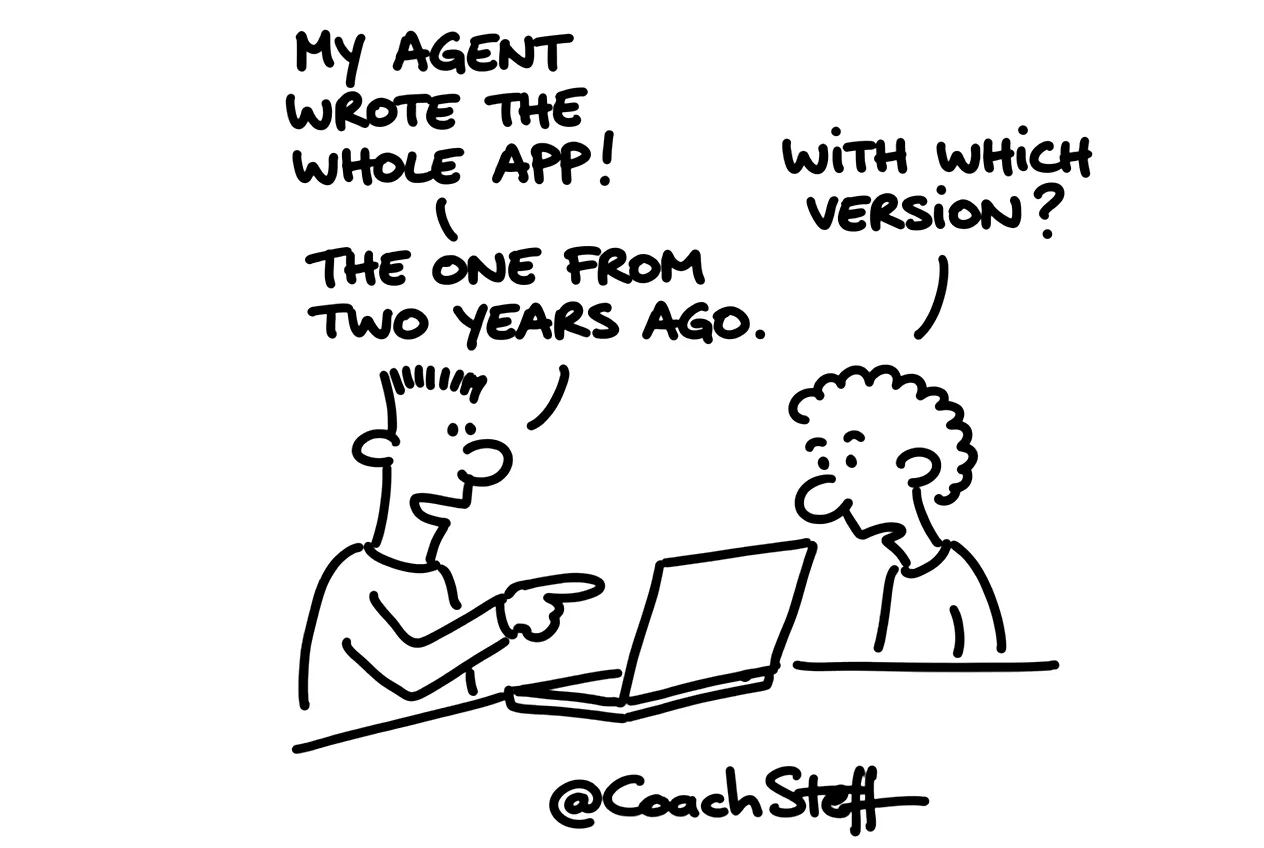
Why a smart model still writes outdated code
There is a bit of irony in it. A language model knows an incredible amount about programming. But programming languages and their components get constant updates, sometimes every few days. And your model usually does not yet know what came out last week. So it confidently writes code for a version that is already outdated. And then an hour later you are sitting there with an error message you do not understand.
That is why the first source is Context7. That is an online service that tells your model what the latest versions of the programming languages and their libraries are. This way your agent works with today's documentation. You can use Context7 for free. If you are going to code a lot, there is a paid subscription, but I have never hit the limit myself.
The second source is Sequential Thinking. That is an MCP from Anthropic, a small connection that helps your agent to think in steps. It then jumps to a solution less quickly. First it lists the steps, and then it works through them one by one. This way it actually works the way you would want it to yourself.
Frequently asked questions
Keep reading for free
Register free with your e-mail address and read on. Your account opens the free articles in the learning space; the rest is for subscribers, from Learn Plus up.
Check your inbox
0 likesNo comments yetRead the comments
Comments
Members comment here and read each other's comments. Register for free or sign in to join the conversation.
Register for free or sign inNo comments yet. What do you take away?