

This page was translated from Dutch with AI.
Let your AI work in shared files via the API
In a training course on Claude, we had just linked the desktop app to a folder. And then someone literally said: 'For me, this is still new and a bit scary, that it executes things on my computer.' I actually thought that was a very good point. The first time your AI creates a file itself, you might feel like you have lost control for a moment.
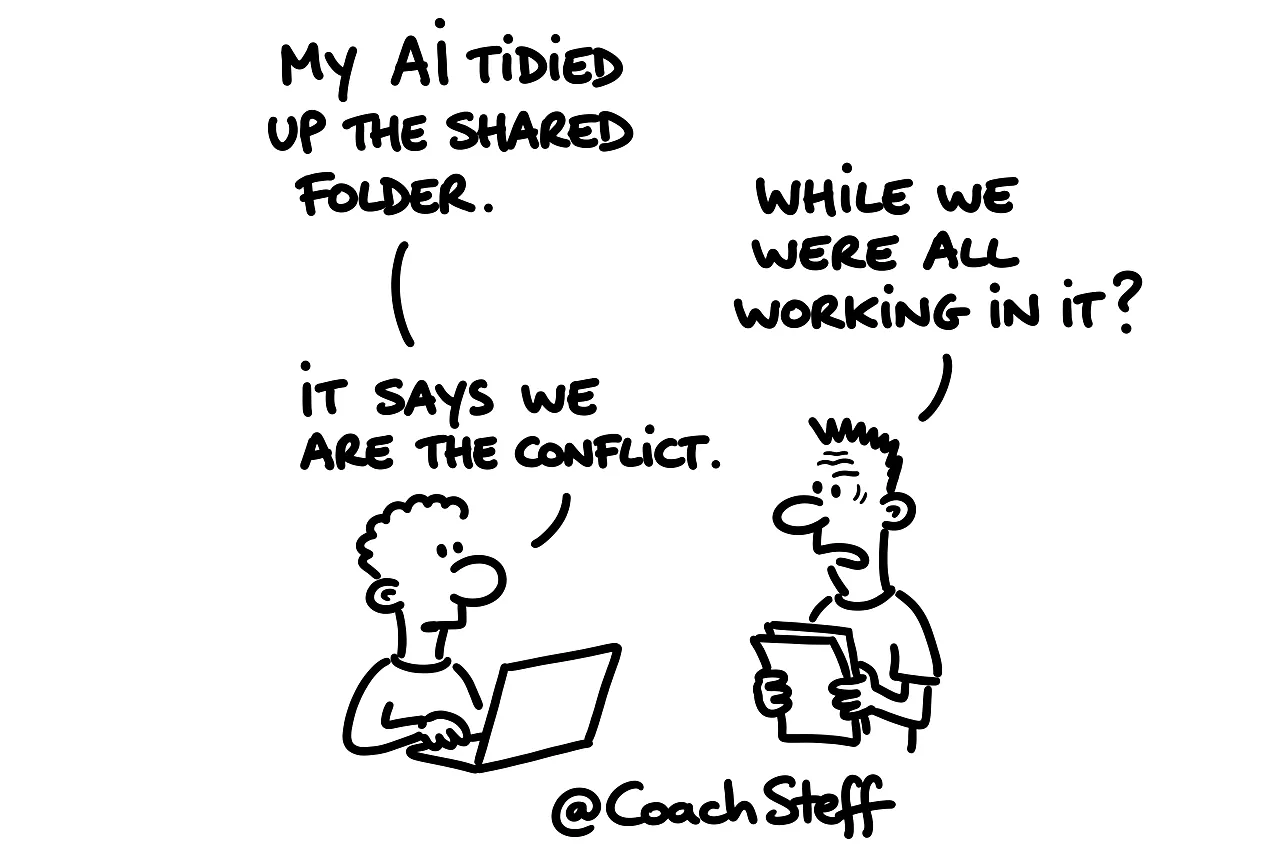
That fear is understandable, and part of it is justified. Only the risk is usually in a different place than you think. On your own computer, it is actually not too bad. In a folder you share with colleagues, on SharePoint or OneDrive, it becomes a different story.
Copy the prompt at the bottom of this article. With it, you let your AI figure out how it can work safely in your shared files.
Saving remains saving
Think about how you work in Word today. You write a text, you click save and you give the file a name. You feel like you are at the controls. With Claude, you say: 'Make a little file out of that.' And then exactly the same thing happens. The only difference is that Claude clicks save, instead of you.
What does differ, is the scale. You can ask Claude to write twenty-four blog articles and save them all. You do not do that by hand quite so quickly. And that is why it pays to think about where it is allowed to do that.
Claude is usually very careful about that, by the way. With anything that is potentially destructive, like deleting files, it warns you beforehand. Sometimes to the point of annoyance, asking if you are really sure something can go. That is because things have gone wrong in the past. People would say 'yes, that is fine', and afterwards Claude got the blame. You give the command, so the responsibility for that command also remains with you.
Frequently asked questions
Keep reading for free
Register free with your e-mail address and read on. Your account opens the free articles in the learning space; the rest is for subscribers, from Learn Plus up.
Check your inbox
0 likesNo comments yetRead the comments
Comments
Members comment here and read each other's comments. Register for free or sign in to join the conversation.
Register for free or sign inNo comments yet. What do you take away?