

This page was translated from Dutch with AI.
Give your AI an onboarding, just like a new colleague
In a Copilot workshop I asked the group to type one sentence: tell me what you know about me. Not much actually came out of that. A job title, a few recent files, sometimes nothing at all. After that I showed what my own assistant has remembered about me. My way of working, what I find important, who I work for and where I want to go. That had nothing to do with the licence. I just did one exercise once: I gave my AI an onboarding.
Copy the prompt at the bottom of this article to start. The template to onboard your AI in six messages is also there, free for members.
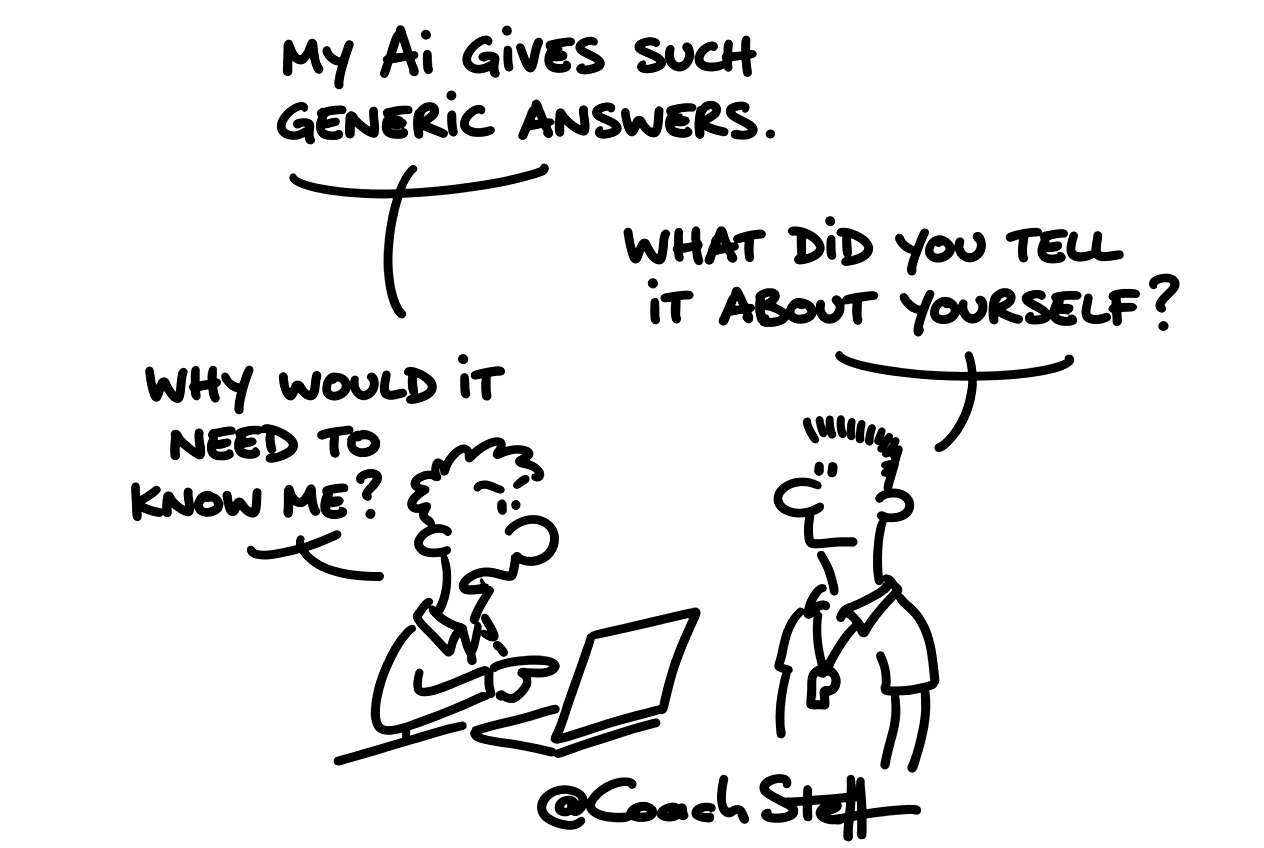
A capable newcomer who knows nothing
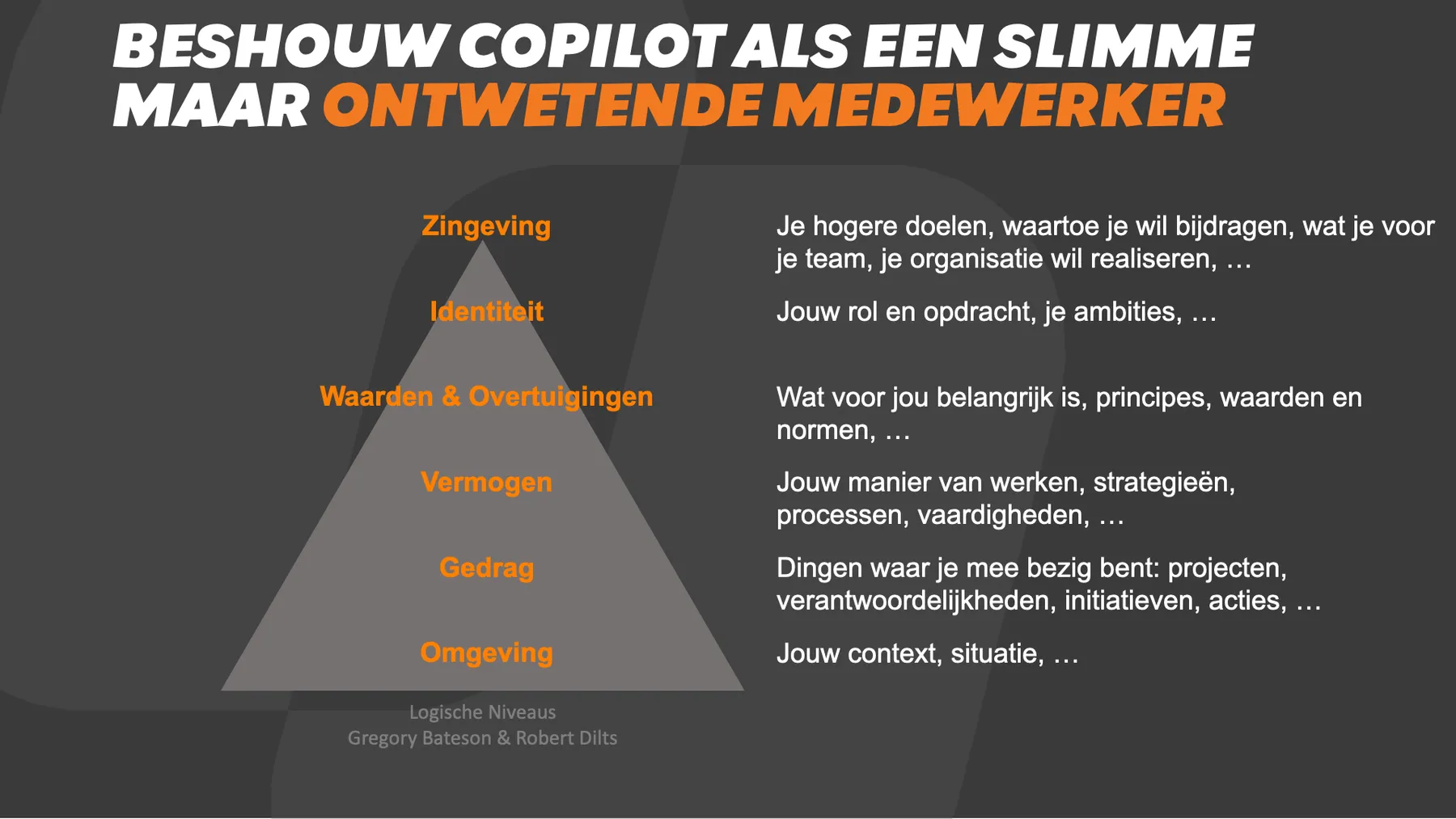
I often say it in my workshops: see AI as a highly educated, but very uninformed employee. And you should actually read employee as intern. One who also thinks he knows better. He is smart and fast. And he is also broadly educated. He knows nothing about your work and your way of doing things yet.
You do not put a new colleague at a desk on day one with the request to just start. You tell them what the company stands for, how you work and what matters. You probably recognise that, because with AI we almost always skip that step. And then we find it strange that the answers are so general.
Frequently asked questions
Keep reading for free
Register free with your e-mail address and read on. Your account opens the free articles in the learning space; the rest is for subscribers, from Learn Plus up.
Check your inbox
0 likesNo comments yetRead the comments
Comments
Members comment here and read each other's comments. Register for free or sign in to join the conversation.
Register for free or sign inNo comments yet. What do you take away?