

This page was translated from Dutch with AI.
Checklist, your workspace ready for your first line of code
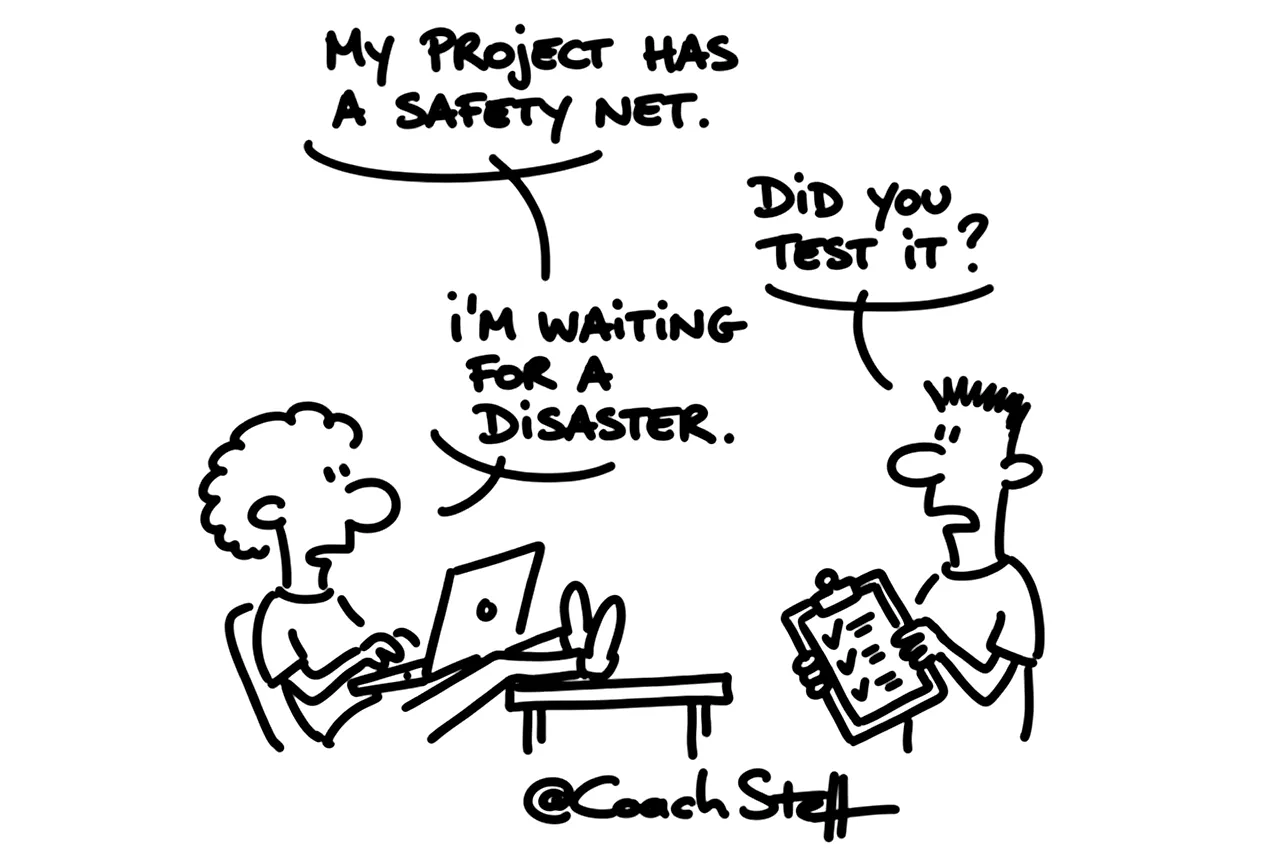
Your agent has installed the three sources and says everything is ready. That sounds reassuring, but you do not actually know yet if they really work. With this checklist you set up your workspace and test each source with one question. After that you set up a back button that you have tried out, even before your first line of code. Count on fifteen minutes.

This video is for members.
Log in to watchWhat you get
You can tick off this first part right away. It is about the setup itself, and what you are better off keeping apart.
Before you start
- You know in which workspace you are going to manage your projects. You set up the sources there once.
- Your project folder is separate. Only the files of your app go in there.
- You have opened a new session, so your agent starts with a clean slate.
- You know where your tool stores keys and logins. You never paste an API key in the chat.
- Your test data is made up. Real customer data or passwords do not belong in an exercise.
As a Member you will find the rest of the checklist below: a test question per source, a back button that you try out yourself and a short routine for after every piece you build.
Keep reading for free
Register free with your e-mail address and read on. Your account opens the free articles in the learning space; the rest is for subscribers, from Learn Plus up.
Check your inbox
0 likesNo comments yetRead the comments
Comments
Members comment here and read each other's comments. Register for free or sign in to join the conversation.
Register for free or sign inNo comments yet. What do you take away?