

This page was translated from Dutch with AI.
What Copilot can and cannot see
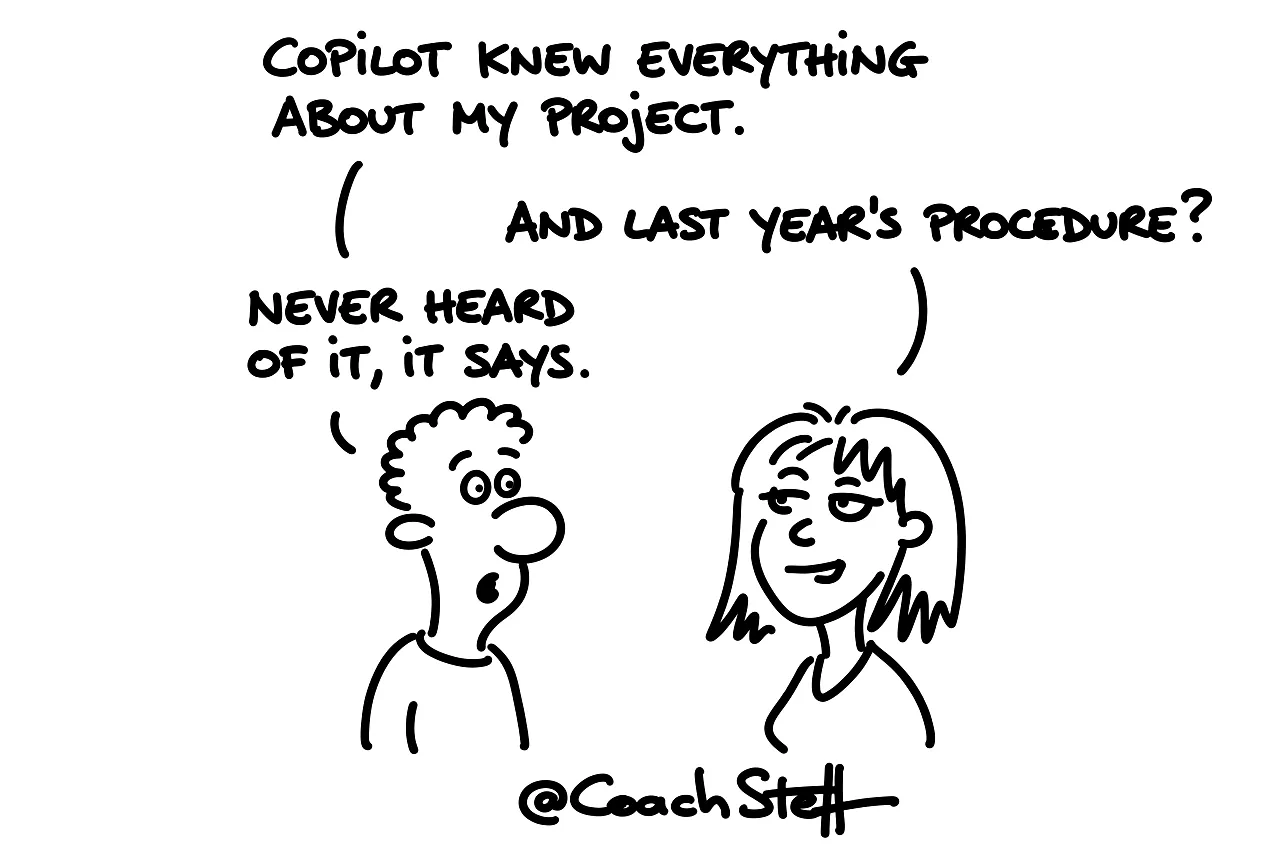
The same thing happens in almost every Copilot workshop. Someone asks a question about a project and gets a surprisingly complete answer. It includes references to emails and a Teams conversation. There is also a document on SharePoint attached. A few minutes later, a colleague asks about a procedure that has existed for years. And then Copilot knows nothing. That confuses people, and I completely understand that.
At the bottom of this article is a prompt you can use to test for yourself which of your documents Copilot finds.
How Copilot gets its knowledge
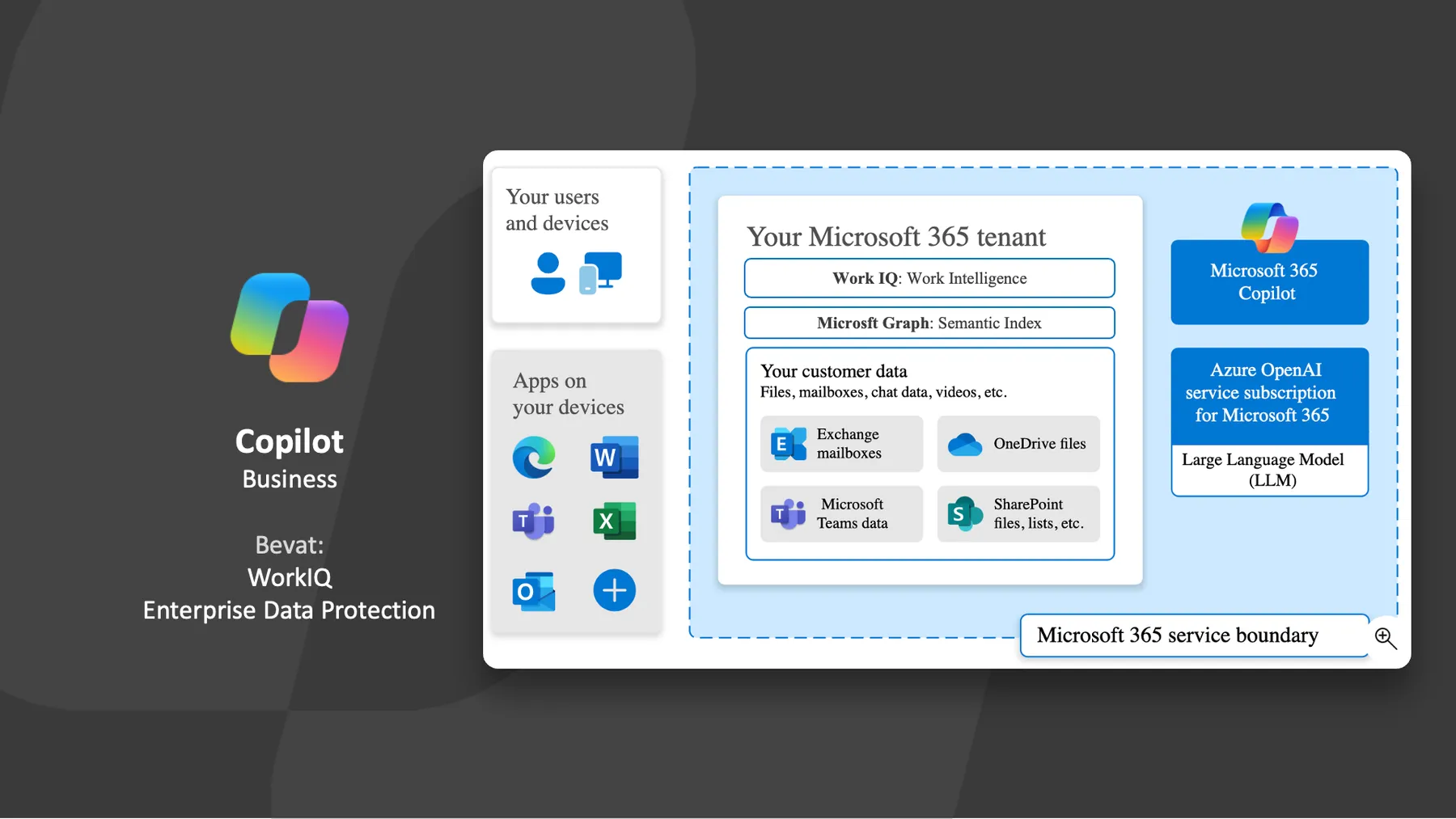
Within a Microsoft 365 environment, Copilot builds an index across your OneDrive, SharePoint, mailbox and Teams. Microsoft currently calls this layer Work IQ. That name might still change.
What I think is important to know: that index does not keep a copy of your documents. It keeps references to where the information is located, a kind of signpost. While you ask a question, Copilot uses those signposts to look up the right pieces. And it only takes the pieces you have access to yourself. The index is updated gradually, as new emails and messages arrive, or new documents. The longer you work with Copilot, the more you get the feeling that it actually knows a lot. In a workshop, someone literally said: 'Oh, how does it know that?' Then there is simply a document somewhere on SharePoint with that piece of information.
Frequently asked questions
Keep reading for free
Register free with your e-mail address and read on. Your account opens the free articles in the learning space; the rest is for subscribers, from Learn Plus up.
Check your inbox
0 likesNo comments yetRead the comments
Comments
Members comment here and read each other's comments. Register for free or sign in to join the conversation.
Register for free or sign inNo comments yet. What do you take away?