

This page was translated from Dutch with AI.
Let Copilot work in the app where your document is
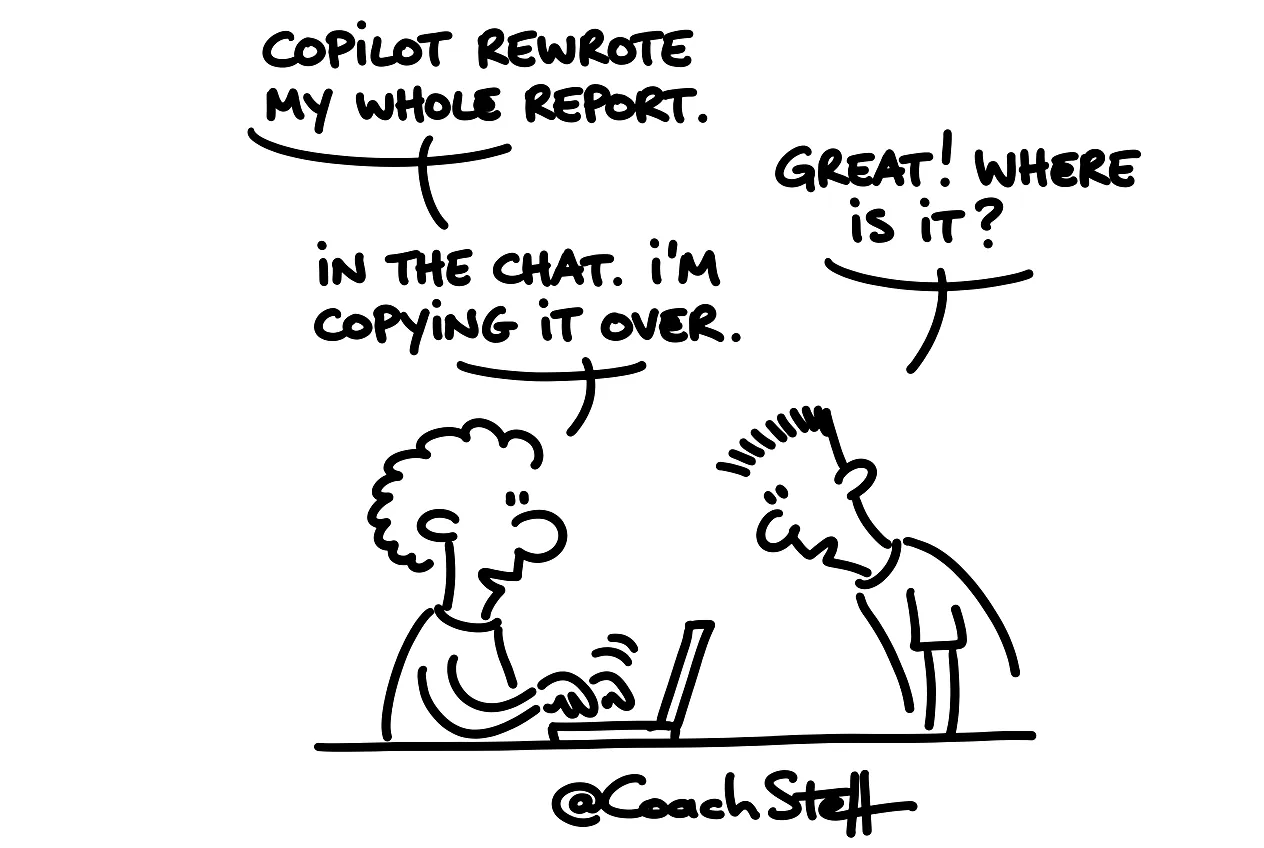
You ask Copilot in the chat to update your report. You get a neat text back. And then you have to paste it into your document yourself, piece by piece. You might wonder what that AI assistant is actually for, if you are still doing the cutting and pasting.
That question also came up in a Copilot workshop. The Copilot chat can normally do very little with your files. It does not put documents in folders and it does not change anything in your Word. But if you open Copilot in the app itself, that changes. There it just does what you need it to do.
Copy the prompt at the bottom of this article. With it, you let Copilot update a report from last month with new figures, in the document itself.
The document is the context
Open a Word document and click on Copilot on the right. Then you see the chat next to your text. The open document is immediately the context. You do not have to upload it and you do not have to copy anything.
At the top you see two modes: allow editing, or chat only. I think the latter is purely for show. I honestly expect that button to disappear soon. Just leave editing on, because that is where the added value is.
In the workshop I asked Copilot to bold the name of a company everywhere in the document. It first made a little plan. Then it searched for all mentions, made them bold and checked its own work. A participant dryly noted that searching and bolding it yourself would be faster. That was true, because Copilot took quite a long time. It was just a small example to show what is possible. And it basically comes down to this: everything you can do in Word, Copilot can also do in Word today.
Frequently asked questions
Keep reading for free
Register free with your e-mail address and read on. Your account opens the free articles in the learning space; the rest is for subscribers, from Learn Plus up.
Check your inbox
0 likesNo comments yetRead the comments
Comments
Members comment here and read each other's comments. Register for free or sign in to join the conversation.
Register for free or sign inNo comments yet. What do you take away?