

This page was translated from Dutch with AI.
Your chatbot gets smarter from a narrower document
You have built a chatbot for your website or for your colleagues. It answers, which is something. But sometimes it answers just beside the question. Or it tells a whole story that nobody asked for. A participant put it this way in a workshop on automation: 'It does look at my document, but it keeps answering a bit in the wild west. How do I make it smarter?'
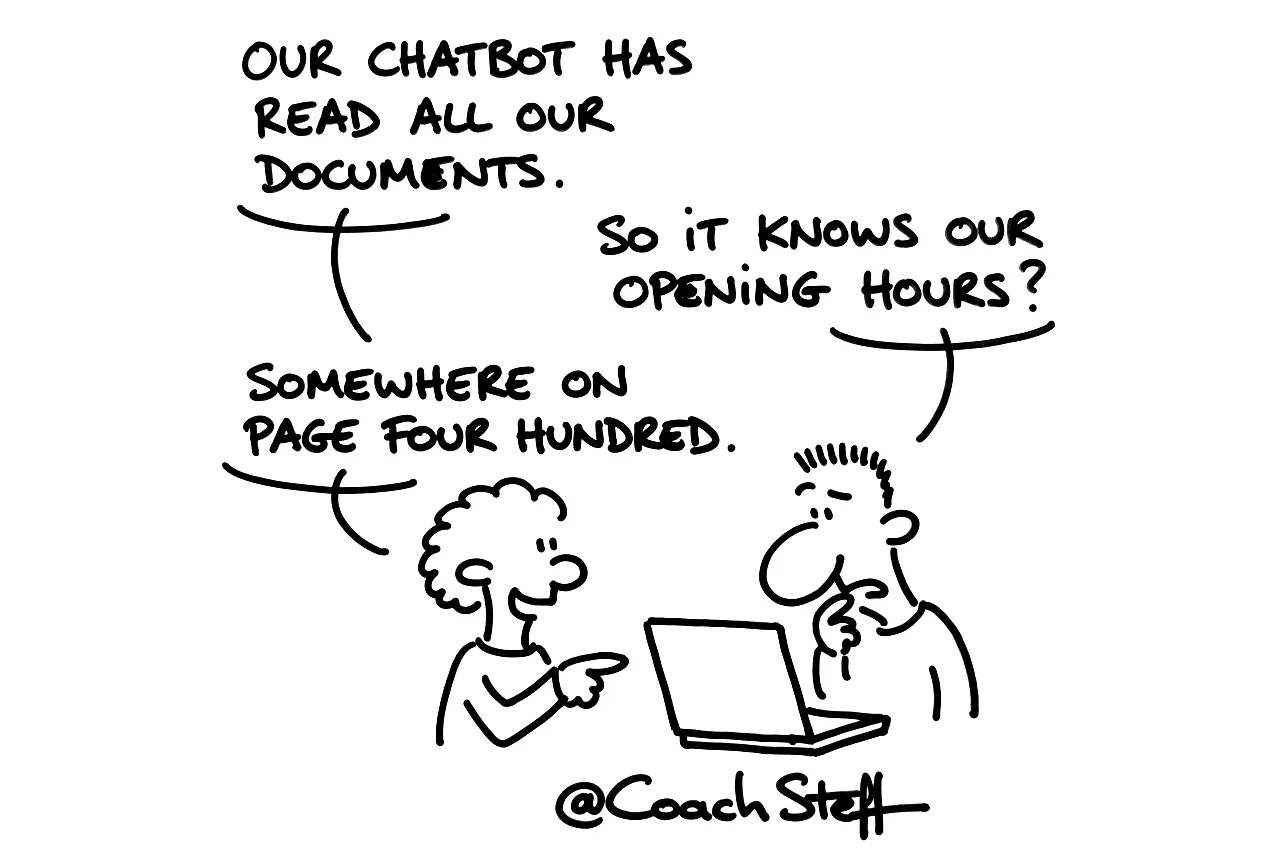
You might recognise that. And the first reflex is then to add even more information. I would try the opposite first. In this workshop we built a chatbot together in n8n, and there you saw very nicely where things go wrong.
At the bottom of this article you will find two prompts: one to make your knowledge document narrower and one for the instructions of your chatbot. Feel free to copy them.
What your chatbot needs to know, and what it needs to do
A chatbot actually needs two things. There is the context, which is what it needs to know. For us that was a regular Google document with information about who I am and what I do. And there are the instructions, which is what it needs to do. How briefly it answers, when it refers people on, what it does not talk about.
Many people mix those two up. They put all the information in the instruction, or they write rules of conduct in the knowledge document. Then the model has to figure out for itself what is a fact and what is a command. And a small model does not always manage that.
Ironically, things went wrong in the demo on the chatbot of my own site. I asked it what it knew about Steff. It answered that the name Steff can refer to different people. The document about me was just attached to it, but it had not looked in it. Only when I literally wrote in the instruction that it answers from its knowledge source, the linked Google Docs tool, did it go and look. So linking a document is not enough. You also have to tell your chatbot that it uses it.
Frequently asked questions
Keep reading for free
Register free with your e-mail address and read on. Your account opens the free articles in the learning space; the rest is for subscribers, from Learn Plus up.