

This page was translated from Dutch with AI.
Create a notebook if you just want to know something
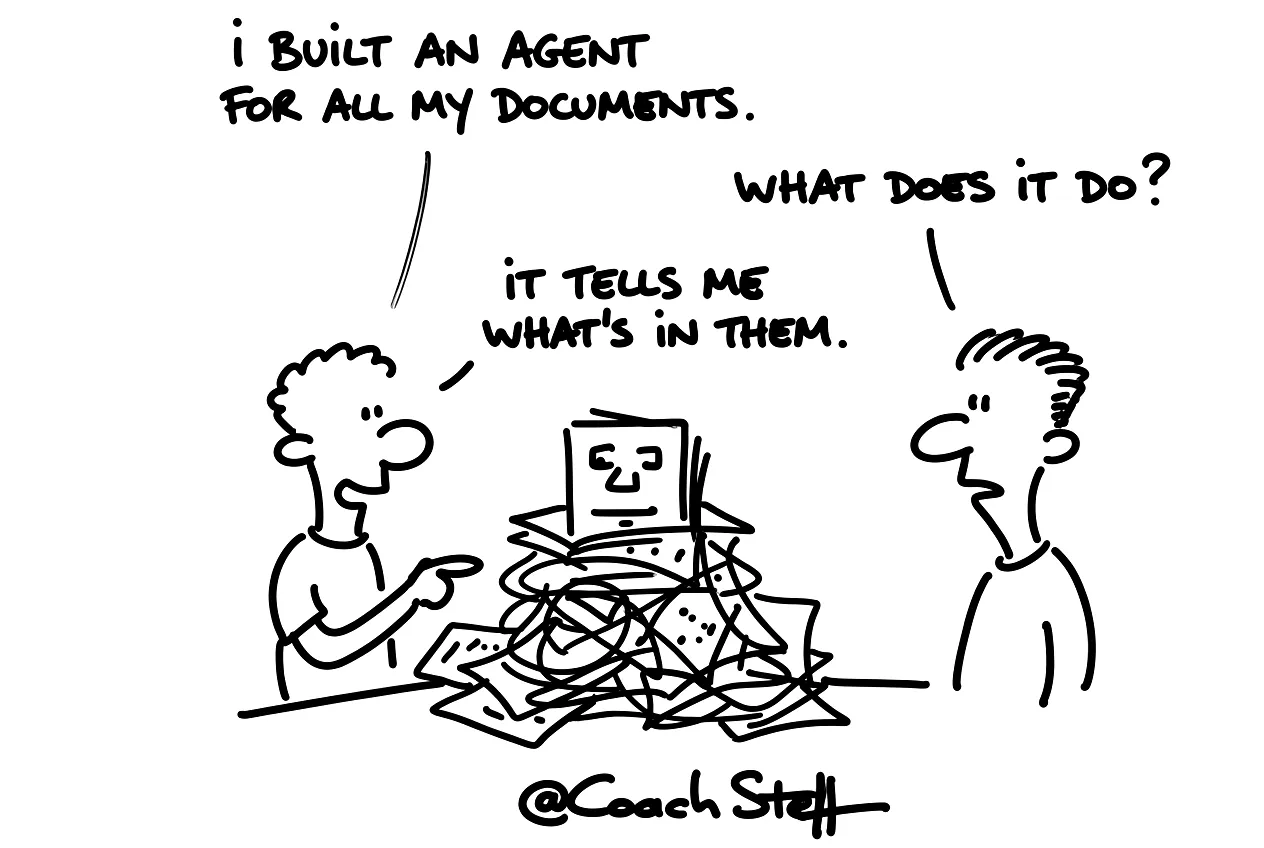
You probably have a folder full of documents that you actually want to get more out of. Reports, research, notes from a project that has been running for months. And perhaps you are already wondering if you should build an agent for that. That question also came up in this week's Copilot workshop. Should I make an agent for that now, or a notebook? Almost everyone mixes that up.
My answer is actually quite simple. If it is purely about unlocking information, a notebook is handier than an agent. An agent is meant to do things for you. A notebook lets you ask questions to a stack of knowledge, and it does not need to do anything more than that.
At the bottom of this article is a prompt that puts a notebook about your own organisation to work. Feel free to copy it.
What a notebook actually is
A notebook is a kind of project. You put documents into it, and you ask your questions from within that project. In the past, you would have made an agent for that. Now you just turn it into a notebook.
Microsoft looked closely at what Google did with NotebookLM for this, which is now called Gemini Notebooks. When I asked in the workshop who knew NotebookLM, not a single hand went up. It is apparently the best kept secret on the internet. And that is while it is one of the handiest tools I know.
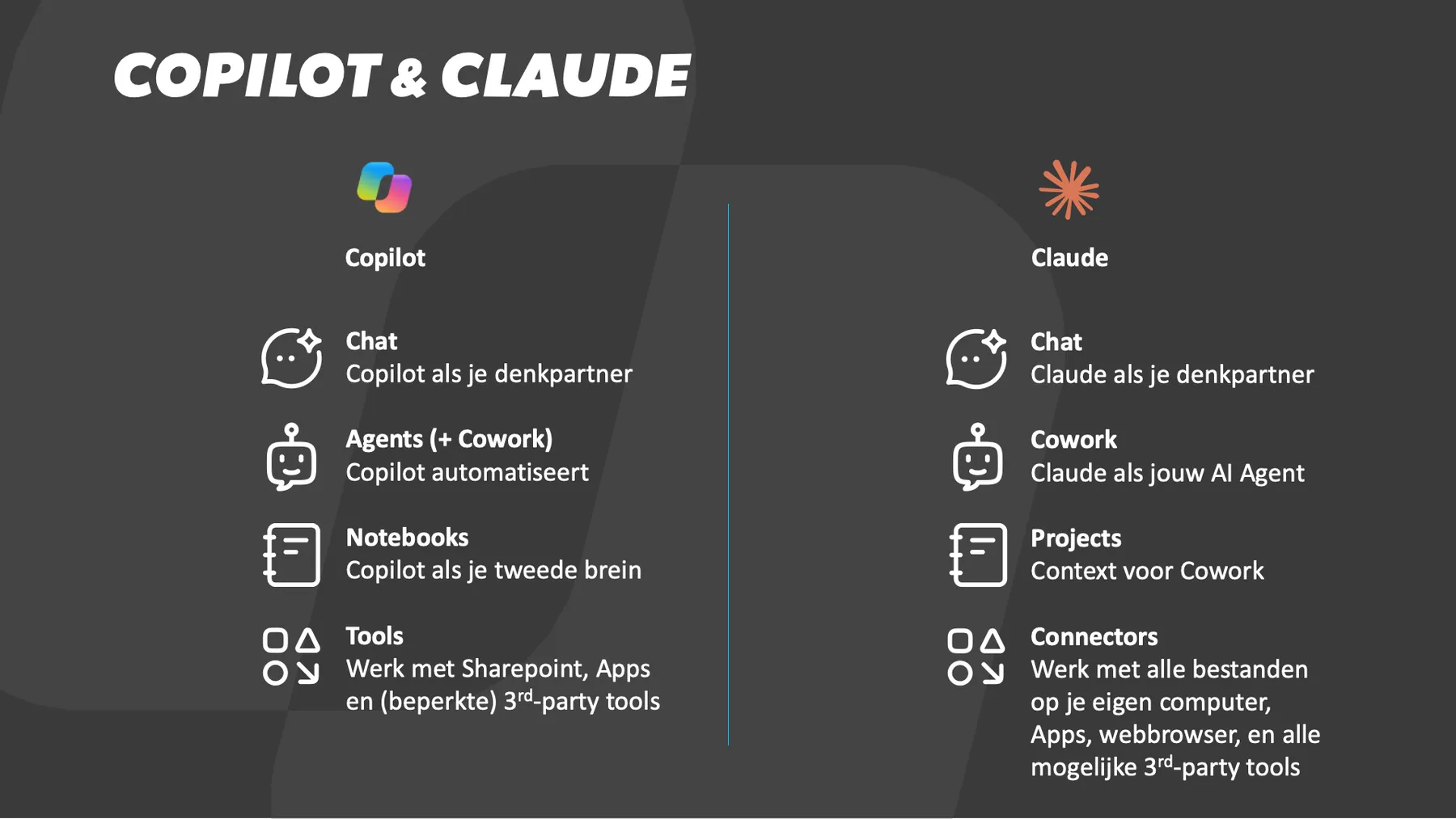
In Copilot you find notebooks with your agents. You create a new notebook and add what you want. You can upload documents, and you can also link a folder from OneDrive. You add websites with a link. I initially looked in the wrong place during the workshop, because the plus sign to add sources is somewhere else than you would think. Microsoft changes these things sometimes, and then I lose my way for a moment too.
The more sources, the more interesting

With one document, a notebook is not that fascinating yet. Then you might as well open a regular chat. It gets interesting when you put dozens of documents into it. Then you have a whole body of knowledge, and then you can extract profound insights from it.
After that, you can also have it create something. A report for example, or an audio overview, which is actually a short podcast about your sources. You can give it a focus, such as the commercial opportunities for you. Unfortunately, that podcast in Copilot does not speak Dutch yet. It does in Google's version, and there you can also have it create a mind map or slides.
Frequently asked questions
Keep reading for free
Register free with your e-mail address and read on. Your account opens the free articles in the learning space; the rest is for subscribers, from Learn Plus up.
Check your inbox
0 likesNo comments yetRead the comments
Comments
Members comment here and read each other's comments. Register for free or sign in to join the conversation.
Register for free or sign inNo comments yet. What do you take away?