

This page was translated from Dutch with AI.
In an online meeting, sound comes before video
An online meeting that starts with 'wait, I cannot hear you', you have probably experienced that. And then someone says their camera is not working. Perhaps you have even said it yourself. The meeting then starts with five minutes of technology, while everyone sits looking at a little black box.
In a training session on digital and hybrid meetings, we went over what your setup needs together. I also honestly said there that I no longer consider 'my camera is not working' an excuse. That sounds strict, and it is a bit. Because almost everything that goes wrong, you can check in advance.
Copy the checklist at the bottom of this article. You can use it to go over your setup fifteen minutes before your meeting starts.
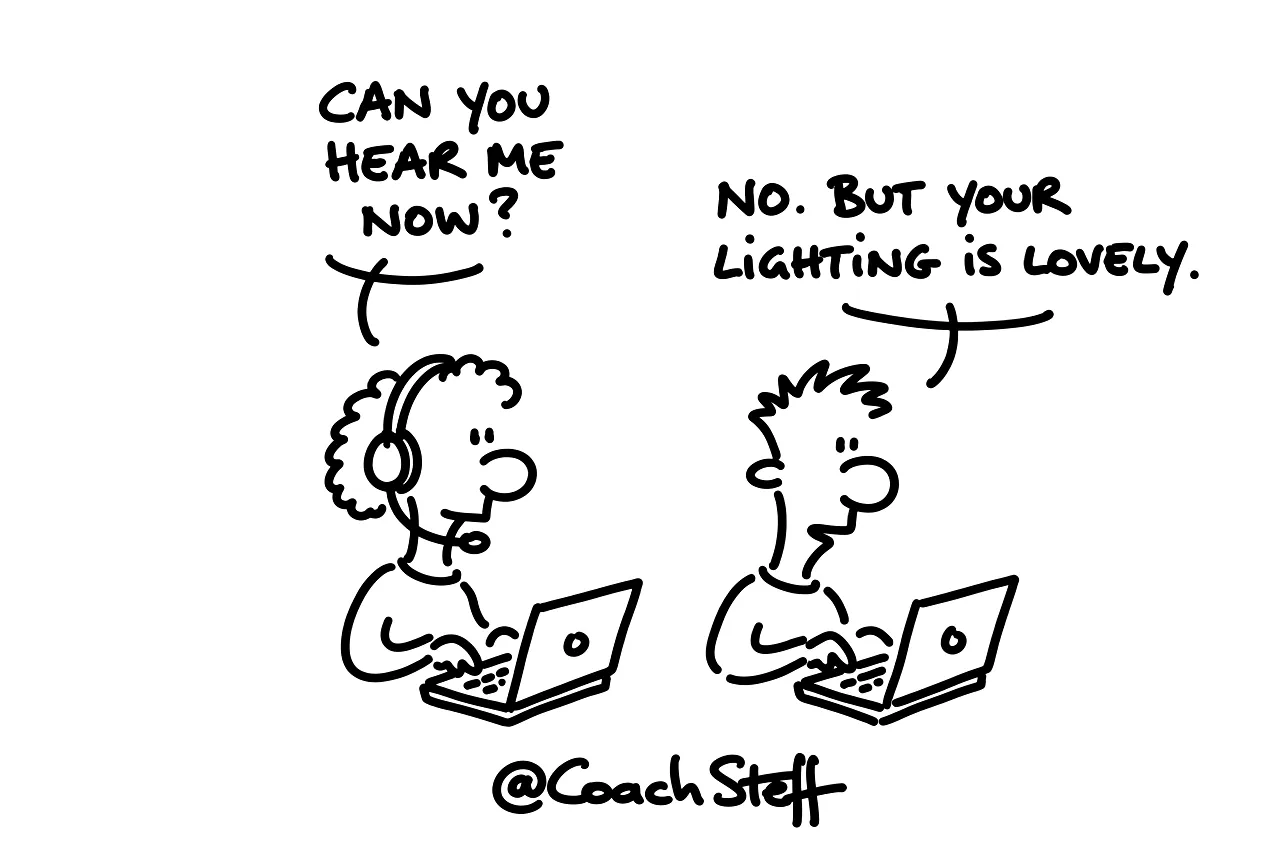
Start with your microphone
The first thing I look at is the sound. That is even more important than the video. People will put up with a picture that is not completely sharp. A voice that crackles or echoes becomes really tiring after a while. Especially if you are presenting, I would therefore ensure you have a good microphone.
You do not need a podcast studio for that. My microphone hangs on a small arm, and there is a reason for that. If I knock on the table, you do not hear it. With your laptop microphone, everyone often hears every tap on your keyboard.
Then the video. Put the people at the top of your screen, and the camera just above that. That way you look at them and almost into the camera at the same time, and that feels like eye contact to the others. A laptop flat on the table usually mostly films your chin and the ceiling.
Also make sure your face is well lit. People do not just want to hear what you say, they also want to see what happens on your face. If you sit half in the sunlight and half in the shadow, that is hugely distracting. So rather do not sit in front of a window, and set up a lamp that is aimed at you.
Frequently asked questions
Keep reading for free
Register free with your e-mail address and read on. Your account opens the free articles in the learning space; the rest is for subscribers, from Learn Plus up.
Check your inbox
0 likesNo comments yetRead the comments
Comments
Members comment here and read each other's comments. Register for free or sign in to join the conversation.
Register for free or sign inNo comments yet. What do you take away?