

This page was translated from Dutch with AI.
In Teams the transcription is better than the report
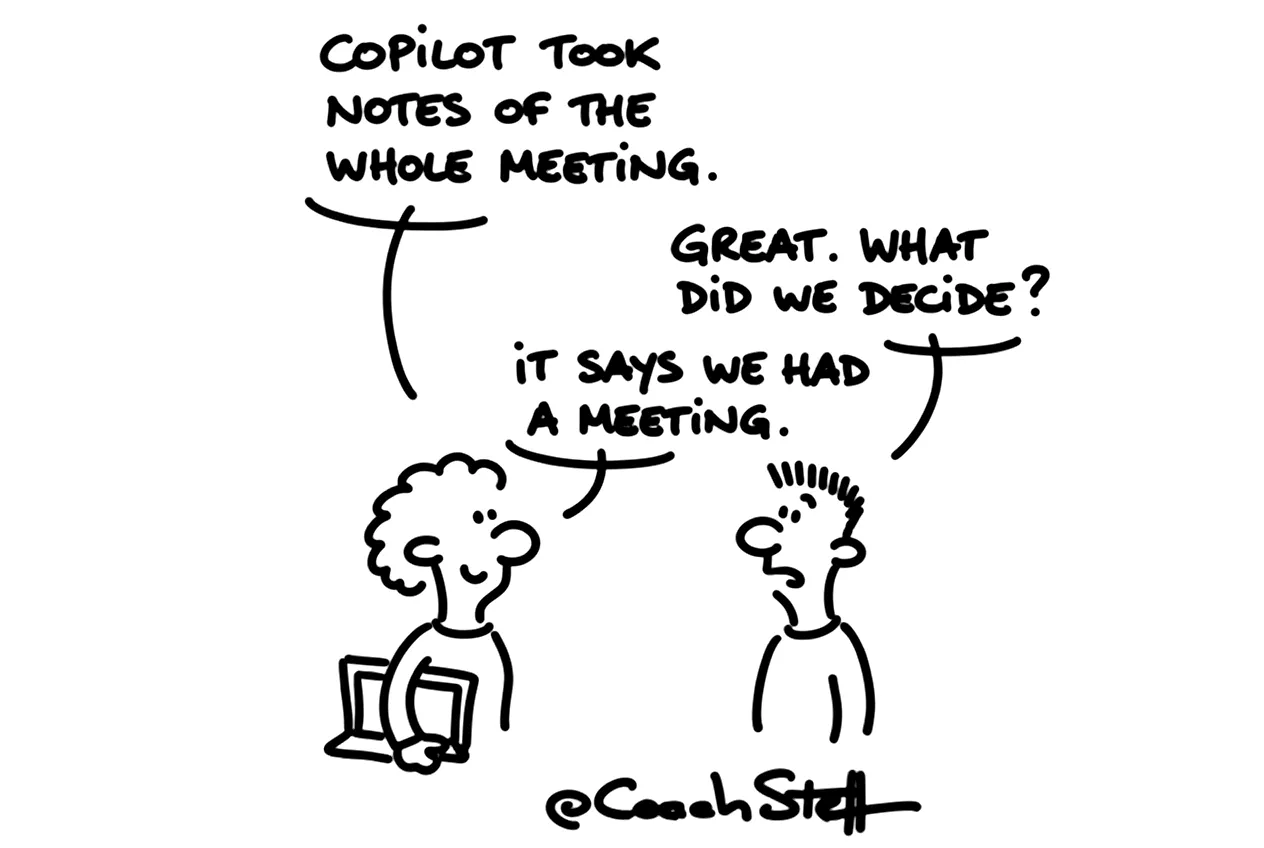
'To be honest, I find those reports very weak.' A participant in a Copilot workshop said that, just as I was showing how to record a Teams meeting. She only used Copilot's report to check her own notes. And you might recognise that. You turn on the recording, so you do not have to type yourself. Afterwards you get a summary that does not quite say what you found important. And so you start taking notes yourself again, alongside a tool that takes notes.
That is a shame, because the raw material is actually quite good. You just have to do something else with it.
At the bottom of this article you will find a prompt that turns a transcription into a report with your structure. Feel free to copy it.
How to turn on the transcription in Teams
When you schedule a Teams meeting, you go to the options for that meeting. There you can turn on the recording and the transcription. You also choose the language there, Dutch for example. And you can indicate that Copilot listens in and takes notes during and after the meeting. If you forgot beforehand, you just click on start transcription during the meeting.
In the workshop someone asked if you cannot set that as standard for every meeting. I have not found that button myself yet. And actually I think that makes sense. It is good practice to warn people that you are recording, because you need the permission of everyone who is there. Teams does announce the recording at the start. I would still always say it myself, before you begin.
Frequently asked questions
Keep reading for free
Register free with your e-mail address and read on. Your account opens the free articles in the learning space; the rest is for subscribers, from Learn Plus up.
Check your inbox
0 likesNo comments yetRead the comments
Comments
Members comment here and read each other's comments. Register for free or sign in to join the conversation.
Register for free or sign inNo comments yet. What do you take away?